What PDF Metadata Actually Changes in a Document Handoff
Understand which PDF metadata fields matter, what they affect, and when it is worth cleaning them before sharing a file.
Open PDF Metadata Editor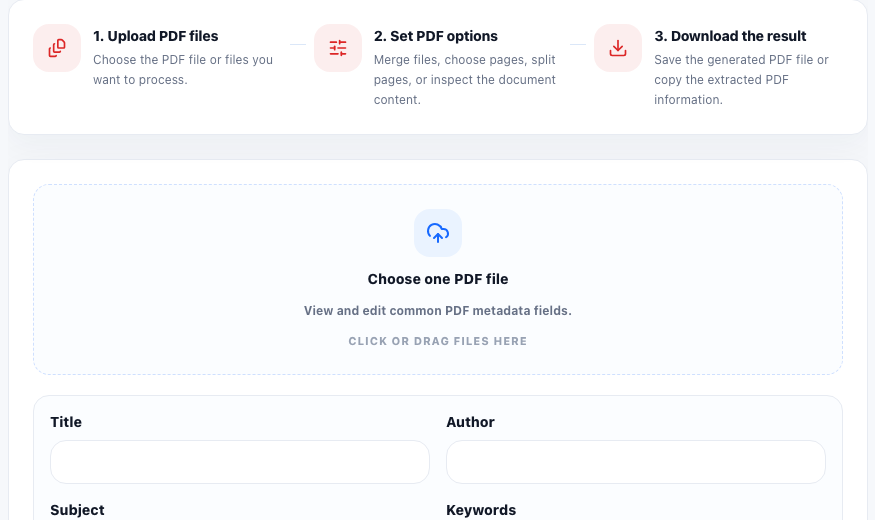
A PDF contains more than visible pages. It can also carry document properties such as title, author, subject, keywords, creator, and producer. Those fields do not rewrite the page content, but they can affect how a file is identified during search, archiving, preview, or handoff between teams.
What the common metadata fields mean
- Title: the document name a system may display in file properties or search results.
- Author: the person, team, or organization associated with the file.
- Subject: a short statement of what the PDF is about.
- Keywords: searchable terms that help describe the document topic.
- Creator: the original app or workflow that created the source content.
- Producer: the tool or library that generated the final PDF file structure.
What metadata does not do
Editing metadata does not redact page content, remove hidden text, compress the file, or fix page order. It changes document properties, not the visible material on the page. That matters because teams sometimes expect metadata cleanup to behave like privacy cleanup when it is really a labeling step.
Why metadata matters in a real handoff
Metadata becomes useful when the PDF is leaving its creation context. A clean title helps someone identify the correct attachment. A clear author or subject helps in a shared folder. Keywords can make archived files easier to locate later. Creator and producer fields can also explain whether a file came from a design app, scan workflow, browser export, or PDF library.
A practical technical check
- Open the PDF and confirm the visible content is final before touching metadata.
- Read the current title, author, subject, keywords, creator, and producer fields instead of assuming they are blank.
- Update only the fields that improve identification or retrieval for the next system or recipient.
- Download the updated file and re-open it to verify the new properties were written as expected.
- If the goal is privacy cleanup, combine this step with content review, page review, and redaction-specific checks rather than treating metadata edits as enough on their own.
FAQ
Does changing PDF metadata alter the visible pages?
No. It changes document properties such as title, author, and keywords, but it does not rewrite the text or layout on the pages.
Which PDF metadata field matters most?
The title is usually the most visible field in a handoff, but author, subject, and keywords can also matter when files are stored or searched later.
Should I remove creator and producer fields?
Only if you have a clear reason. Those fields can be useful for tracing where a PDF came from, but some teams prefer to standardize or simplify them before distribution.