Use Image to PDF for One Upload Packet, Add Page Numbers for Review, Then Compress PDF Only If Size Limits Still Fail
Run a simple PDF workflow that starts with image to PDF, adds reviewer-friendly page references, and only uses compress PDF after the packet itself is already correct.
Open Images to PDF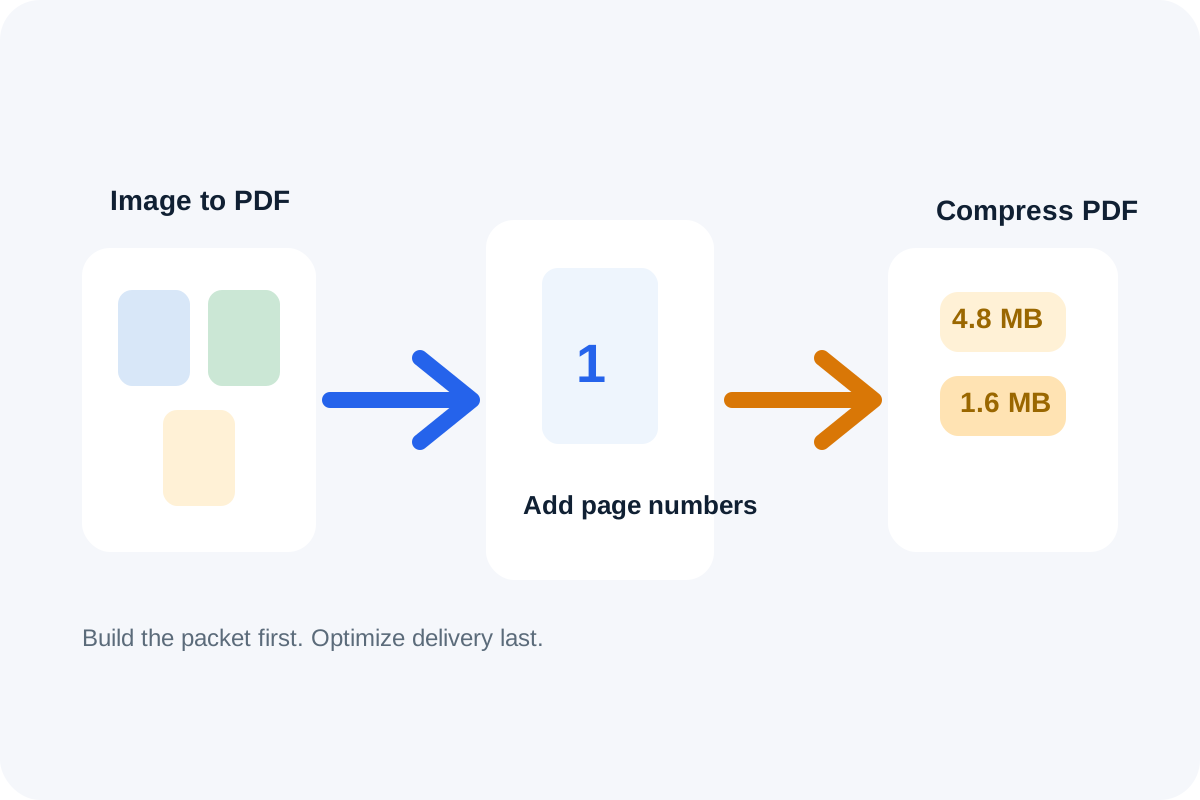
A lot of document handoffs begin as loose images: phone photos, screenshots, signed pages, receipts, or scan exports. The receiving system, though, wants one document. That is where an image to PDF workflow helps first. Once the packet exists, the next question is whether reviewers need stable page references. Only after those content and structure decisions are done should compress PDF enter the workflow.
The tool order
- Start with Images to PDF when the source material is a group of images that should become one ordered upload packet.
- Continue to Add Page Numbers to PDF after the page order is final so reviewers can cite exact pages in notes, approvals, or corrections.
- Finish with Compress PDF only if the numbered packet is already correct but still too large for the portal, email limit, or intake form.
When to stop and download
- Stop after image to PDF if the only requirement was turning several images into one accepted document.
- Stop after Add Page Numbers to PDF if reviewers need references but the file already fits the destination size limit.
- Run Compress PDF only when the final upload still fails after the packet content, order, and numbering are already right.
What to check after each step
- After image to PDF: confirm page order, orientation, and readability before you build more workflow on top of the packet.
- After Add Page Numbers to PDF: confirm the numbers stay visible without covering signatures, receipt totals, or other important content.
- After Compress PDF: confirm that the smaller file still keeps text and visual detail readable enough for review or approval.
Why this order is cleaner than compressing too early
Compression is a delivery fix, not a document-assembly strategy. If the packet is still missing page references or still lives as separate images, compressing earlier only hides the real workflow state. Build the correct document first, then shrink it if the channel still requires that final step.
Related UtilFlow moves
If the image set needs resizing before it becomes a document, use Image Resizer first. If reviewers only need page visuals rather than a final PDF, switch to PDF to Images after the packet exists instead of forcing every task to stay document-first.
FAQ
Why start with image to PDF instead of compress PDF?
Because separate images are not yet the document the destination expects. The packet has to exist first before compression can solve the remaining delivery problem.
When should I add page numbers in this workflow?
Add page numbers after the image packet is in the correct order so reviewer comments point to stable page references.
Can compress PDF be skipped entirely?
Yes. If the assembled and numbered packet already fits the upload or sharing limit, there is no reason to compress it further.