What CSS Minification Removes Before You Paste a Style Block Into a CMS Theme or Embed
Use a CSS minifier technical workflow when the stylesheet is already correct and the real job is shipping a smaller, cleaner block into a field with less room for comments and spacing noise.
Open CSS Minifier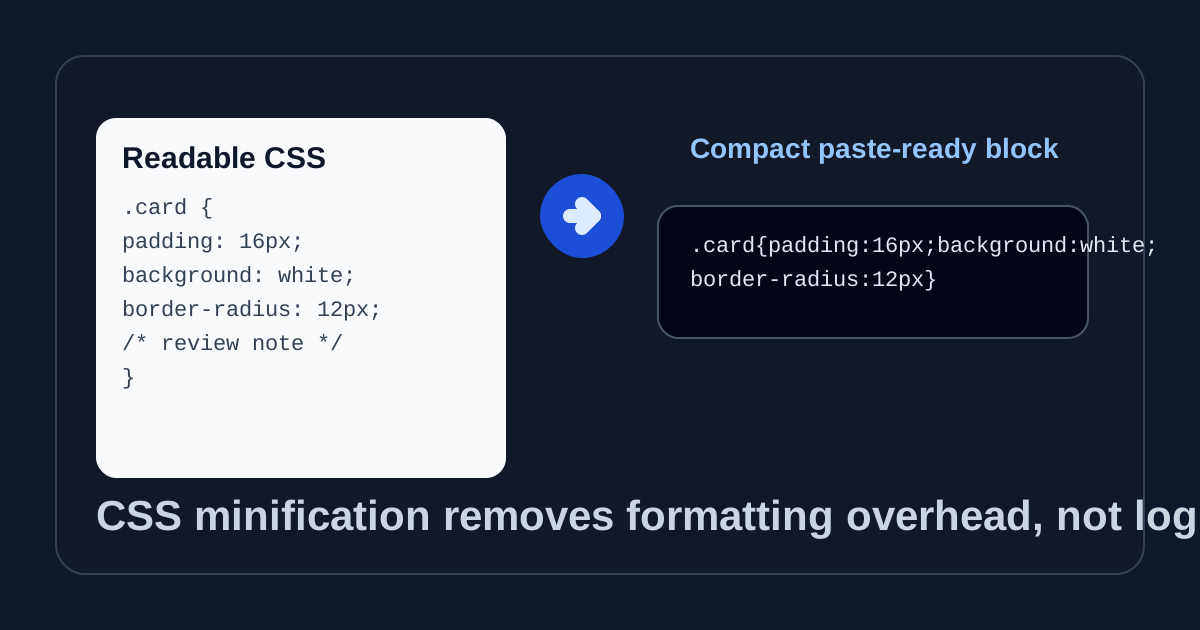
CSS minification is easy to misuse because people expect it to improve styling logic when it really changes packaging. If the selectors are wrong, the cascade is wrong, or the layout assumptions are wrong, minification will preserve those mistakes perfectly. Its real value appears later in the workflow: when a correct style block needs to fit into a CMS field, prototype embed, landing-page experiment, or support snippet without carrying comments and formatting overhead.
What minification actually removes
- Whitespace that exists only for readability, such as indentation and most line breaks.
- Comments that were useful during editing but do not need to travel with the final pasted block.
- Optional spacing around selectors, braces, colons, commas, and semicolons where the CSS parser does not require it.
- Some repeated formatting conventions that help humans scan a stylesheet but do not change browser behavior.
What minification does not fix
- It does not repair invalid selectors, broken variable names, or a rule that targets the wrong element.
- It does not decide whether one declaration should win the cascade over another.
- It does not replace bundling, tree-shaking, or a real production asset pipeline when the project already has one.
- It does not make a large style experiment strategically smaller if the real problem is too many rules, not too much formatting.
Why this still matters in practical front-end work
A lot of CSS still moves through places that are not full repositories. Marketing tools, CMS code fields, help-center embeds, email builders, white-label theme settings, and issue comments often want one compact block that can be pasted cleanly. In those cases the goal is not build optimization at scale. The goal is removing enough formatting noise that the handoff stays compact and less error-prone.
A safe technical workflow
- Keep one readable source version until the rule set is already behaving correctly.
- Minify only the final block you actually need to paste into the destination field or snippet.
- Paste the compact output into the destination and check that no quoting, escaping, or field-length issue changed the result.
- If the destination still breaks, compare the readable and minified versions before assuming minification caused a logic change.
Related UtilFlow moves
Use CSS Formatter earlier in the workflow when the problem is readability and debugging, not compactness. If the next task is checking the rendered result after a paste, move to HTML Preview so the minified style block can be inspected in a simple browser frame before it lands in production.
FAQ
Does CSS minification make bad CSS good?
No. It only removes formatting overhead from CSS that should already be logically correct.
When is a CSS minifier most useful?
It is most useful when a finished style block needs to be pasted into a compact field, embed, CMS setting, or quick prototype handoff.
Should I keep the readable source after minifying?
Yes. Keep the readable version for editing and debugging, and treat the minified output as the deployment or paste-ready copy.