Read Copied Markup Before You Debug the Wrong HTML Problem
Use an HTML formatter when copied markup is technically present but too compressed to show where the nesting, wrapper, or closing-tag problem actually lives.
Open HTML Formatter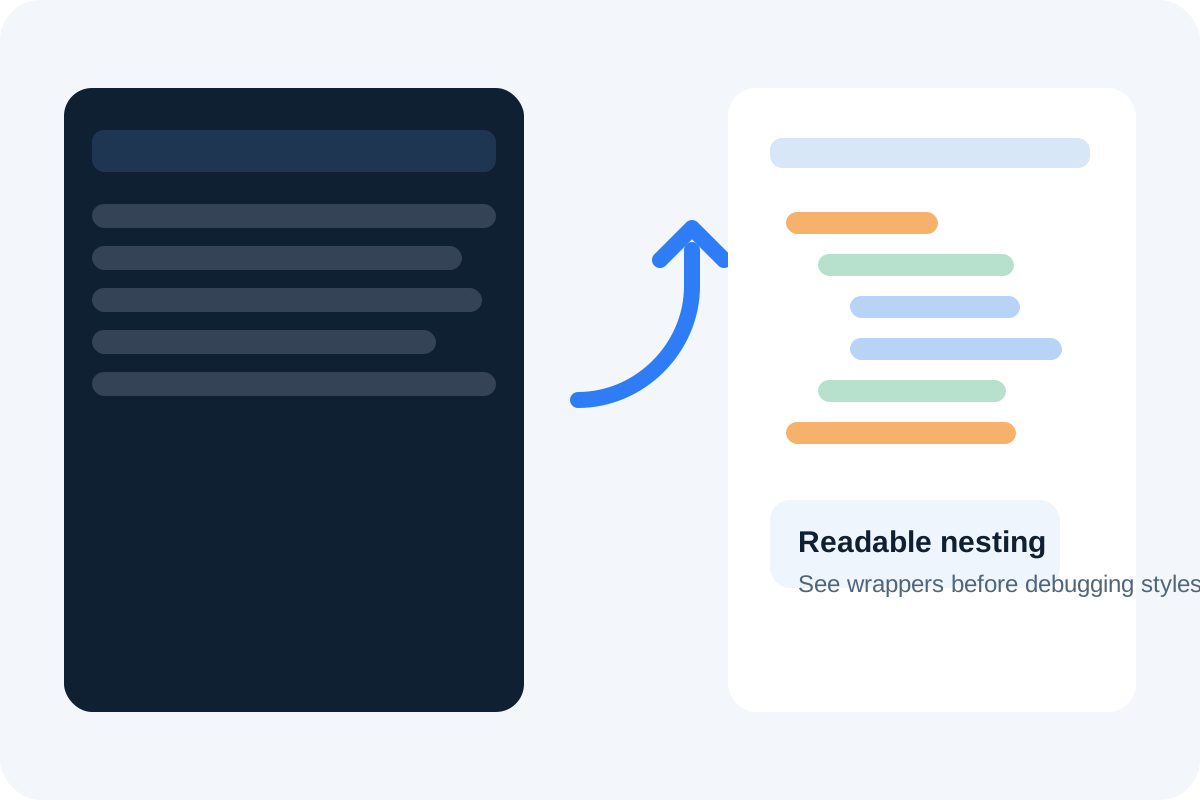
Copied HTML often creates the wrong debugging instinct. A page fragment looks broken, so people start changing classes, deleting wrappers, or blaming CSS before they have even restored the markup into a readable structure. Formatting the HTML first turns one dense blob into visible nesting, which is usually the fastest way to see whether the problem is missing closure, the wrong wrapper depth, or a snippet that was copied incomplete.
What formatting changes technically
An HTML formatter does not fix business logic or rewrite the page's behavior. It changes the presentation of the markup so parent-child structure, indentation depth, repeated wrappers, and closing tags become readable enough for humans to inspect.
Where dense markup hides the real issue
- A CMS or email tool exports one long line of markup that makes nested sections impossible to scan.
- An embed snippet includes several wrappers, but one missing closing tag changes where the visible break appears.
- Copied browser markup includes extra containers that distract from the one section you actually need to inspect.
- An AI-generated snippet looks plausible until formatting reveals mismatched nesting or repeated fragments.
A practical technical sequence
- Paste the copied HTML exactly as you received it so the first read reflects the real source.
- Format it and scan the structure from the outer wrapper inward instead of reading every line in isolation.
- Check whether the broken area sits inside the expected container, list, table, or component region.
- Only after the structure is readable should you compare classes, attributes, or missing content against the intended output.
Why this matters before CSS or preview checks
CSS can only explain so much if the structure underneath is wrong. When the markup is readable, you can separate structural failure from styling failure and avoid wasting time debugging selectors for an element tree that was malformed from the start.
Related UtilFlow moves
Use HTML Preview after formatting when you need to see the rendered result next to the readable source. If the final job is shipping a compact embed snippet, move to HTML Minifier only after the structure is already correct.
FAQ
Does formatting HTML change what the page does?
No. It changes how the markup is laid out for inspection so nesting and closing structure are easier to read.
Should I format copied HTML before debugging CSS?
Yes when the structure is hard to read, because many visible layout problems start with malformed or unexpected markup rather than with styles alone.
When is an HTML formatter most useful?
It is most useful when markup was copied from a CMS, email editor, browser inspector, AI output, or compressed template and the real task is understanding the structure quickly.