Diff Two Policy or Proposal Drafts Before One Small Edit Slips Through Review
Use a text diff workflow when two drafts look almost the same but one changed clause, price, date, or requirement could alter the approval decision.
Open Text Diff Checker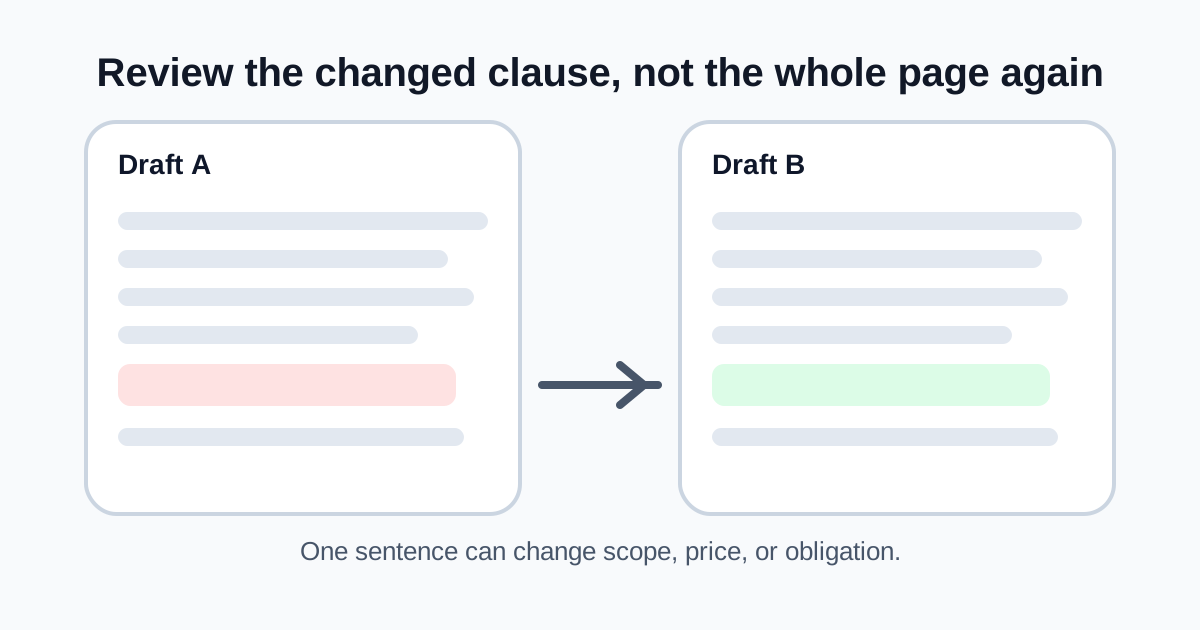
Review risk often hides inside small edits. A proposal total changes by one line, a policy draft swaps 'may' for 'must,' or a prompt revision quietly adds one instruction that changes downstream behavior. When two drafts are mostly similar, reading both from top to bottom is a weak method. A text diff gives you a controlled way to find the exact lines that moved before approval, publication, or sign-off.
A practical review workflow
- Copy the two draft versions as clean text rather than relying on screenshots or rendered previews.
- Compare them line by line so additions, removals, and rewritten sentences become explicit.
- Review the changed lines first to decide whether they are structural, editorial, or decision-relevant.
- Call out material edits such as dates, prices, requirements, scope boundaries, or approval language in the follow-up note.
- Only after the exact changes are understood should you ask reviewers to approve the newer draft.
Where this workflow helps most
- Proposal versions that changed after a client comment round.
- Policy or compliance drafts where one wording change can alter the obligation.
- Prompt revisions where a small added rule affects output behavior.
- Copied statement-of-work text that moved between email, docs, and a billing system.
Why this beats screenshot review
Screenshots are fine for layout questions and poor for exact textual change tracking. A text diff turns the review back into comparable content, which makes it easier to document what changed and harder for a material clause to hide inside a long familiar paragraph.
What still requires judgment
The diff only shows where the raw text changed. It does not decide whether the change is acceptable, risky, or legally meaningful. That is why the workflow matters: the tool narrows the lines you need to judge, then the reviewer applies the context.
Related UtilFlow moves
If one draft arrived with messy spacing first, run it through Text Cleaner or a formatter before diffing so layout noise does not distract from the real wording change. If the next step is preserving a final approved checklist of changes, summarize the accepted edits separately instead of treating the diff itself as the final record.
FAQ
What kinds of draft changes should I treat as material?
Dates, prices, requirements, scope terms, approval language, and any sentence that changes an obligation or expected deliverable should be treated as material until reviewed.
Why not just compare two screenshots of the drafts?
Screenshots make exact wording changes harder to isolate, while a text diff exposes the changed lines directly.
Should I clean the text before diffing it?
Yes when formatting noise is heavy, but keep the wording intact so the comparison still reflects the real content that is being reviewed.