What a Cron Parser Checks Before a Scheduled Job Runs
Read a cron expression as an actual schedule before it reaches production and triggers at the wrong minute, day, or timezone.
Open Cron Expression Parser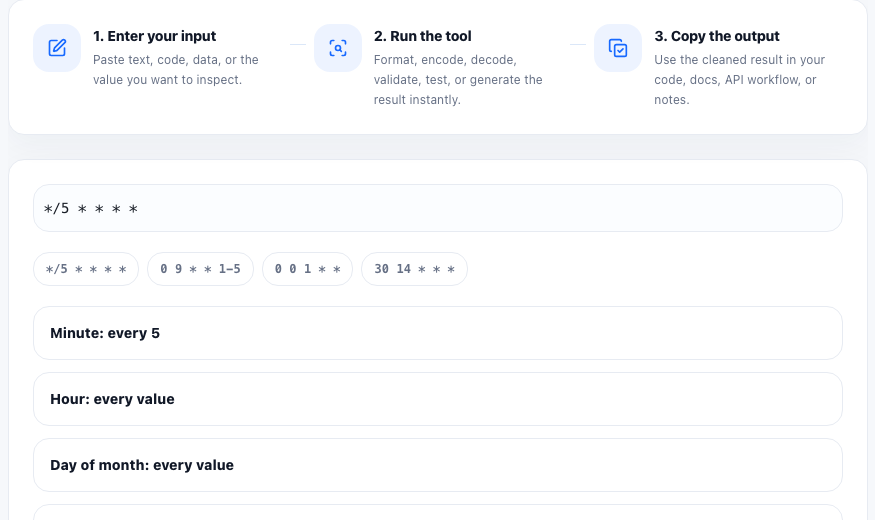
A cron expression is compact by design, which is exactly why teams misread it. A job that should run every weekday morning can easily become a daily midnight job, a once-a-month task, or a schedule that silently skips the date someone expected.
What the parser is actually checking
- How each field maps to minute, hour, day of month, month, and day of week.
- Whether wildcards, ranges, lists, and step values combine into the schedule you intended.
- Whether a copied expression describes recurring execution or only a narrow set of valid dates.
- Whether the next upcoming run times match the operational expectation for the job.
Why cron bugs survive code review
Cron syntax looks familiar even when it is wrong. Reviewers often glance at symbols like `*/5`, `1-5`, or `0 9 * * 1` and assume the author tested the meaning. The technical failure is not usually the parser itself. It is human interpretation of compressed scheduling rules.
Three technical mistakes worth catching early
- Confusing day-of-month and day-of-week fields, which can change whether a job runs on a calendar date or on named weekdays.
- Using step syntax such as `*/15` without confirming the starting boundary and whether the schedule aligns with the business window.
- Forgetting that the runtime environment may evaluate the schedule in server time or UTC, not in the operator's local timezone.
A safer pre-deploy check
Before you commit a schedule into infrastructure code, CI, or an app config, paste the expression into a parser, read the natural-language explanation, inspect the next run times, and compare that output with the real operating requirement. If the job affects billing, notifications, exports, or cleanup, write the expected schedule in plain language in the ticket or pull request too.
FAQ
Does a cron parser prove the job will run successfully?
No. It verifies how the expression resolves as a schedule, but the runtime can still fail because of timezone settings, disabled workers, environment issues, or application errors.
Why does a cron expression look right but still run at the wrong time?
The most common causes are field confusion, step-value misunderstandings, and assuming the scheduler uses your local timezone when it actually uses server time or UTC.
What should I review before shipping a cron job?
Review the plain-language schedule, the next few run times, the timezone assumption, and whether the schedule matches the real business window for the task.