Ship a robots.txt That Blocks Staging Without Hiding the Real Site at Launch
Use a practical robots.txt tutorial when staging, preview, and production paths are all in motion and the real risk is blocking the wrong environment on launch day.
Open Robots.txt Generator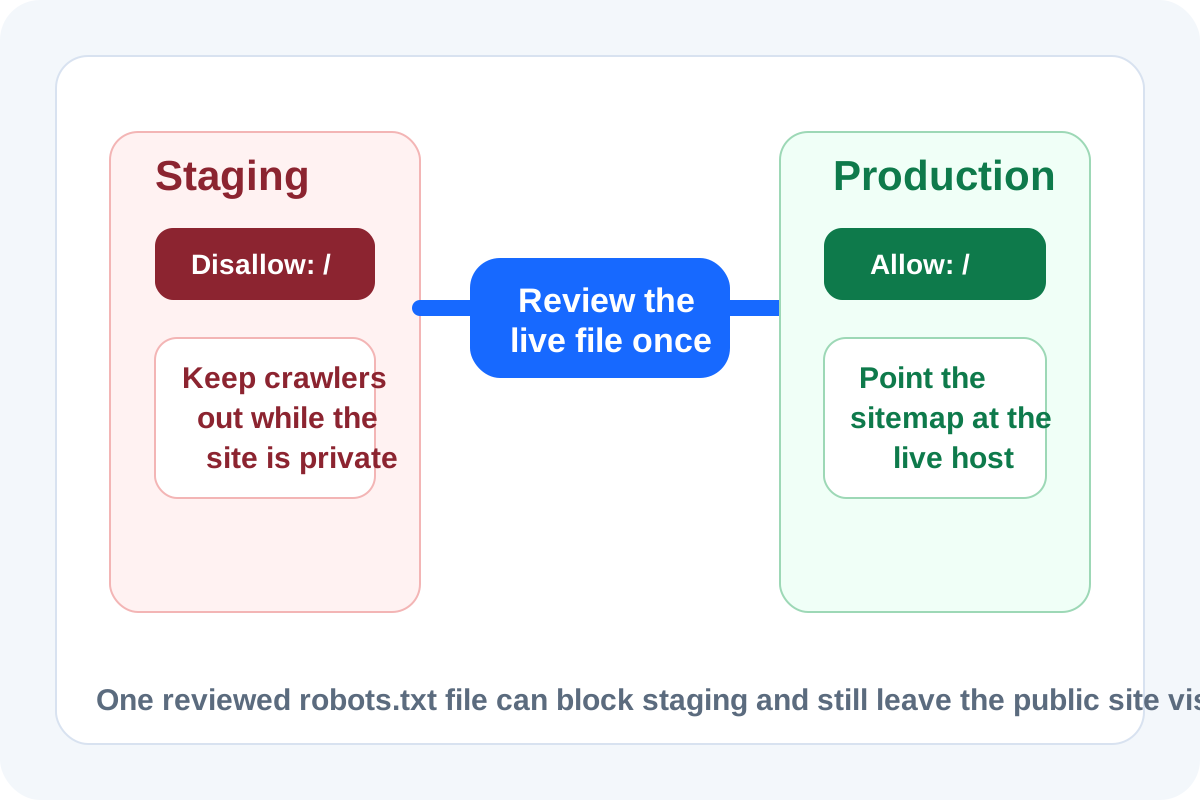
A robots.txt file is small enough to look harmless right up until it ships with the wrong rule. That usually happens during redesigns, migrations, and preview-heavy launches where staging, test, and production all exist at once. The practical job is not writing a clever file. The job is making sure crawlers stay out of the temporary environments while the public site remains visible when the switch actually happens.
A clean launch tutorial
- List the environments first: staging, preview, test, and production should not share one vague assumption about crawl rules.
- Generate the production robots.txt from the rules you truly want live, not from a staging copy that happens to exist already.
- If staging must stay blocked, keep that block inside the staging environment instead of carrying it forward as a launch default.
- Review the final file against the production paths, sitemap location, and any sections that should stay private even after launch.
- Publish the file together with a quick live check so the public site is crawlable before the release thread moves on.
Where teams usually trip
- A blanket `Disallow: /` rule was correct on staging but rode along into production.
- The sitemap reference still points at a preview domain after the launch checklist moved too fast.
- One sensitive directory should stay blocked, but the rule was written broadly enough to hide useful pages too.
- Someone assumes robots.txt controls indexing by itself when the real protection or exposure lives somewhere else in headers, auth, or meta tags.
Why this file needs a tutorial mindset
The syntax is easy. The environment logic is what fails. A short tutorial workflow makes the file review concrete: which host is this for, which sections should crawlers see, which sections should stay out, and does the sitemap line match the live destination?
What robots.txt does not solve for you
robots.txt is not a security boundary and it is not the same as a noindex directive. It helps guide crawlers, but it does not replace authentication, preview protections, or the rest of the launch controls around unfinished content.
Related UtilFlow moves
Once the robots.txt file is settled, use Sitemap Generator so the crawl guidance and sitemap destination stay aligned. If the launch team is also finalizing titles and descriptions, continue into Meta Tag Generator after the crawl rules are locked.
FAQ
Should staging and production share the same robots.txt file?
Usually no. Staging often needs stricter blocking, while production should reflect the real crawl intent for the live site.
What is the biggest launch-day robots.txt mistake?
Accidentally publishing a staging-style block such as a sitewide disallow rule on production.
What should I check right after publishing robots.txt?
Check that the live file is on the production host, the allowed and blocked paths match the launch plan, and any sitemap reference points to the live domain.