Compare the Exact Edits Before a Policy Refresh Looks Like Only Formatting
Use a text-diff tutorial when two drafts seem visually similar, but one changed line around scope, approval language, pricing, or dates could still alter the decision.
Open Text Diff Checker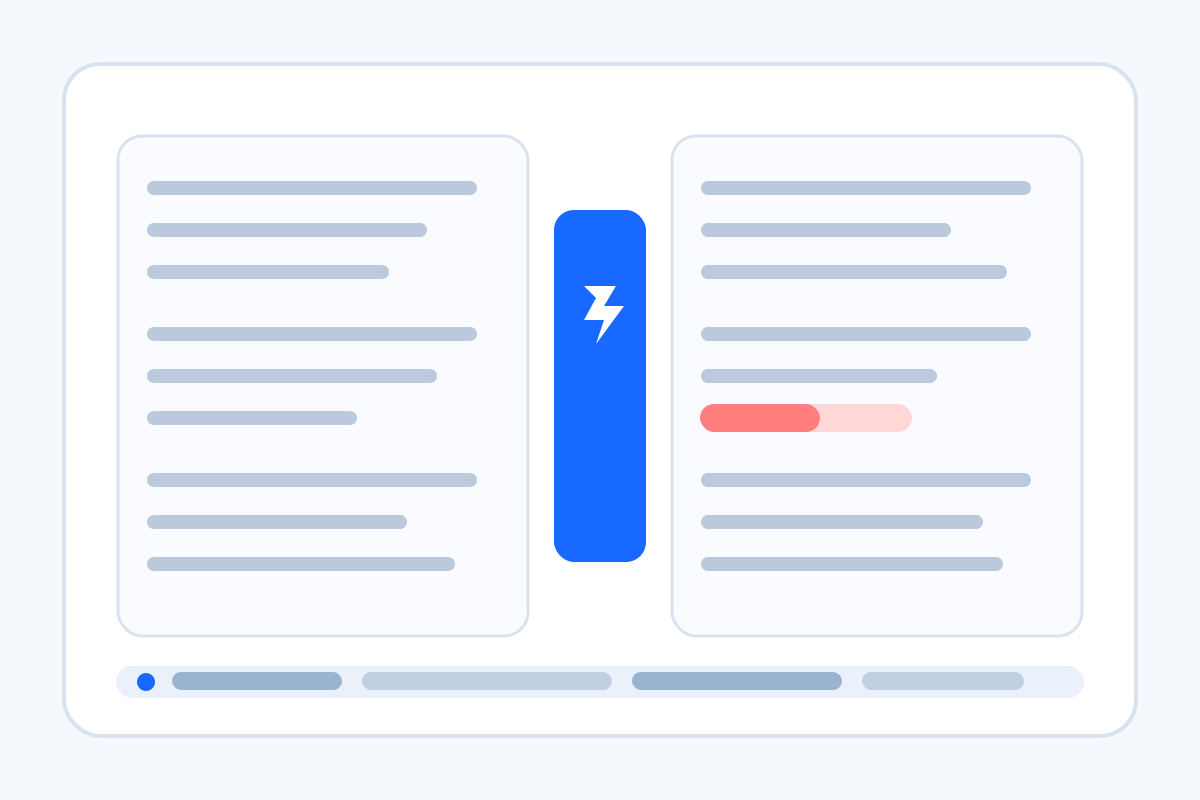
A lot of review mistakes start with the phrase 'it is basically the same.' Two drafts may look visually close enough that nobody wants to read both from top to bottom again, but one changed clause about dates, payment, approval, or requirements can still change the meaning. A text-diff tutorial is useful because it turns that vague feeling into a concrete line-by-line comparison.
A clean text-diff tutorial
- Copy the old and new drafts as plain text so the comparison focuses on wording rather than layout noise.
- Run the diff before leaving review comments so you know exactly which lines were added, removed, or rewritten.
- Read the changed lines first, then decide which edits are material and which are cosmetic.
- Call out dates, prices, scope, obligations, or approval wording separately if those edits affect the actual decision.
- Only after the changed lines are understood should the updated draft move to sign-off or publication.
Where this tutorial helps most
- Policy refreshes where one verb changed from optional to required.
- Proposal revisions where a total, deliverable, or payment date moved quietly.
- Prompt or workflow updates where one extra instruction changes downstream output.
- Terms, runbooks, or checklists that look familiar enough to discourage a careful reread.
Why plain-text comparison beats visual scanning
Rendered documents encourage people to skim by shape. A diff forces the review back onto the lines that actually changed. That shortens the conversation because people stop debating the whole draft and start discussing the exact sentences that moved.
What this tutorial does not replace
A diff shows where the wording changed. It does not tell you whether the new wording is legally sound, operationally feasible, or commercially acceptable. It is a review accelerator, not a substitute for judgment.
Related UtilFlow moves
If the changed text still needs cleanup before comparison, use Text Cleaner first. If the approved draft later needs a clean checklist or table summary, continue into Checklist Maker or Table Generator after the exact edits are settled.
FAQ
Why compare two drafts with a text diff instead of rereading both?
Because a diff isolates the exact changed lines, which is faster and less error-prone than rescanning two similar drafts from the beginning.
What edits deserve the closest attention in a text diff?
Focus first on dates, totals, scope, requirements, approval language, and any sentence that changes obligations or outcomes.
Should I diff formatted documents or plain text?
Plain text is usually better because it removes layout distractions and makes the wording changes easier to inspect directly.