Format the JavaScript Snippet Before One Copied Handler Hides the Real Branch
Use a practical workflow when a pasted JavaScript snippet is technically present, but the branching, nesting, or callback shape is still too messy to review safely.
Open JavaScript Formatter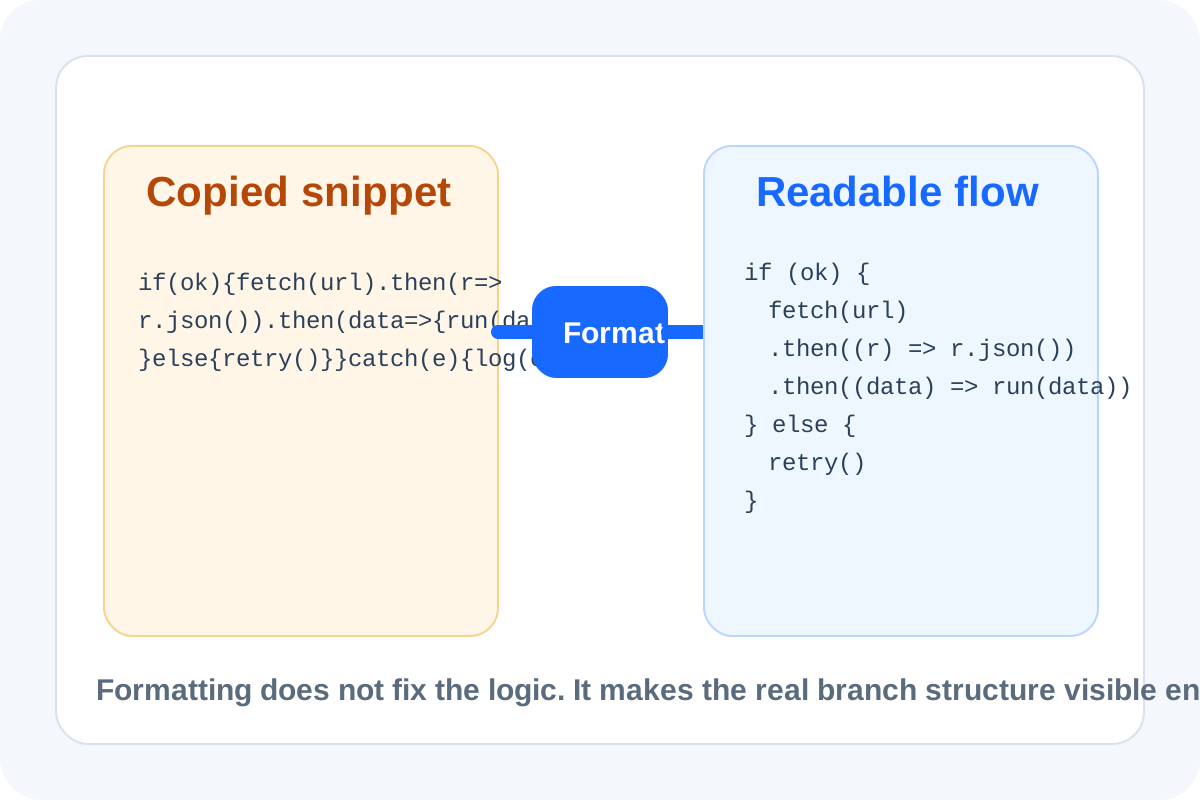
A copied JavaScript snippet can be valid enough to run and still be too compressed to review. That is how one hidden `else`, one nested callback, or one copied inline handler sends the discussion in circles. The practical workflow is to make the structure readable first, then decide whether the logic is wrong, incomplete, or simply being blamed because nobody wants to parse it in minified form.
A useful formatting workflow
- Paste the exact snippet before manually fixing spacing so you do not hide the original structure.
- Format the code to surface indentation, branches, object literals, and callback boundaries.
- Read the newly visible control flow from top to bottom before changing anything.
- If one branch still looks suspicious, isolate that block into a smaller snippet or compare it against a second version.
- Only after the shape is readable should you move into debugging, commenting, or rewriting.
Where this workflow saves time
- A support ticket includes an inline script copied from a CMS field.
- A teammate pasted a fetch handler into chat and the control flow is flattened into one line.
- A third-party snippet needs review before it enters a template, tag manager, or embedded page.
- One branch in an event listener looks unreachable, but the current formatting makes that hard to confirm.
Why formatting comes before judgment
People often critique a snippet while they are still visually decoding it. Formatting separates two questions that should not be mixed: what the code structurally does, and whether that behavior is correct for the task. Once the branches and nesting are visible, the real bug discussion usually gets shorter.
What this does not fix
Formatting does not validate business logic, execution order, or runtime data. It simply makes the structure legible enough that those deeper checks can happen on purpose rather than by guesswork.
Related UtilFlow moves
If the snippet also contains HTML or CSS fragments, continue into HTML Formatter or CSS Formatter after you separate the mixed parts. If the next job is comparing two revisions of the same logic, move into Text Diff once the formatted version is readable.
FAQ
Why format JavaScript before debugging it?
Because flattened spacing and missing line breaks can hide the real branch structure and make people debug the wrong part of the snippet.
What should I look for right after formatting?
Look for visible branches, callback boundaries, object nesting, and any control-flow block that now reads differently from what you first assumed.
Does formatting prove the code is correct?
No. It only makes the structure readable so the real logic review can happen with less guesswork.