Validate JSON Before You Debug the API Field That Never Arrived
Use a quick JSON validation tutorial when a request body looks close enough to right in chat or code review, but the receiving API never sees the field you thought you sent.
Open JSON Validator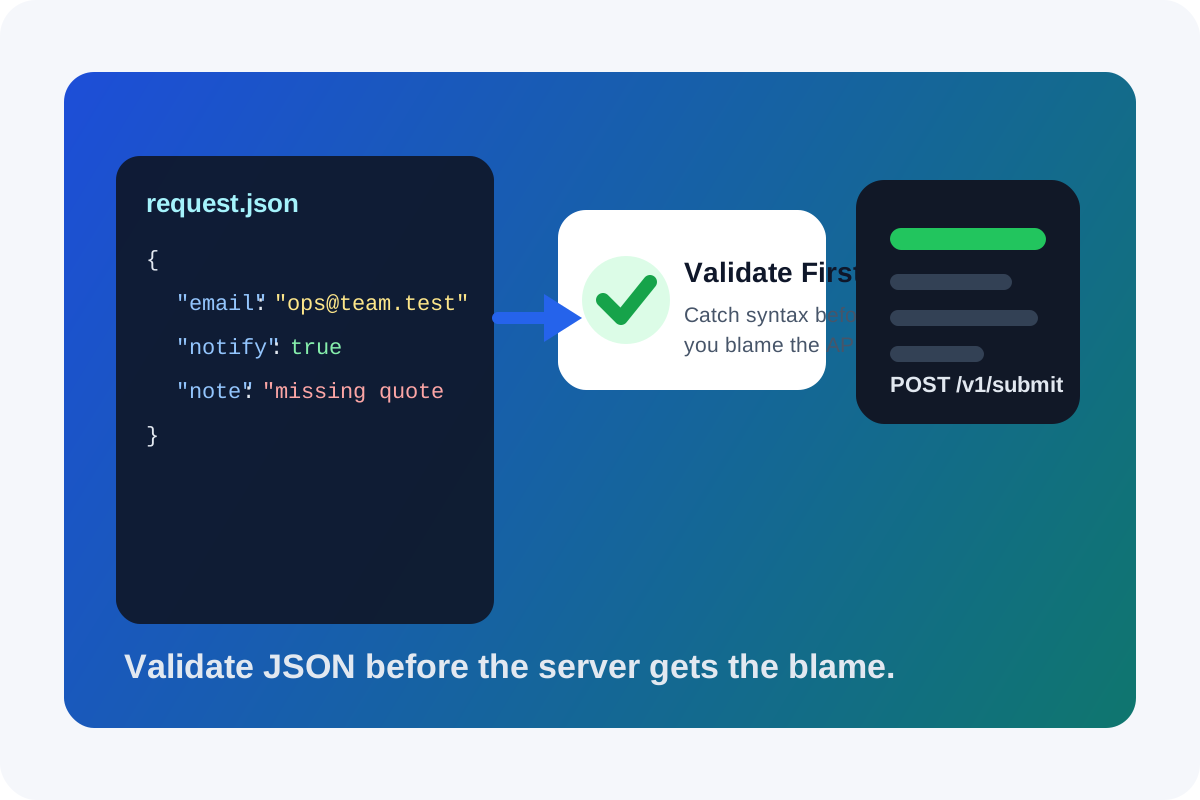
The most expensive JSON bug is often the one that never reaches the real bug list. A request body is pasted into chat, looks readable in review, and then someone starts arguing about the API contract because one field seems to disappear on arrival. A quick validation pass is the cheaper tutorial step: prove the body is valid JSON before you blame parsing, auth, or business rules.
A simple validation tutorial
- Paste the full request body exactly as it will be sent, not a cleaned-up excerpt that may hide the real problem.
- Run the validator first so missing braces, trailing commas, wrong quote types, and broken escape characters fail immediately.
- Format the payload after it validates so nested objects and arrays become easier to inspect.
- Only then compare field names, required properties, and value types against the API documentation or example.
- Copy the validated JSON into the client, test script, or webhook tool instead of editing the raw one-line body repeatedly by hand.
Where this catches real mistakes fast
- A JavaScript object literal was copied with single quotes or trailing commas and treated as if it were JSON.
- A payload from logs was truncated at the top or bottom, so the server never actually received a complete body.
- One copied line contains an unescaped quote inside a string value, which makes the rest of the body misleading to read.
- A teammate pasted comments or placeholder ellipses into the example, which look harmless but are not valid JSON.
Why this tutorial step belongs before API debugging
Validation separates transport problems from content problems. Once the body is syntactically valid, the remaining failure modes become narrower: the schema may be wrong, a value may violate business rules, or the server may reject the request for reasons outside the JSON layer. That is a much cleaner starting point than debating a payload that was never structurally sound.
Related UtilFlow moves
If the validated body still behaves unexpectedly, move next to JSON Formatter or JSON Compare so the structure is easier to inspect against a known-good example. If a timestamp or encoded value inside the body looks suspicious, decode or convert that field separately instead of guessing from the raw string.
FAQ
Does validating JSON prove the API request is correct?
No. It only proves the body is valid JSON. The server can still reject the request because of missing fields, wrong value types, auth issues, or business rules.
Why can JSON look right but still fail?
Because copied payloads often hide trailing commas, single quotes, missing brackets, bad escapes, or truncated text that is easy to miss in dense one-line bodies.
What should I do after the JSON validates?
Format it, compare the field names and values against the API expectation, and then test the request again with the validated body as the known-good starting point.