Turn One Spreadsheet Export Into API-Ready JSON Before Manual Row Edits Start Breaking Things
Use a CSV JSON converter when a spreadsheet export needs to move into an API, seed file, or test fixture and hand-editing rows one by one would create avoidable structure mistakes.
Open CSV JSON Converter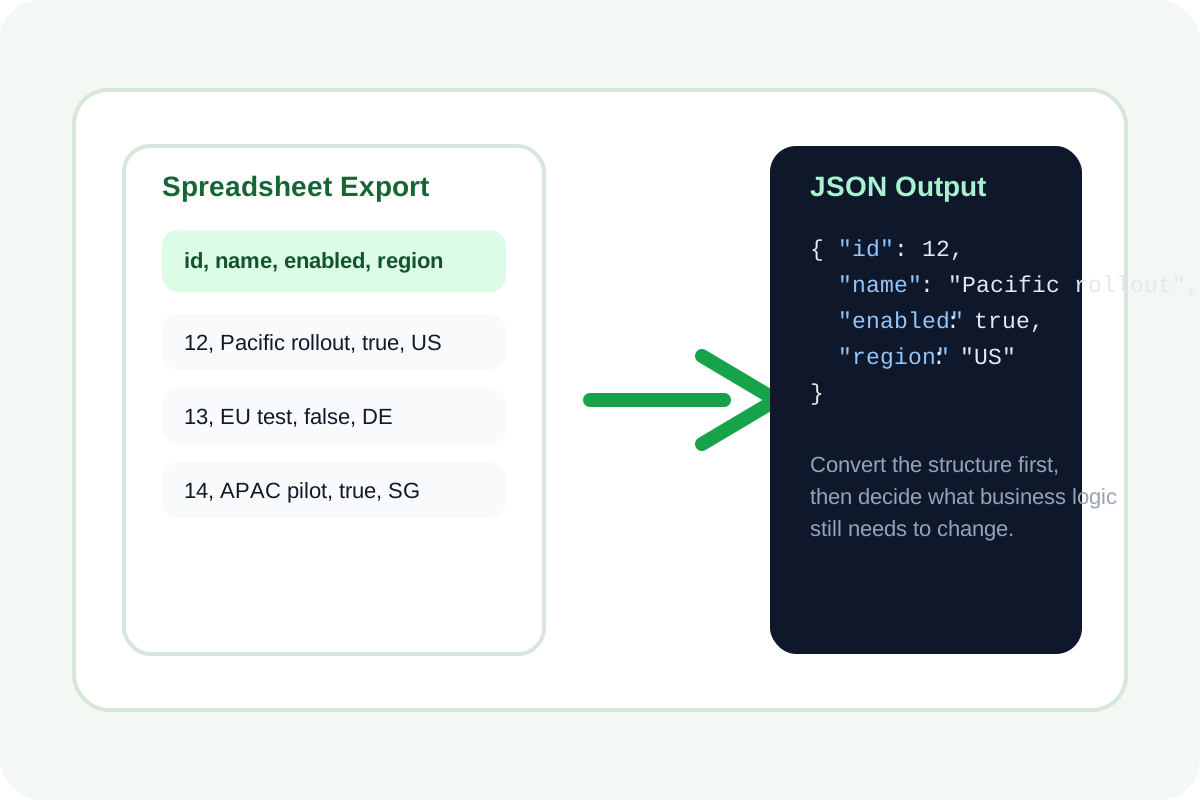
A lot of 'temporary' JSON starts life in a spreadsheet. Someone collects feature flags, catalog rows, redirects, team rosters, or marketing copy in columns because that is the fastest place to collaborate. The trouble begins when the spreadsheet has to become API-ready JSON and someone starts manually wrapping values in braces, commas, and quotes. That is when one malformed row quietly breaks the payload.
A practical CSV to JSON workflow
- Export or copy the cleanest CSV version of the sheet you have, with one header row that already uses the field names you want downstream.
- Convert the CSV to JSON first before doing any structural edits, so every row gets the same object shape from the start.
- Scan the converted output for empty columns, inconsistent header names, and values that should be numbers or booleans rather than strings.
- Copy the JSON into the API request, fixture, or seed file only after the object shape is stable.
- If a non-technical teammate needs to review the same dataset later, convert the result back to CSV instead of asking them to edit raw JSON.
What this catches before the data reaches code
- Header names that still contain spaces or mixed casing from the spreadsheet phase.
- Rows with missing trailing values that would otherwise disappear inside hand-built objects.
- Quoted commas and line breaks that look harmless in a sheet but can produce bad manual copy-paste results.
- Tiny schema drift where one teammate renamed a column midstream and half the rows now imply a different field name.
Why the conversion step should happen early
Once the dataset exists as consistent objects, you can decide which follow-up cleanup belongs in code and which belongs back in the sheet. That keeps structure decisions separate from business-rule decisions instead of mixing both into one error-prone manual editing session.
Related UtilFlow moves
Use JSON Formatter after conversion if the next step is pasting the output into documentation or a repository. Use JSON Validator before shipping a fixture or request body when the team has made additional hand edits after the initial conversion.
FAQ
Should I clean the spreadsheet headers before converting?
Yes. It is much easier to fix field names once in the header row than to rename object keys repeatedly after conversion.
Can I go from JSON back to CSV for review?
Yes. That is often the best way to send a structured dataset back to teammates who are more comfortable reviewing rows than JSON objects.
What kind of data works best here?
Simple row-based datasets work best, especially when each row should become one object with the same set of top-level keys.