How to Read Unix Timestamps in Logs
Convert Unix timestamps from logs, API responses, analytics events, and database records into readable dates.
Open Unix Timestamp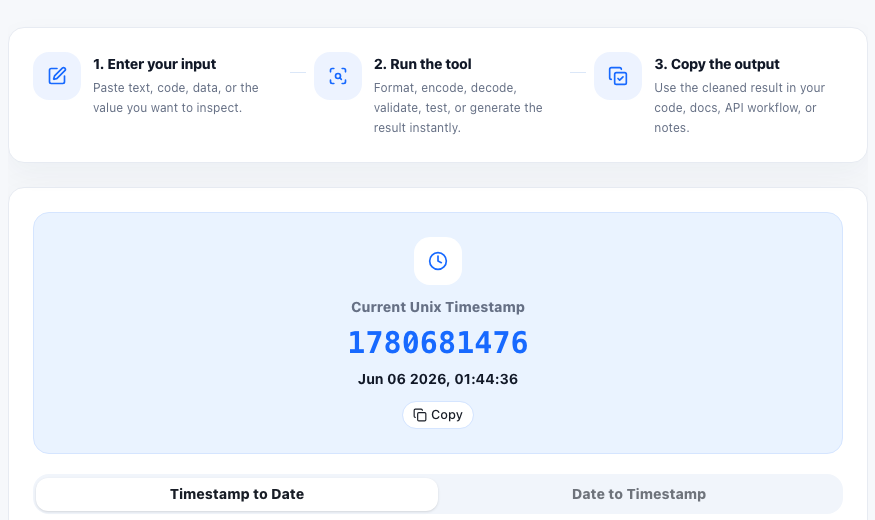
Logs and API responses often store time as a Unix timestamp because numbers are compact, sortable, and easy for systems to compare. For humans, those numbers need conversion before they can explain what happened and when.
Where timestamps show up
- Application logs and error traces.
- API responses and webhook payloads.
- Database records and audit events.
- Analytics exports and scheduled job output.
- Release notes, cache records, and background task reports.
Seconds versus milliseconds
A common source of confusion is unit scale. A 10-digit timestamp is usually seconds. A 13-digit timestamp is usually milliseconds. If the converted date is far in the past or future, check whether the value needs to be divided or multiplied by 1000.
A practical debugging workflow
- Copy the timestamp from the log or payload.
- Convert it to a readable local date and UTC date.
- Compare the converted time with the event you are investigating.
- If multiple systems are involved, use UTC or ISO strings to avoid timezone confusion.
Why timezone clarity matters
Two people can read the same event differently if one is using local time and the other is using UTC. When debugging production events, include the converted date format and timezone in notes or tickets.
FAQ
How can I tell if a timestamp is seconds or milliseconds?
A 10-digit Unix timestamp is usually seconds, while a 13-digit value is usually milliseconds.
Should I use local time or UTC when debugging?
Use UTC when comparing events across systems. Local time is helpful when matching user reports or regional business events.
Why does my converted timestamp look wrong?
The value may be milliseconds instead of seconds, copied incompletely, or interpreted in a different timezone.