Read the HTML Structure Before a Preview Hides the Nesting Problem
Use an HTML formatter for the technical step that comes before previewing: making copied markup readable enough to spot broken nesting, stray wrappers, and browser auto-corrections.
Open HTML Formatter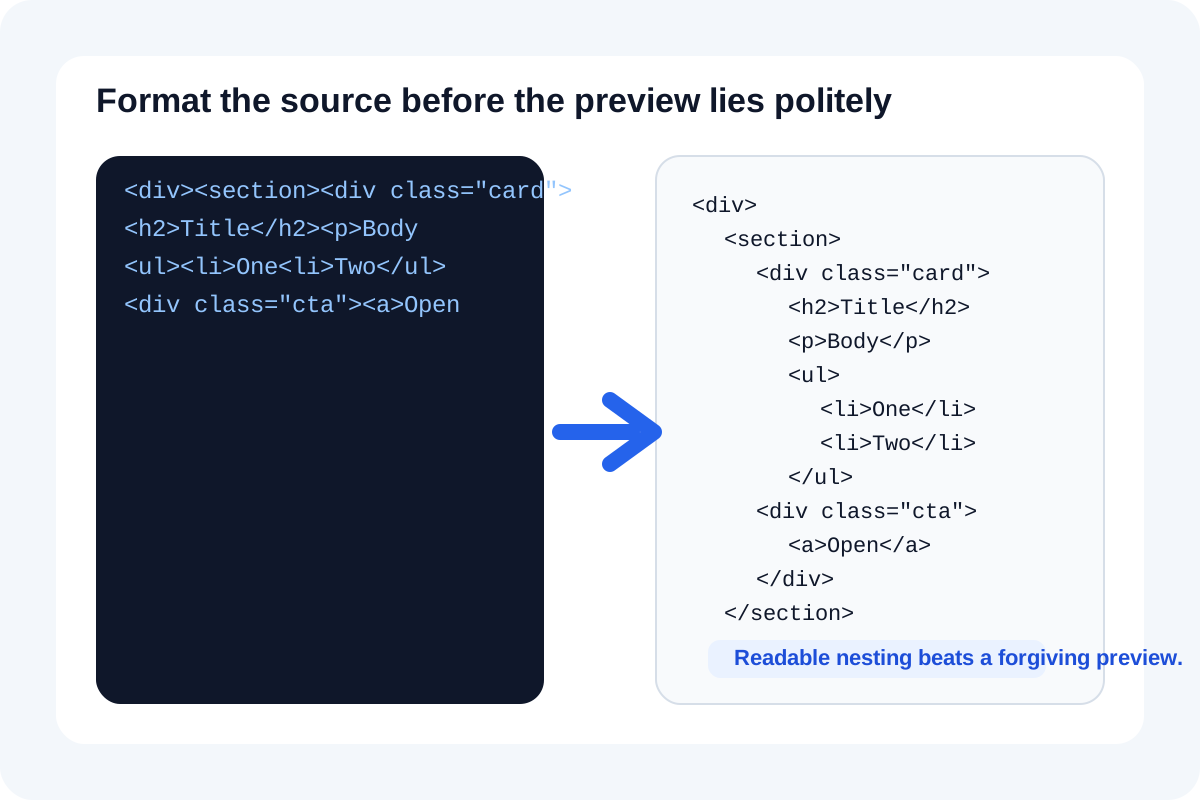
A browser preview can be misleadingly polite. Invalid or messy markup often still renders 'well enough' because the browser repairs parts of the tree for you. That is useful for end users, but terrible for debugging. Formatting the source first turns a wall of copied tags into a structure you can actually inspect, which is where wrapper mistakes, broken nesting, and duplicated containers usually become obvious.
What HTML formatting actually exposes
- Broken nesting where a closing tag lands later than you thought and pulls unrelated content into the wrong container.
- Extra wrappers copied from a CMS, email editor, or embed builder that create spacing or style behavior you did not intend.
- Inline style noise that makes it harder to tell whether the real issue is structure, selector scope, or one copied declaration.
- Comment blocks, script fragments, or tracking markup that survived copy-paste and now distract from the small section you really need to inspect.
- Repeated empty elements that look harmless in rendered output but complicate selector targeting and cleanup.
Why preview alone is not a technical answer
Browsers normalize a lot. They can infer missing wrappers, close some tags automatically, and still produce something visually close to what you expected. But the DOM you meant to create and the DOM the browser repaired for you are not the same thing. A readable source view lets you reason about intent instead of accepting the browser's best effort as proof the markup was healthy.
A useful check sequence
- Format the copied HTML before making any edits so indentation reflects the real nesting depth.
- Scan the largest wrappers first, then move inward until you find the first level where the structure stops matching your mental model.
- Remove or isolate the noisiest copied fragments only after you have confirmed the container structure.
- Preview the cleaned snippet once the source tree makes sense, not before.
- Minify only after the structure is confirmed and the snippet is ready to ship into the CMS, page, or embed surface.
Related UtilFlow moves
Use HTML Preview after formatting when you need to confirm the rendered result at a realistic width. If the snippet ultimately needs delivery trimming, move to HTML Minifier only after the structure is readable. If the task is migration rather than repair, HTML to Markdown may be the next better step.
FAQ
Why not jump straight to HTML Preview?
Because preview tells you what the browser can salvage, while formatting tells you what the source actually says. Those are often different during debugging.
What kinds of bugs does formatting help surface?
It is especially useful for broken nesting, duplicate wrappers, stray inline styles, and copied fragments that hide the true container structure.
Should I format before or after editing?
Format first. A clean structure makes every later edit smaller, safer, and easier to verify.