Preview One Embed Block at the Width Your CMS Actually Gives It
Use HTML Preview as a workflow step when a snippet looks fine in a code block but the real risk is how it wraps, spaces, and stacks inside the narrow module where it will actually be published.
Open HTML Preview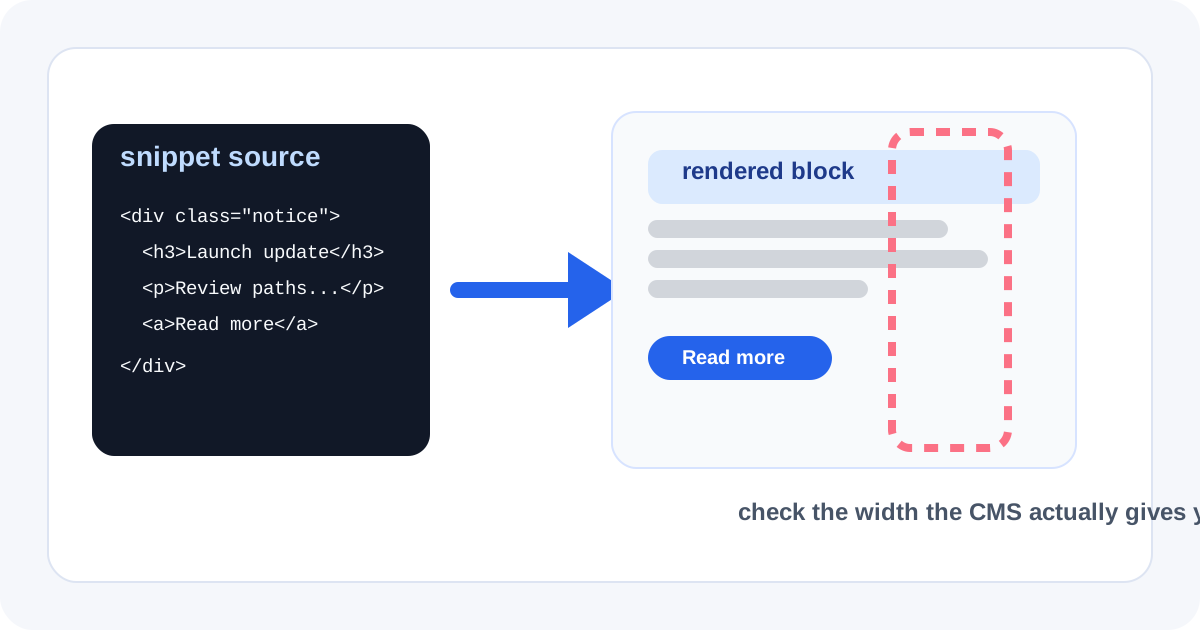
A snippet can be structurally valid and still fail the place where it will live. Help-center callouts, release-note cards, alert modules, and sidebar embeds rarely get the wide comfortable canvas your raw code editor suggests. The more practical workflow is to preview the block early, then judge it at the rough width the CMS or docs system will actually give it.
The workflow
- Paste the exact HTML and inline CSS you plan to ship, not a cleaned-up version that hides the current problem.
- Preview the block first at an ordinary width so structural mistakes are obvious before you fine-tune layout behavior.
- Narrow the effective reading width mentally or by using simpler content assumptions: short module, side panel, notice card, or constrained article body.
- Check how headings, list bullets, buttons, and long links wrap when the block loses horizontal room.
- Only copy the snippet into the CMS once the preview looks stable enough that the destination should not be the first time anyone sees the rendered layout.
What this catches earlier than a publish-and-fix loop
- Inline margins that create awkward dead space in narrow modules.
- Button or link labels that wrap into unreadable line breaks.
- Alert boxes and lists that look balanced in code but collapse into visual noise when the width tightens.
- Copied markup whose structure is technically valid but whose spacing assumptions only worked in the original editor.
Why one realistic preview is often enough
You do not need a full deployment or a design system round-trip to catch most snippet failures. One honest preview of the block as a content module usually reveals whether the problem is broken HTML, overconfident inline styling, or simply a layout that was never meant for a narrow container.
Where to stop
Stop after HTML Preview if the rendered block already behaves well and the destination only needs a paste. Move into HTML to Markdown instead when the real lesson is that the content should not be an embed at all and would read better as plain structured text.
Related UtilFlow moves
Use Markdown to HTML when the snippet started as documentation prose. Use Code Formatter first if messy indentation is stopping you from seeing whether the real issue is structure or layout.
FAQ
Why preview a snippet at narrow width before pasting it into a CMS?
Because many snippet failures are wrapping and spacing problems that only appear when the block is placed in a constrained content module.
Does HTML Preview replace production QA?
No. It is a fast layout and structure check that reduces obvious issues before fuller destination-specific testing.
What should I inspect first in the preview?
Inspect headings, lists, links, buttons, and spacing around the block, because those are the elements that usually collapse first in narrow layouts.