Pick a Random Sample or Seat Order Once and Show the Rule
Use a random number generator tutorial when the main job is not producing a number, but showing a simple, repeatable draw rule that people can trust for a sample, seat order, or giveaway pick.
Open Random Number Generator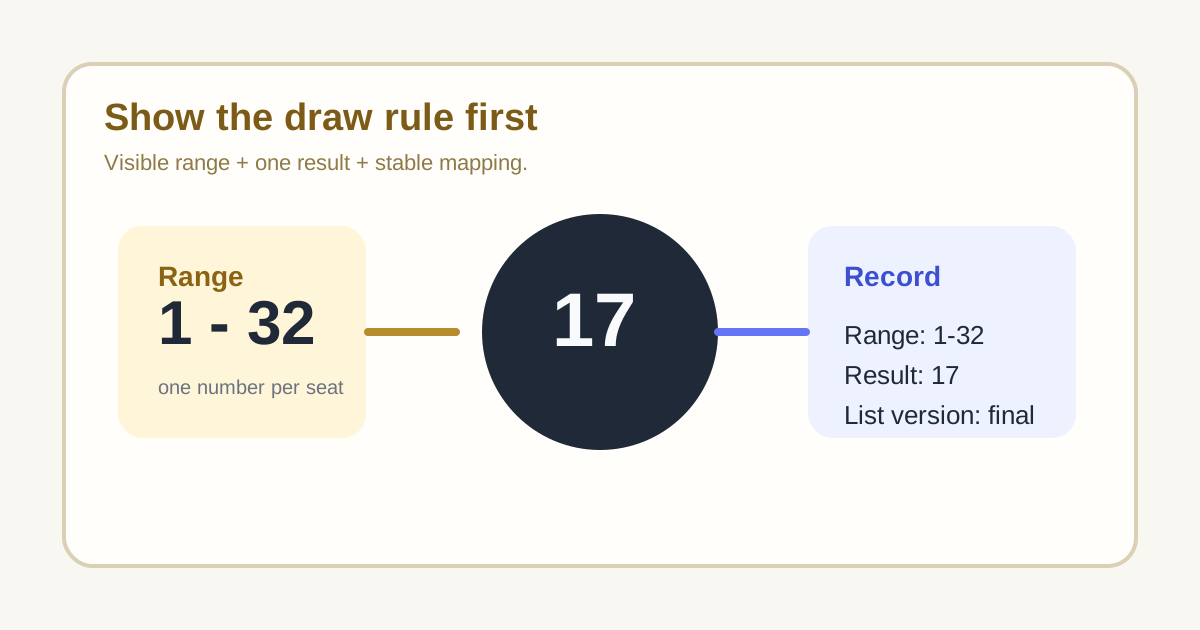
A random number generator becomes more useful when it makes the selection rule visible. The friction in a sample, seat order, or giveaway is usually not generating one number. It is convincing everyone that the range was set fairly, the method was simple, and the pick did not move after the fact. A short tutorial solves that trust problem.
A practical draw tutorial
- Define the range before the draw and say what each number represents.
- Show the minimum and maximum once so the group can see the rule before the result appears.
- Generate the result one time and record it immediately next to the range definition.
- Map the result back to the seat, sample row, or participant list without silently reordering the source.
- If you need several picks, decide first whether repeats are allowed rather than improvising after the first draw.
Where this prevents avoidable arguments
- Picking a classroom speaking order or meeting opener without the same few people always going first.
- Choosing a simple spot-check sample from a numbered list.
- Assigning seats, lockers, or queue positions when a visible rule matters more than sophistication.
- Running a lightweight giveaway or draw where transparency matters more than elaborate ceremony.
Why the visible rule matters more than the tool itself
People rarely distrust the idea of randomness. They distrust changing conditions. If the range changes after the result, if the list order changed quietly, or if someone redraws until they like the outcome, the process stops feeling fair. The rule therefore has to be stable and visible first.
What to record with the result
Record the range, the generated number, and the numbered list version it came from. That small note is usually enough to make the draw understandable later without turning a simple selection into a bigger process.
Related UtilFlow moves
If the real task is shuffling names rather than generating one number, move to List Randomizer next. If the source list still contains duplicates or stray spaces, clean it first with Text Cleaner so the draw range maps to real entries only.
FAQ
Why should I show the range before generating the number?
Because the visible range is what makes the draw rule understandable and trustworthy before the result appears.
What should I record after a random draw?
Record the range, the generated result, and the exact list or numbering scheme the draw used.
When is a random number generator enough on its own?
It is enough when each number maps cleanly to one option and the main need is a transparent single pick rather than a shuffled list.