Move One Set of Headings Between snake_case, camelCase, and Title Case Without Hand Editing
Use a practical case-conversion workflow when one naming set has to travel between CSV headers, form labels, code keys, and visible UI copy without spawning new variants every time it moves.
Open Case Converter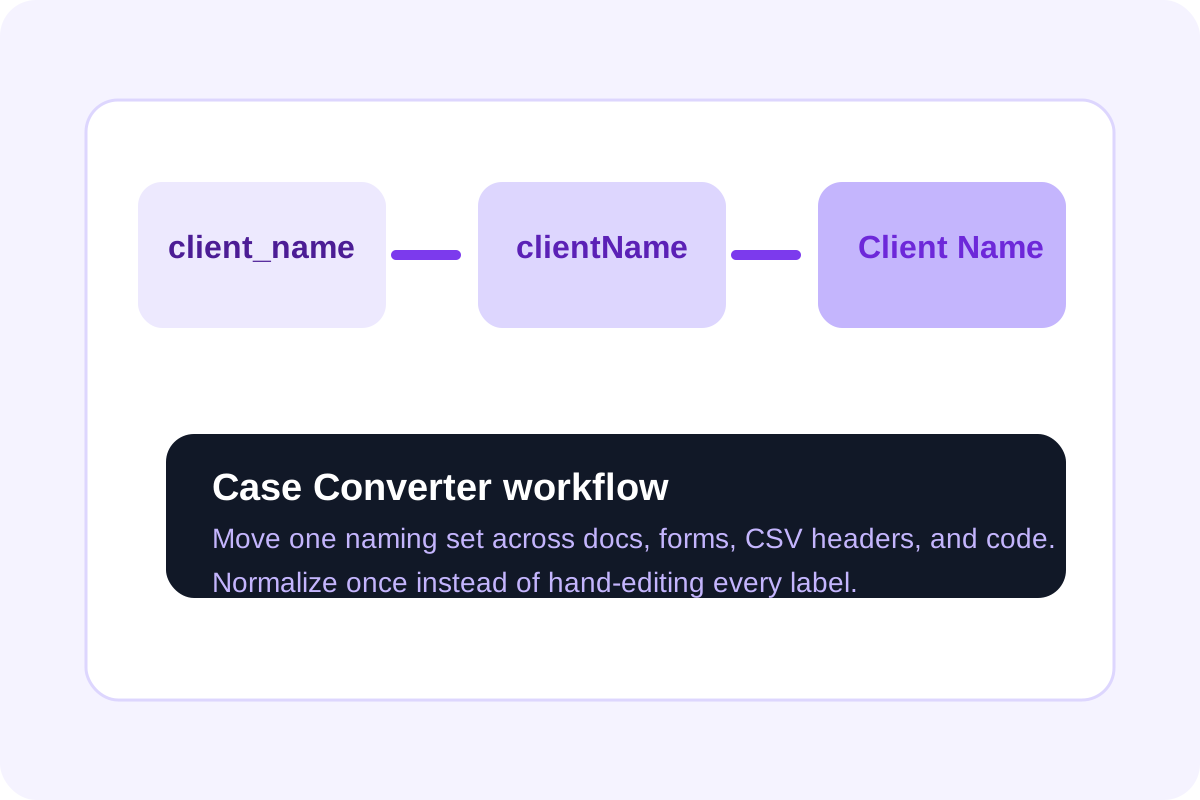
Naming drift usually starts with one harmless copy step. A spreadsheet header becomes a JSON key, the JSON key becomes a visible form label, and somebody hand-edits each version just enough that the names no longer line up cleanly. A case-conversion workflow keeps one source phrase moving across formats without creating a new variant every time it changes surfaces.
A clean workflow for one naming set
- Start with the clearest plain-language phrase, not with the messiest inherited variant.
- Convert that phrase into the case style needed for the current destination, whether that is snake_case, camelCase, kebab-case, or Title Case.
- Paste the converted version into the exact surface that needs it: CSV header, API field, UI label, or doc heading.
- Keep the original phrase nearby so the next conversion starts from the same source instead of from a mutated copy.
- When another surface needs a different style, run the same phrase through Case Converter again instead of editing by hand.
Where the workflow helps most
- Mapping spreadsheet columns into API or database fields.
- Turning code-style keys into labels that users can actually read.
- Normalizing headings across docs, forms, and exported tables.
- Cleaning AI-generated text where the case style changes from line to line.
Why hand editing creates long-tail bugs
Once one version gains an extra word, missing underscore, or accidental capital letter, later copies stop matching cleanly. The issue can surface as a broken field map, a confusing label, or a review comment about inconsistency. Converting from one stable source phrase keeps those small mismatches from multiplying.
What to check before you move on
Confirm that separators, capitals, and spacing now match the exact destination convention. The right phrase in the wrong case can still break a parser or look sloppy in a visible label.
Related UtilFlow moves
If the text first needs cleanup because it came from a messy paste or AI draft, run Text Cleaner before conversion. If the converted keys are going straight into a payload, continue into JSON Formatter so the structure stays readable after the naming pass.
FAQ
Why start from one plain-language phrase?
Because it gives every converted version the same semantic source instead of chaining edits from already-mutated variants.
When does case mismatch become a real bug?
It becomes a real bug when the destination is parsed or mapped programmatically, such as CSV imports, JSON payloads, or field matching.
What is the quickest workflow habit to keep names aligned?
Run the same source phrase through the converter each time a new surface needs a different case style instead of hand-editing the previous output.