Inline One Small Image Before a Broken Asset Path Keeps Delaying the Demo
Use a problem-first Base64 image guide when the real blocker is not image editing but moving one tiny asset safely through HTML, email, or an isolated demo file.
Open Base64 Image Encoder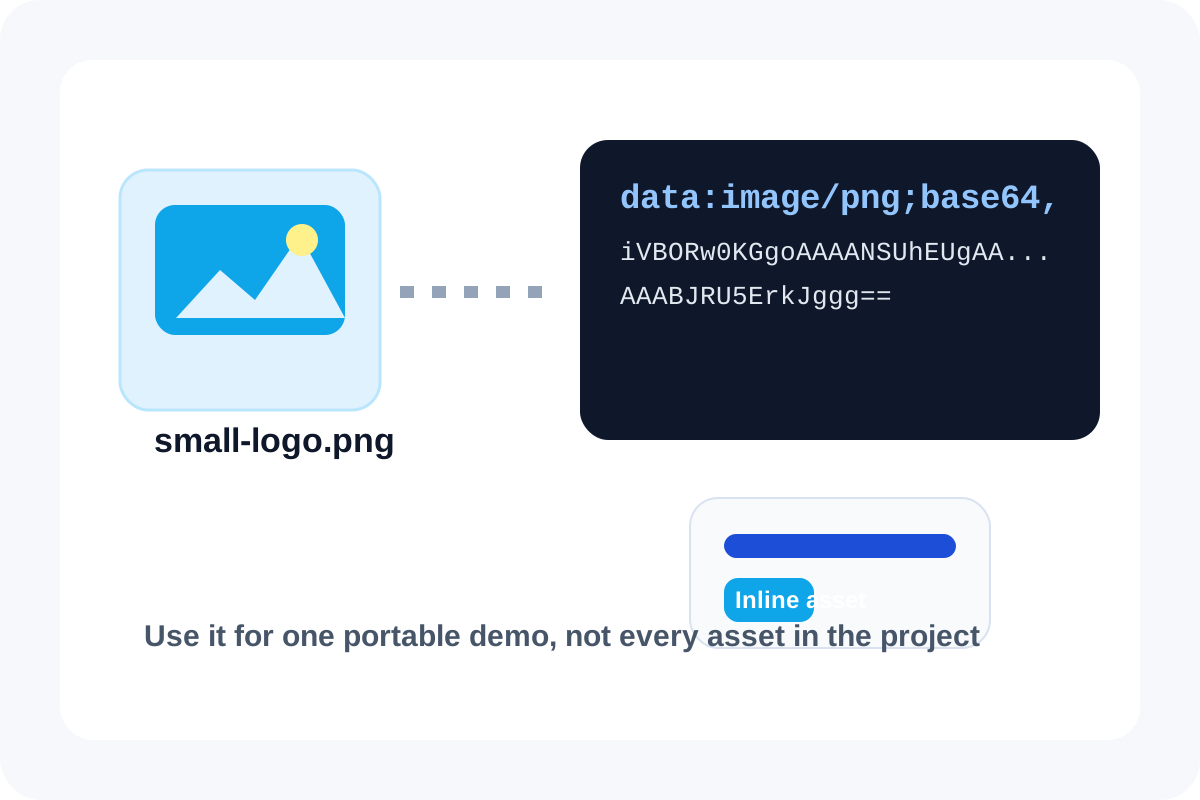
Sometimes the image is fine and the path is the problem. A logo disappears in a shared HTML mockup, an email example cannot reliably load a remote asset, or a one-file demo keeps breaking when it moves between machines. Base64 image encoding helps in that narrow case because it packages the small visual directly into the snippet that needs to travel.
The real problem this solves
Most users do not search image to base64 because they love long strings. They search it because one asset keeps failing at the handoff. The smallest safe fix is often to inline that single image rather than spending more time debugging a path, upload rule, or folder assumption in a throwaway environment.
Where it helps most
- A self-contained HTML demo or proof of concept that should open correctly anywhere.
- An email or documentation example that needs one tiny badge or icon inside the markup itself.
- A support reproduction snippet where adding extra files makes the handoff harder than the bug.
- A short-lived template where portability matters more than long-term maintainability.
A problem-first workflow
- Confirm the image is genuinely small and stable enough to inline.
- Encode it once and preview the result so you know the right asset made it into the data URL.
- Paste the encoded output only into the narrow context that needs portability, not across the whole project by default.
- Keep the original file nearby so you can switch back to a normal asset path if the snippet graduates into real production code.
When not to use this
Do not inline a large hero image or a reusable site asset just because the first workaround failed. Once the visual is large, shared, or frequently edited, the Base64 shortcut adds more review and payload friction than it removes.
Related UtilFlow moves
If the image is too heavy before encoding, resize or compress it first. If you later need to inspect or decode a Base64 string rather than generate one, move to Base64 Encode/Decode for the text-side check.
FAQ
When is Base64 image encoding worth the tradeoff?
It is worth it when one small asset must travel inside a self-contained snippet, email, or demo and path reliability matters more than reuse.
Why not inline every image the same way?
Because larger or reusable images make the surrounding file heavier, harder to review, and worse to maintain than a normal asset reference.
What should I verify before copying the data URL?
Preview the image, confirm it is the right asset, and make sure the destination actually benefits from inline portability rather than a standard file path.