Generate a Password You Can Store Safely Before Another Reset Email Starts the Cycle
Use a password generator with a technical checklist so the result is long enough, unique enough, and realistic to store before one more shared or recycled password fails.
Open Password Generator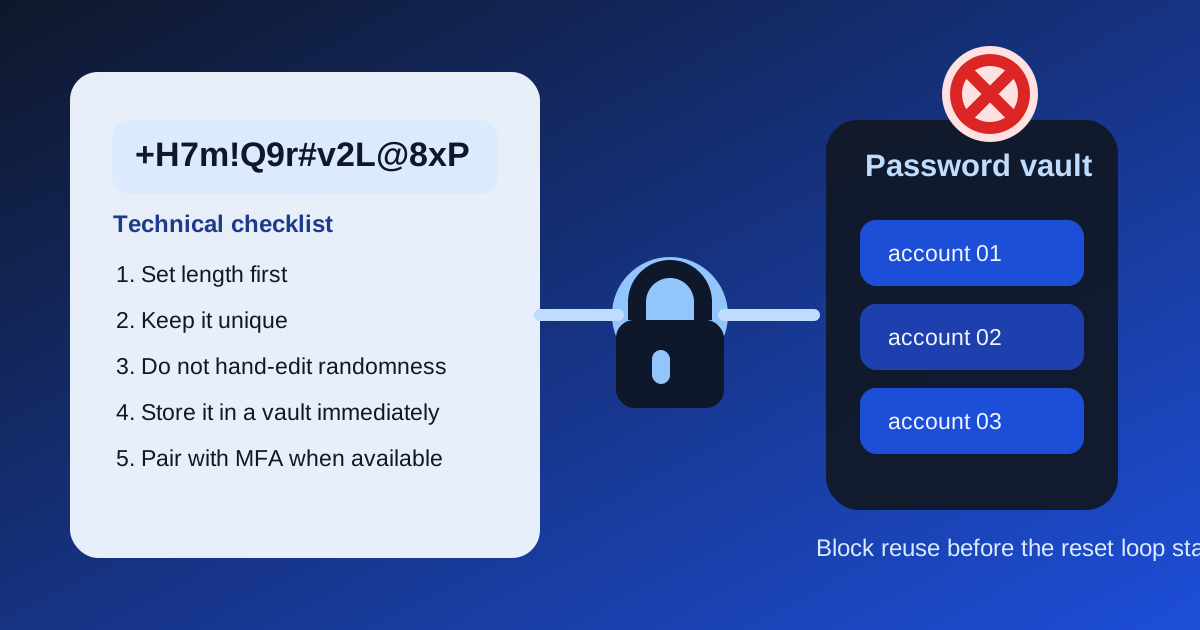
A lot of password trouble starts before the breach story. A person reuses an old favorite, shortens a generated password so it feels easier to type, or saves the final value in an ad hoc note instead of a password manager. Then the cycle repeats: login fails, reset email arrives, and the new password looks only slightly different from the old one. A generator helps, but the useful technical habit is generating a password you can actually keep as generated.
What the generator solves technically
A password generator removes predictable human patterns. Instead of dates, names, keyboard walks, or one shared base password with tiny edits, it creates high-entropy combinations that are much harder to guess or derive from another leaked credential.
The practical technical checklist
- Set the length first. For most ordinary account logins, a longer random password matters more than cosmetic complexity tricks.
- Generate a fresh password for that one account rather than adapting one you already use elsewhere.
- Keep the generated output unchanged unless the destination system rejects a specific character rule.
- Store it immediately in a password manager or other approved credential vault instead of a temporary scratch note.
- If the account supports multifactor authentication, treat the generated password as the first layer rather than the whole security plan.
Where people quietly weaken the result
- Trimming the length because the password looks inconvenient.
- Reusing the same generated password for several unrelated accounts.
- Replacing random characters with memorable ones after generation.
- Saving the password in chat, email drafts, or a loose text file instead of a proper vault.
Why uniqueness matters more than one perfect password
The technical risk in real life is often credential reuse. If one site leaks a reused password, the next attack tries that same value elsewhere. A strong generator is valuable because it makes uniqueness cheap. You do not need one memorable master pattern for every account. You need one strong generated secret per account and a reliable place to store it.
Related UtilFlow moves
If you need a quick randomness check for token-like values outside account logins, move to Hash Generator or Random Number Generator for the exact task instead of treating every secret-like string as a password problem. For account credentials specifically, the bigger win is pairing the generated result with a password manager policy your team or household will actually follow.
FAQ
What makes a generated password strong in practice?
Length, randomness, and uniqueness matter most in practice, especially when the password is stored safely and not reused across accounts.
Should I edit a generated password to make it easier to remember?
Usually no. Editing it by hand often removes randomness. It is better to keep the generated result intact and store it in a password manager.
Is one strong password enough for all my accounts?
No. The safer pattern is one unique generated password per account so one leak does not unlock the rest.