Generate a Password That Survives the First Shared Vendor Login Without Being Edited by Hand
Use a password generator as a practical setup tutorial when a new vendor, finance, or admin account needs a long random password that will be stored properly instead of being softened into something reusable.
Open Password Generator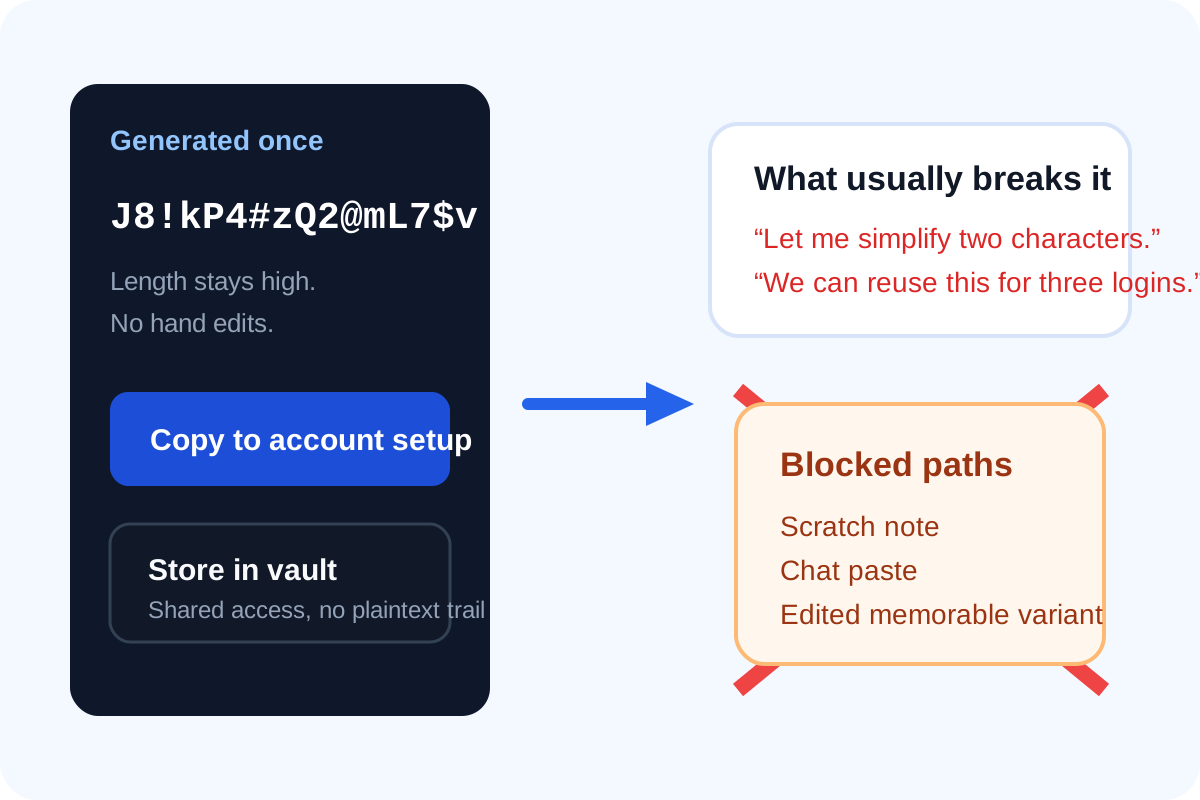
The risky moment is not only when a password gets leaked. It is the first five minutes after generation. A team creates a new vendor login, someone says the generated password looks too awkward, and a few characters get swapped so it is easier to remember. That small edit usually removes the reason to generate it in the first place. A better tutorial is to generate once, store once, and keep the random output intact.
When this setup matters most
- A new payroll, analytics, or billing account is being shared with a small internal team.
- An admin or owner login is being created for a service that should not inherit an old house-style password.
- A contractor handoff requires one fresh credential that can later be rotated cleanly.
- A test account still needs a realistic long password because it touches production-like data or internal systems.
A simple password-generator tutorial
- Set the length before anything else. For important accounts, start long enough that you do not need to compensate later with clever substitutions.
- Include the character groups the destination supports, but keep the generated result unchanged unless the service rejects one explicit rule.
- Generate the password once and copy it directly into the account setup form.
- Store it immediately in the approved password manager or credential vault before the tab, chat thread, or scratch note becomes the temporary storage system.
- Turn on multifactor authentication after the password is saved so the account does not depend on one control alone.
Why hand edits are the trap
People usually edit generated passwords to make them memorable, typable, or visually cleaner. The problem is that those edits reintroduce human patterns. If the goal is a unique random secret, the operational habit has to be 'store it well' rather than 'make it feel familiar.'
What to check before you leave the setup page
- Confirm the saved value in the password manager exactly matches what was submitted.
- Confirm the account recovery email or owner record points to the right person or shared mailbox.
- Confirm no copy of the password was left behind in chat, email drafts, or a temporary document.
- Confirm the next person who needs access will receive it through the vault, not through a pasted plaintext message.
Related UtilFlow moves
If you need a quick one-off secret for a demo or fixture, Random Number Generator or UUID Generator may be the better fit. For real account credentials, the bigger win is pairing Password Generator with a storage and rotation habit that keeps people from rewriting the output by hand.
FAQ
Should I shorten a generated password if it feels inconvenient?
Usually no. It is better to keep the generated password intact and store it in a password manager than to shorten it into a more predictable pattern.
What matters more: symbols or length?
Length and randomness usually matter more in practice, as long as the service accepts the generated character set.
Can a shared team account still use a generated password safely?
Yes, if the password is stored in a proper shared vault, access is limited, and the team avoids passing the plaintext around in chat or email.