Format the Copied Code Before Review Comments Start Arguing With Layout Noise
Use a code formatter when the snippet is technically there but the review is already getting distracted by inconsistent indentation, cramped braces, and line breaks that make the real logic harder to see.
Open Code Formatter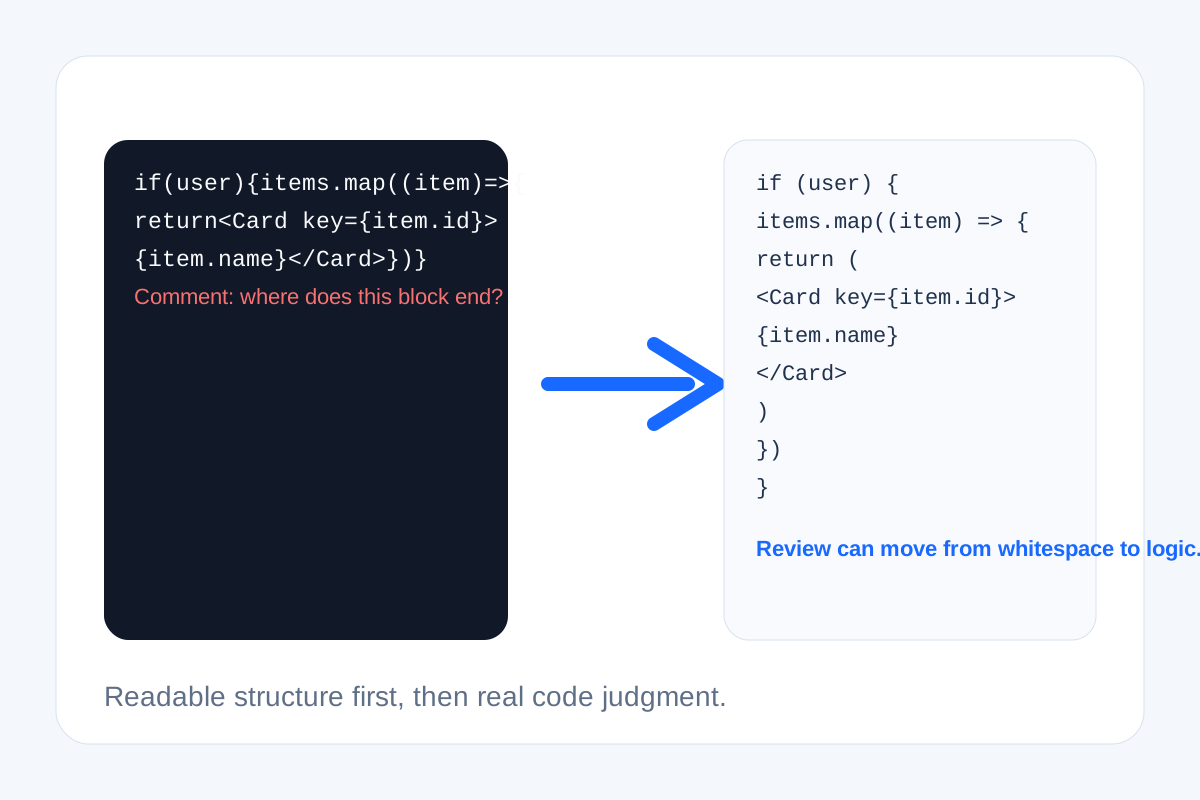
Some code reviews go sideways before anyone reaches the logic. The snippet came out of chat, a ticket, an AI response, or a copied console block with broken indentation and compressed lines. Now half the comments are about where the loop ends rather than whether the loop is correct. A code formatter solves that early visibility problem before layout noise starts standing in for real review.
What the formatting problem really costs
- Reviewers spend time reconstructing nesting and block boundaries instead of reading behavior.
- Small differences between snippets look larger or smaller than they really are because the structure is inconsistent.
- A quick debugging paste into documentation or a ticket becomes misleading because the line breaks imply the wrong grouping.
- People start editing whitespace manually, which often introduces new mistakes or removes the exact shape of the original sample.
A better copy-review routine
- Paste the snippet as it arrived before you start editing it, so the structure can be normalized without changing the content first.
- Format it once to expose braces, indentation, and line boundaries clearly.
- Read the formatted version for logic and flow only after the structure is visible.
- If the code still needs comparison, diff the cleaned snippet against the previous version instead of comparing two messy pastes.
- Use the formatted output in the ticket, doc, or prompt so the next person inherits a readable sample instead of the original noise.
Why this matters with AI and chat snippets
Copied code increasingly travels through places that do not preserve formatting well. The code may still be valid, but the transport layer degraded how humans read it. Formatting restores the shape that the next person needs for a fast judgment call.
Related UtilFlow moves
If the next question is whether two versions changed materially, continue to Text Diff after formatting. If the snippet is HTML, CSS, JavaScript, JSON, XML, or YAML and you need language-specific cleanup, switch to the dedicated formatter for tighter control.
FAQ
Does formatting code change what it does?
The goal is to change the layout, not the behavior. Formatting makes structure readable without rewriting the logic itself.
When is an online code formatter most useful?
It is most useful for copied snippets from chat, tickets, AI output, or docs where readability degraded during the handoff.
Should I format before comparing two code samples?
Yes. Normalizing the layout first makes the real differences easier to see and reduces noise in the comparison.