Fix the Millisecond-Second Mismatch Before an Incident Timeline Goes Sideways
Use a Unix timestamp converter to catch the 10-digit versus 13-digit mistake before a log review, outage timeline, or audit note starts blaming the wrong minute.
Open Unix Timestamp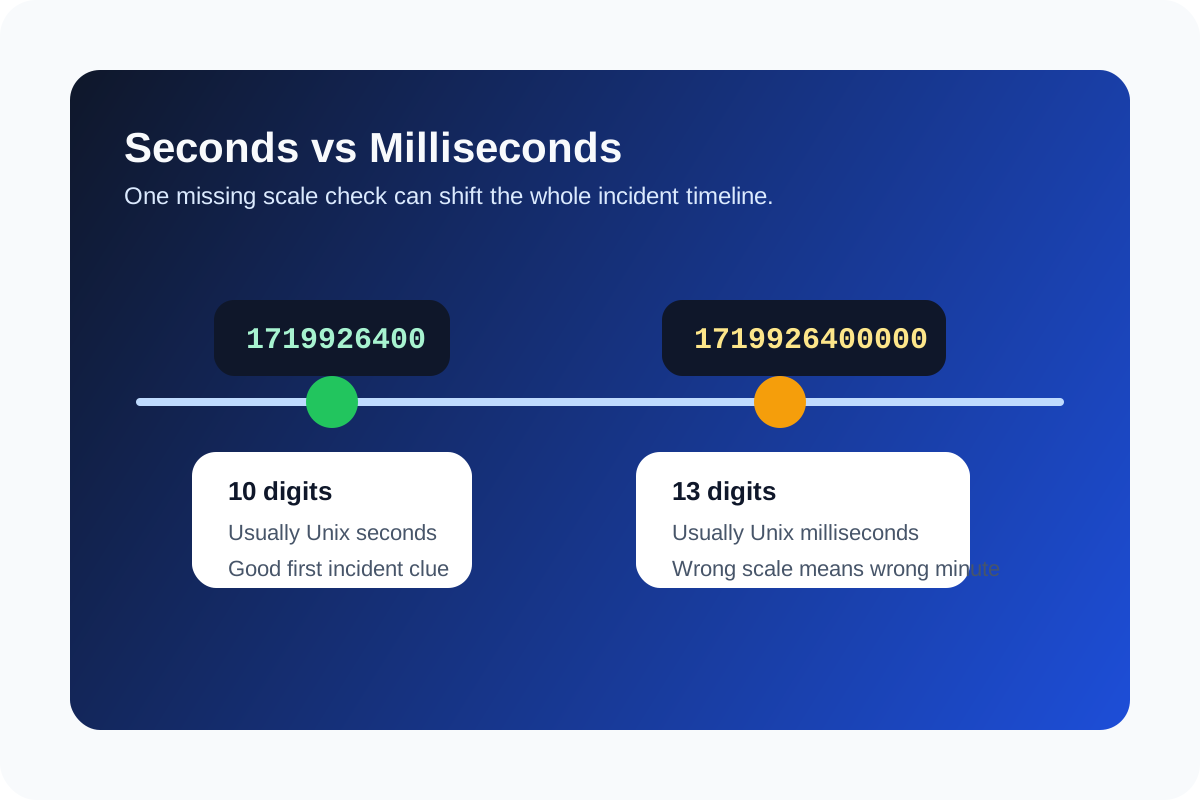
Timestamp debugging fails early when different systems report time in different scales and nobody notices. One log emits seconds, another sends milliseconds, and the converted result suddenly points to the wrong hour, year, or even decade. The technical problem is not the timestamp format itself. It is the quiet mismatch between unit scale and timezone assumptions.
The first technical distinction to check
A 10-digit Unix timestamp is usually seconds since the Unix epoch. A 13-digit value is usually milliseconds. If the date looks wildly wrong after conversion, this is the first mismatch to suspect before you investigate service clocks or event order.
Why this breaks incident review
- A webhook event appears to arrive long before the user action because one system logged milliseconds and another log viewer interpreted seconds.
- A database audit row looks out of sequence when a copied timestamp lost three digits during handoff.
- A production note blames a deploy window that never overlapped the event because UTC and local time were mixed casually.
- A cache or token expiry looks impossible because the number was converted in the wrong scale before anyone checked the actual format.
A safer technical workflow
- Convert the raw value first and inspect whether the date is plausible in the context of the system you are reviewing.
- Check the digit length before assuming the value is in seconds.
- Compare both local time and UTC when several systems or people are involved in the review.
- Write the converted time with its timezone explicitly in the incident note so the next reader does not reinterpret it again.
What this helps you rule out
Once the scale and timezone are confirmed, you can stop treating the timestamp itself as the bug. That lets you move on to ordering, retries, network delay, queueing, or application behavior with a timeline that is at least using one honest clock.
Related UtilFlow moves
If the event payload still looks suspicious after the time is normalized, inspect the full request with JSON Validator or URL Parser depending on where the timestamp was carried. If several logs need side-by-side review, use Text Diff or a cleaned note to document the exact ordering you confirmed.
FAQ
How can I tell whether a Unix timestamp is seconds or milliseconds?
The quickest clue is length: 10 digits usually means seconds and 13 digits usually means milliseconds, though you should still sanity-check the converted date.
Why did my timestamp convert to a year that makes no sense?
The value was likely interpreted in the wrong unit, such as reading milliseconds as seconds or vice versa.
Should incident notes use local time or UTC?
Use UTC when comparing multiple systems, and include the timezone label explicitly so the next reviewer does not reinterpret the time again.