How to Fix Sideways Scanned Pages Before Uploading a PDF
Correct page orientation before an upload or handoff so reviewers do not have to rotate every page manually.
Open Rotate PDF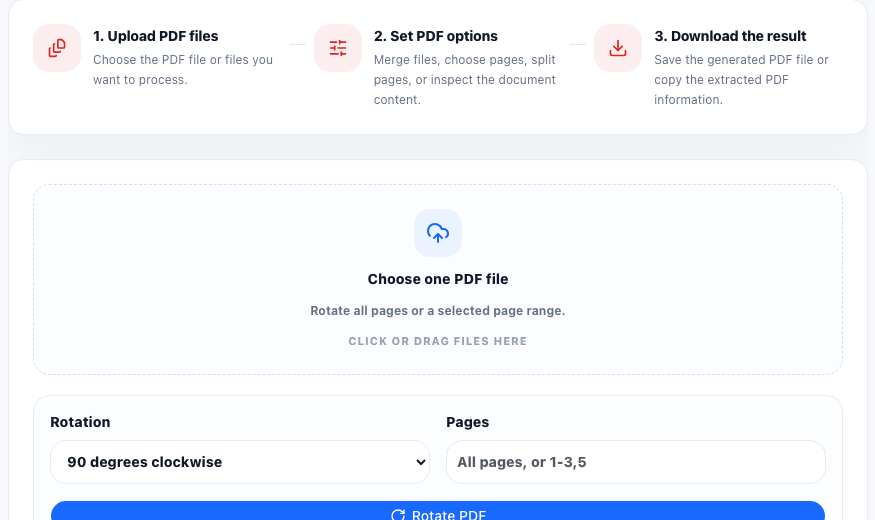
A sideways PDF creates friction immediately. Reviewers have to rotate their screen, application portals may render the document awkwardly, and printed copies can become harder to read than the original scan. This usually happens when phone scans, copier scans, and merged PDF packets bring together pages that were captured in different orientations.
The real problem is not just appearance
Orientation mistakes slow down the next step of the workflow. A client reviewing a signed form, a school processing an application, or an operations team checking a scanned receipt packet should not have to fix the file before they can read it. The useful output is an upright PDF that behaves normally in viewers, upload forms, and printouts.
A simple fix workflow
- Open the PDF and identify whether every page is wrong or only a specific range is sideways.
- Use Rotate PDF with the smallest necessary change: all pages when the entire scan is wrong, or selected page ranges when the packet mixes portrait and landscape scans.
- Download the corrected PDF and open it again immediately.
- Check the first page, a middle page, and the last affected page so you know the orientation is consistent.
- Only after orientation is correct should you continue with compression, page deletion, or upload.
When rotation is better than re-scanning
If the text is readable and the only issue is direction, rotating the PDF is usually enough. Re-scanning makes sense when the pages are blurry, cropped badly, or missing edges. Rotation fixes orientation. It does not repair poor scan quality.
Mixed page packets need extra care
Application bundles and scanned receipt sets often include a mix of portrait forms, landscape attachments, and one or two pages that were captured upside down. Treat these as page-range problems, not as whole-file problems. A quick final review prevents you from fixing one section while breaking another.
FAQ
Should I rotate the whole PDF or only some pages?
Rotate the whole file only if every page is wrong. If the PDF mixes portrait and sideways pages, rotate only the affected page range.
Will rotating a PDF fix blurry scans?
No. Rotation fixes page direction, not scan quality. If the file is blurry or cropped badly, you may still need a new scan.
What should I check before uploading the corrected PDF?
Check that the affected pages are upright, readable, and still in the right order after the rotation.