Decode the Copied Base64 First Before a Header, Payload, or File Handoff Sends You Sideways
Use a short decode-first tutorial when a copied Base64 string looks opaque enough to hide whether the real problem is the encoded content, the transport layer, or the handoff itself.
Open Base64 Encode/Decode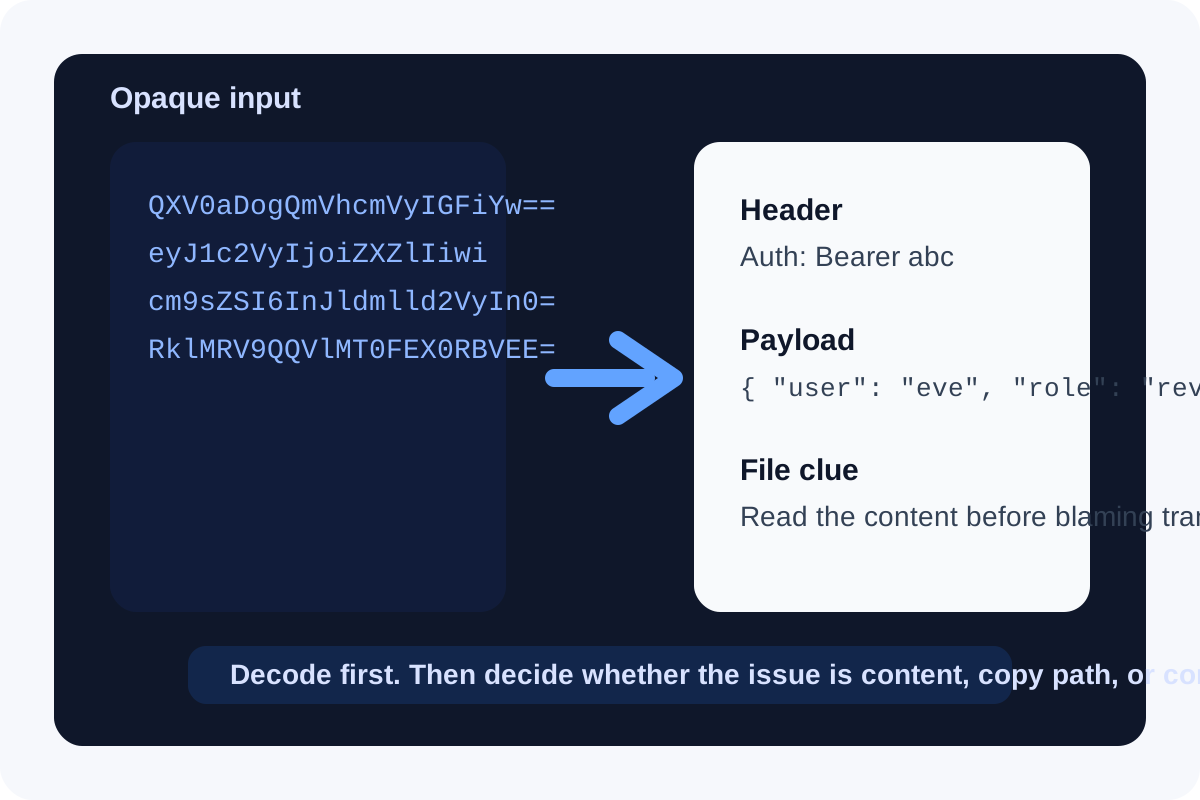
Base64 problems rarely start as 'I need Base64.' They start as 'why does this header look wrong,' 'what exactly is inside this copied blob,' or 'did the file survive the handoff intact.' When encoded text becomes the thing everyone passes around, the fastest move is often to decode one real sample before you guess whether the bug lives in transport, parsing, or the original content.
A short decode-first tutorial
- Paste one copied Base64 value exactly as it was received, without trimming characters or rewrapping the string first.
- Decode it and read the output as text, JSON, HTML, or obvious binary markers so you know what kind of content you are actually holding.
- If the decoded result is readable, compare that content with the source you expected rather than staring at the encoded version.
- If the decoded result looks broken, check whether the string was truncated, double-encoded, or copied from the wrong field before you investigate the downstream system.
- Only after you understand the decoded payload should you decide whether you need to re-encode, transform, or move it into another tool.
Where this catches real mistakes fast
- A copied API header or token fragment looks valid enough, but you are not sure whether it carries the expected plain-text or JSON content.
- An exported config field contains a long Base64 blob and the team keeps debating whether the issue is with the blob or with how the app reads it.
- A pasted inline asset or attachment field may have survived chat, email, or spreadsheet handoff only partially.
- A system claims to accept Base64 file content, but the first question should be whether the pasted value still decodes into the expected file signature or readable text.
Why Base64 feels more mysterious than it is
Base64 is encoding, not protection. Its job is to move binary or structured content through text-only paths more safely. That makes it useful, but it also means people often overestimate how much meaning is hidden inside the blob. Decoding reduces a long opaque string back into something you can reason about directly.
Related UtilFlow moves
If the decoded result is JSON, move next into JSON Formatter or JSON Validator. If it turns into a data URL or embedded image, use Base64 Image instead. If the value is not Base64 at all but percent-encoded, switch to URL Encode/Decode before you keep tracing the wrong encoding path.
FAQ
When should I decode Base64 first?
Decode first when the real question is what content the string carries, whether the copy survived intact, or whether the next system is receiving the right payload at all.
Does Base64 decoding tell me whether the content is valid?
It tells you what the content is, not whether the business logic accepts it. That is still a critical first step because it separates encoding questions from application questions.
What if the decoded result still looks wrong?
Check for truncation, the wrong source field, or double-encoding before blaming the consumer. A bad decoded result usually means the encoded input or copy path is already suspect.