Decode Base64 Before You Debug the Wrong Header, Token, or Payload
Use a Base64 problem-solving workflow when an encoded value looks suspicious and the fastest next step is understanding what it actually contains.
Open Base64 Encode/Decode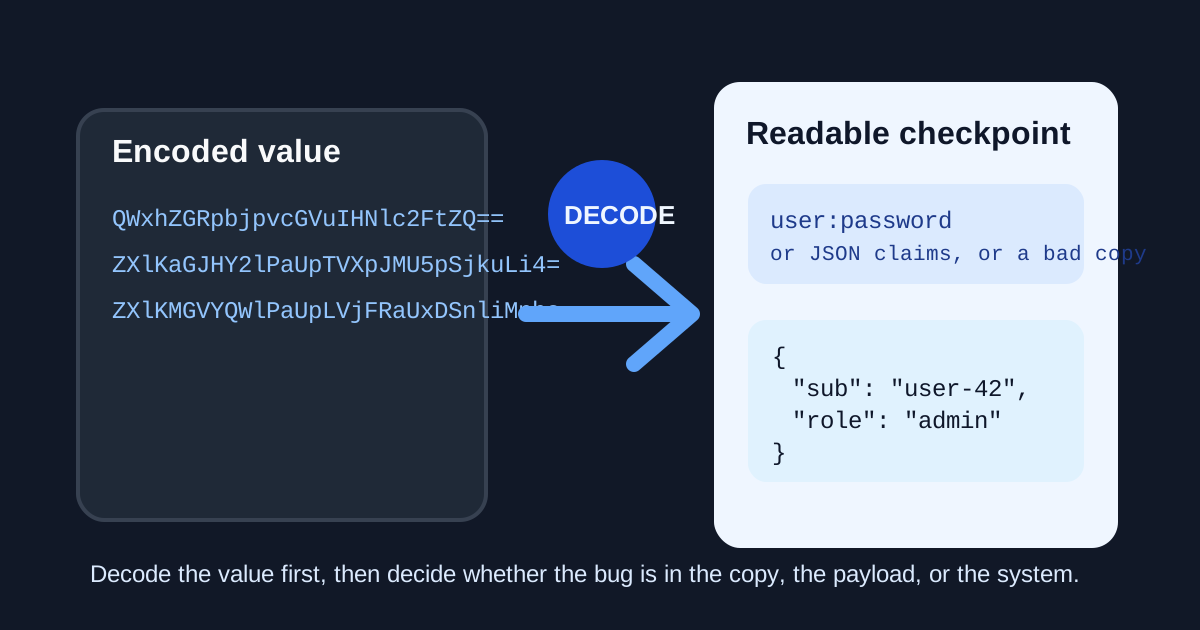
A copied value that starts with letters, slashes, and equals signs often triggers the wrong reaction: someone keeps tracing the network path before checking whether the encoded value is readable enough to explain itself. Base64 is only a representation. If the actual problem is a malformed Basic Auth header, an unreadable config blob, or a token segment copied incorrectly, decoding it first can remove half the mystery.
What problem this solves quickly
The useful question is usually not can I decode Base64. It is am I even debugging the right thing? Once the readable content appears, you can tell whether the value is plain text, JSON, a credential pair, or something incomplete that never should have been trusted as-is.
A practical problem-first workflow
- Copy the encoded value exactly as received, including any padding, before editing or trimming it.
- Decode it once to see whether it becomes readable text, structured data, or obvious garbage from a bad copy.
- If the decoded output is text or JSON, inspect the actual fields before blaming transport, middleware, or the API.
- If decoding fails, suspect truncation, whitespace damage, or URL-safe Base64 differences before inventing a larger systems problem.
- Re-encode only when you need to verify that a clean source value round-trips into the form the destination expects.
Where this catches the wrong debugging path
- A Basic Auth header should reveal a username and password pair but the copied value looks malformed.
- A config or environment value may only be an encoded plain-text secret or JSON object.
- A token segment or embedded payload may decode into readable claims that explain the failure faster than log spelunking.
- A copied Base64 value may simply be incomplete, making every later downstream error look more complex than it is.
What decoding does not prove
Readable output is not the same as valid authorization or correct application behavior. Decoding tells you what the value contains, not whether the system should trust it. That is still enough to prevent wasted debugging on the wrong layer.
Related UtilFlow moves
If the decoded result is JSON, continue into JSON Formatter or JSON Validator next. If the decoded output turns into a URL or query string, move to URL Parse or URL Encode so the next inspection step matches the actual data type.
FAQ
Why decode Base64 before debugging a request?
Because the decoded content often shows whether you are dealing with plain text, JSON, a credential pair, or an incomplete copy before you blame the surrounding system.
What usually causes Base64 decoding to fail?
Truncation, missing padding, whitespace damage, or a URL-safe variant are common causes.
Does decoding a value mean it is safe or valid?
No. Decoding only reveals the content. You still have to decide whether that content is expected, authorized, and complete.