Count a 30-Day Notice Period Backwards Before the Deadline Gets Disputed
Use a date calculator when the argument is no longer about the task itself, but about which exact date started the clock and whether a 30-day window was counted correctly.
Open Date Calculator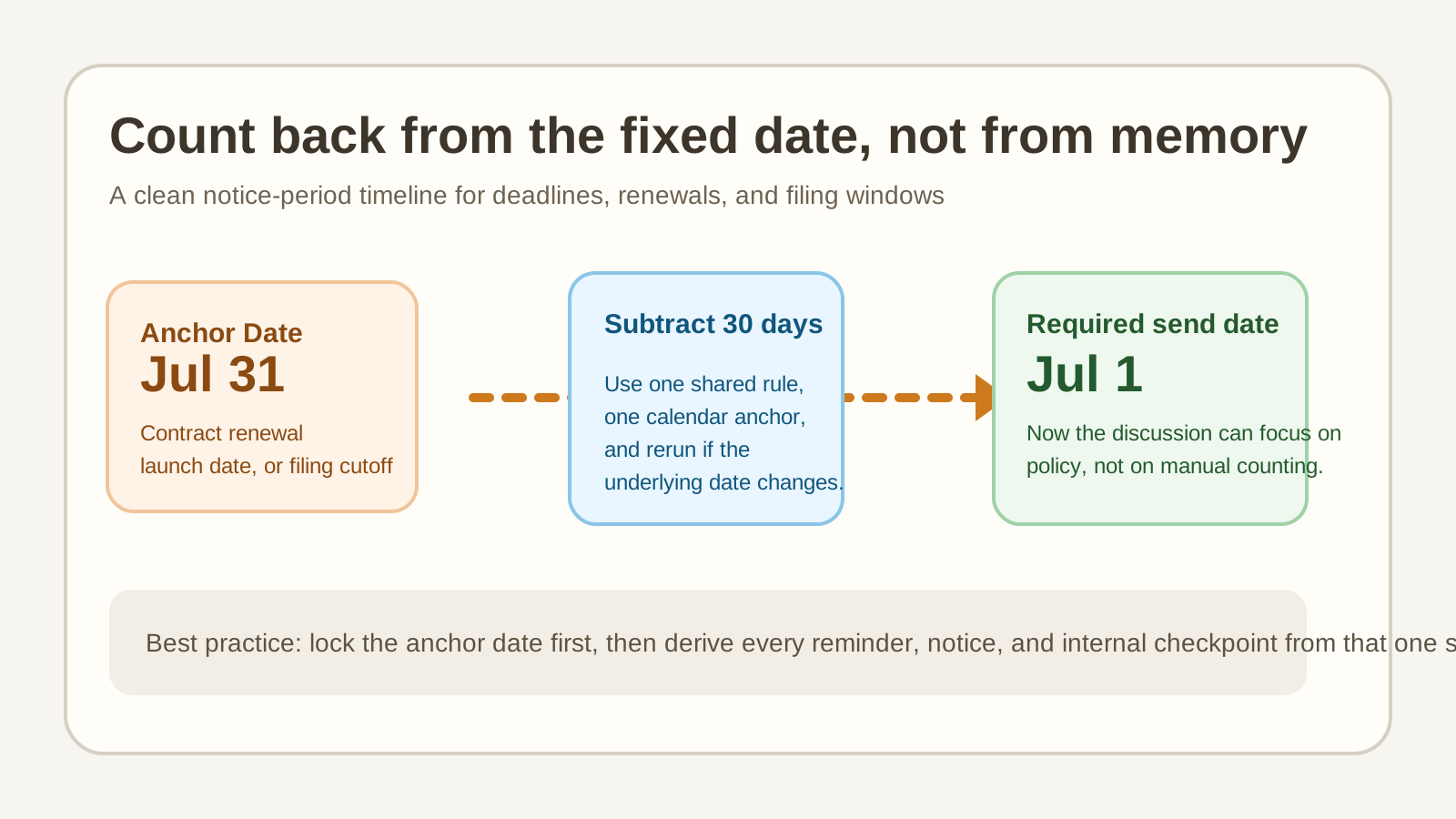
A notice window sounds simple until two people count from different anchors. One person starts from the event date, another starts from the send date, and someone else forgets whether weekends matter for this specific policy. A quick date-calculator tutorial does not solve the legal policy question for you, but it does stop the arithmetic from becoming the reason the decision drifts.
A clean count-back tutorial
- Write down the fixed anchor first: the renewal date, cancellation deadline, launch date, filing cutoff, or maintenance start.
- Confirm the rule you are trying to satisfy before you count: for example, 30 days before, 14 days after, or 45 days from receipt.
- Use the Date Calculator with the anchor date and the exact number of days so the target date is generated consistently instead of counted by hand in a thread.
- Copy that result into the email draft, checklist, or runbook where the date will actually be used.
- If the rule or anchor changes, rerun the calculation instead of editing the date manually and hoping the offset still holds.
Where this saves real time
- A contract cancellation needs a 30-day notice and nobody wants the send date challenged later.
- A product launch has to trigger reminder emails 7, 14, and 30 days in advance.
- A maintenance notice needs to land before a weekend window and the team keeps counting from the wrong operational milestone.
- A hiring or application process has one submission date and several prep dates that all need to be derived from it.
The practical point
The tool is valuable because it externalizes the counting. Instead of trusting whoever counted boxes on a calendar fastest, the team gets one reproducible date from one stated assumption. That makes it easier to review the policy question separately from the arithmetic question.
Related UtilFlow moves
If you need to explain a cron-based follow-up schedule after the deadline is known, continue to Cron Parser next. If the date result needs to become a month view or planning artifact, move to Calendar Maker after the date is settled.
FAQ
What should I confirm before using a date calculator for a notice period?
Confirm the anchor date and the exact rule first. The arithmetic is easy once you know whether the window counts before, after, or from a specific event.
Why count with a tool instead of a calendar screenshot?
Because manual counting is easy to misread in chat or email, especially when dates shift and the offset has to be recalculated quickly.
Does this replace legal or policy review?
No. It helps with the date math. You still need to confirm the actual policy, contract language, or filing rule that defines how the window should be counted.