Convert Markdown Notes Into HTML Before the Help-Center Copy Loses Its Structure
Use a tutorial-first Markdown to HTML workflow when the writing is already clean in Markdown but the help center, CMS, or announcement tool still wants paste-ready HTML.
Open Markdown to HTML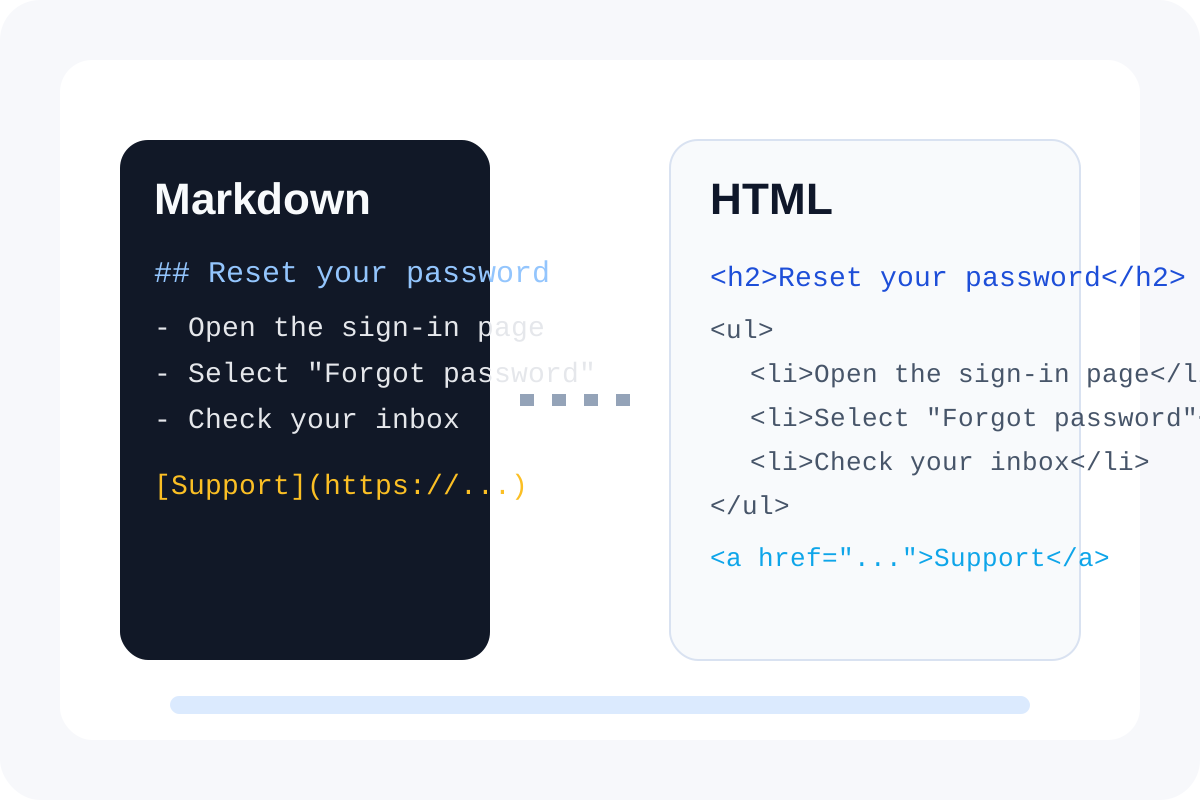
Markdown is often the easiest place to get the words right. The problem comes later, when the destination editor wants HTML and the clean structure in the draft risks getting rebuilt by hand. A Markdown to HTML converter helps because it preserves the headings, lists, links, and code blocks you already settled before the publishing handoff starts mutating them.
A short tutorial workflow
- Finish the main content edits in Markdown first so the structure is stable before conversion.
- Convert the draft to HTML and preview the result while the original Markdown is still beside you.
- Check the parts that are easiest to lose in a help-center or CMS handoff: headings, nested lists, links, tables, and code blocks.
- Copy the HTML only after the structure is clean enough that the next issue, if it appears, clearly belongs to the destination editor and not to the source draft.
What to inspect before you paste
- Heading levels should still describe the information hierarchy clearly.
- Bullets should remain bullets instead of flattening into plain paragraphs.
- Links should keep the right anchor text and destination URL.
- Inline code and fenced code should still be visually distinct where the receiving editor supports them.
Why this is faster than manual rebuilding
Manual rebuilding creates a second writing surface exactly when the content should already be stabilizing. Converting first keeps the source of truth in Markdown and turns the HTML step into a transport choice instead of a fresh formatting exercise.
A useful stop point
Stop after the HTML preview looks structurally right. Do not keep editing deeply inside the output unless the destination demands it. If the Markdown changes later, reconvert from the source rather than maintaining two versions by hand.
Related UtilFlow moves
If the content starts as pasted HTML from an older system, reverse the workflow with HTML to Markdown first. If the final HTML block needs inspection after styling or embedding, run it through HTML Preview before the live paste.
FAQ
When should I convert Markdown to HTML?
Convert it when the writing is already correct in Markdown and the destination system mainly needs HTML for import, paste, or rendering.
What usually breaks in the handoff?
Heading hierarchy, nested lists, links, tables, and code formatting are the first things worth checking.
Should I keep editing the HTML after conversion?
Prefer editing the Markdown source and reconverting unless the destination requires a tiny output-specific fix.