Build a Waterfall Chart to Show What Moved the Total
Use a waterfall chart when stakeholders do not just need the final number. They need to see which additions and deductions pushed the total from start to finish.
Open Waterfall Chart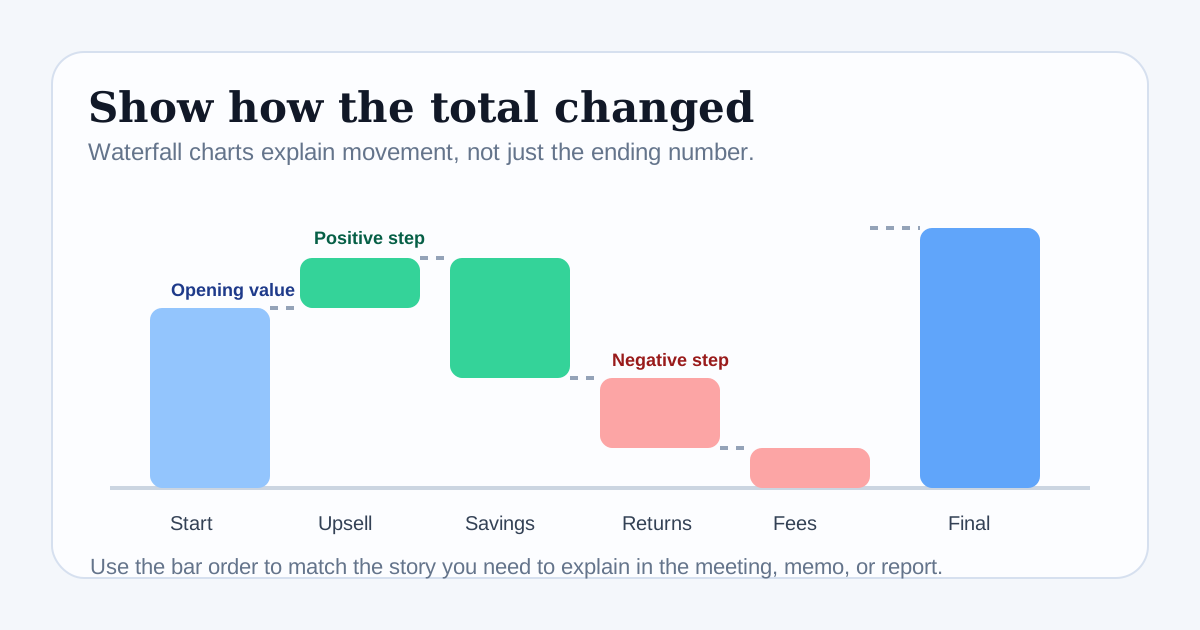
A total alone hides the path that created it. A waterfall chart is useful when the audience needs to understand movement: what increased the number, what pulled it down, and where the final value ended up after all the intermediate steps.
When a waterfall chart is the right chart
Choose this chart when the core question is explanation, not just comparison. Budget changes, margin bridges, inventory adjustments, savings offsets, or month-over-month deltas all work well because the reader needs a narrative of movement rather than a flat ranking of categories.
Build the dataset in the right order
- Start with the opening value that anchors the story.
- List each positive or negative step in the order it actually happened or should be explained.
- Keep the step labels short and specific so the chart stays readable.
- Finish with the closing total once the sequence of changes is complete.
What makes a good waterfall chart tutorial result
- Each step answers a real why question, not a vague label like other or misc.
- Positive and negative changes are visually easy to distinguish.
- The order matches the spoken explanation you would give in a meeting.
- The final total clearly reconciles with the opening value and the intervening steps.
Common reading mistakes to catch before export
If the audience cannot tell whether a bar adds to or subtracts from the total, the message will fail. Also check that the sequence does not bury the biggest driver too late, and that the labels describe business events rather than raw account codes.
Related UtilFlow moves
If the source starts as a pasted table, clean the rows with CSV Chart or Table Generator first so the waterfall sequence is easier to inspect before you publish the final visual.
FAQ
What does a waterfall chart explain better than a bar chart?
It explains how a starting value changes through sequential additions and deductions before arriving at a final total.
What kind of labels work best in a waterfall chart?
Use short labels that describe the actual driver of change, such as discount, freight cost, churn, upsell, or returns.
What should I check before exporting the chart?
Check the step order, sign direction, label clarity, and whether the closing total actually matches the sequence of changes shown.