Build a Line Chart When a Table Hides the Real Trend
Use a simple line chart tutorial when the message is change over time and a raw table keeps the audience staring at numbers instead of the direction.
Open Line Chart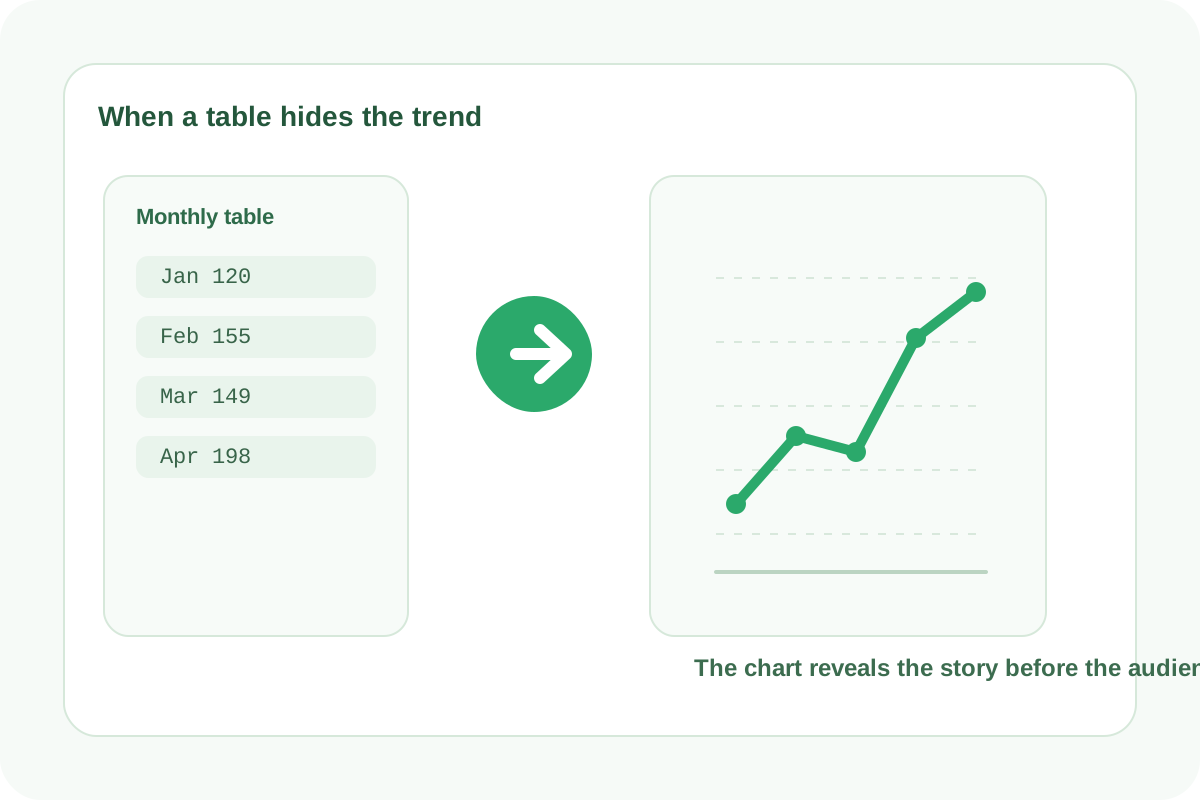
A table can be accurate and still fail at communication. When the real question is whether something rose, fell, flattened, or broke pattern, a line chart is often the faster answer. The chart does not replace the data table forever. It turns the data into something the audience can interpret before they read every row.
Use a line chart when time or sequence matters
- Weekly traffic or sign-up counts.
- Monthly revenue, spend, or ticket volume.
- Daily readings from an experiment, campaign, or operational metric.
- Any ordered series where the shape matters more than one isolated value.
A quick tutorial workflow
- Keep the first column as the time or sequence label.
- Use consistent intervals so the viewer is not comparing uneven gaps.
- Add one or more numeric series, but avoid cluttering the chart with more lines than the story needs.
- Preview the chart and check whether the axis labels, peaks, and drops are readable at the actual export size.
- If the trend is still unclear, shorten the timeframe or split categories into separate charts instead of forcing too much into one view.
What makes the trend easier to read
A line chart works best when labels are ordered, the intervals are consistent, and the viewer can see turning points without deciphering a crowded legend. The goal is not decoration. The goal is to make the direction visible quickly.
When another chart is better
If the audience only needs category comparison at one moment, use a bar chart instead. If the story is composition rather than movement, a pie or donut chart may fit better. The line chart is strongest when change over time is the actual message.
Related UtilFlow moves
If the source data starts as pasted rows, clean it with CSV Chart Maker or Table Generator first. If the audience later needs exact comparison between categories, rebuild the same values as a bar chart.
FAQ
What data belongs in a line chart?
Use ordered labels such as dates, weeks, or stages, plus numeric values that show how something changes across that sequence.
Why does my line chart look confusing?
The labels may be inconsistent, the timeframe may be too crowded, or there may be too many lines competing in one view.
When should I switch from a line chart to a bar chart?
Switch when the message is category comparison at one point in time rather than movement across a sequence.