Why "heic to pdf" and "compress pdf to 1mb free" Keep Rising in Mobile Upload Workflows
Use a trend-focused Compress PDF guide when the real job starts on a phone: HEIC photos have to become one acceptable document, the portal has a hard size ceiling, and users are searching for the smallest workflow that actually gets the upload through.
Open Compress PDF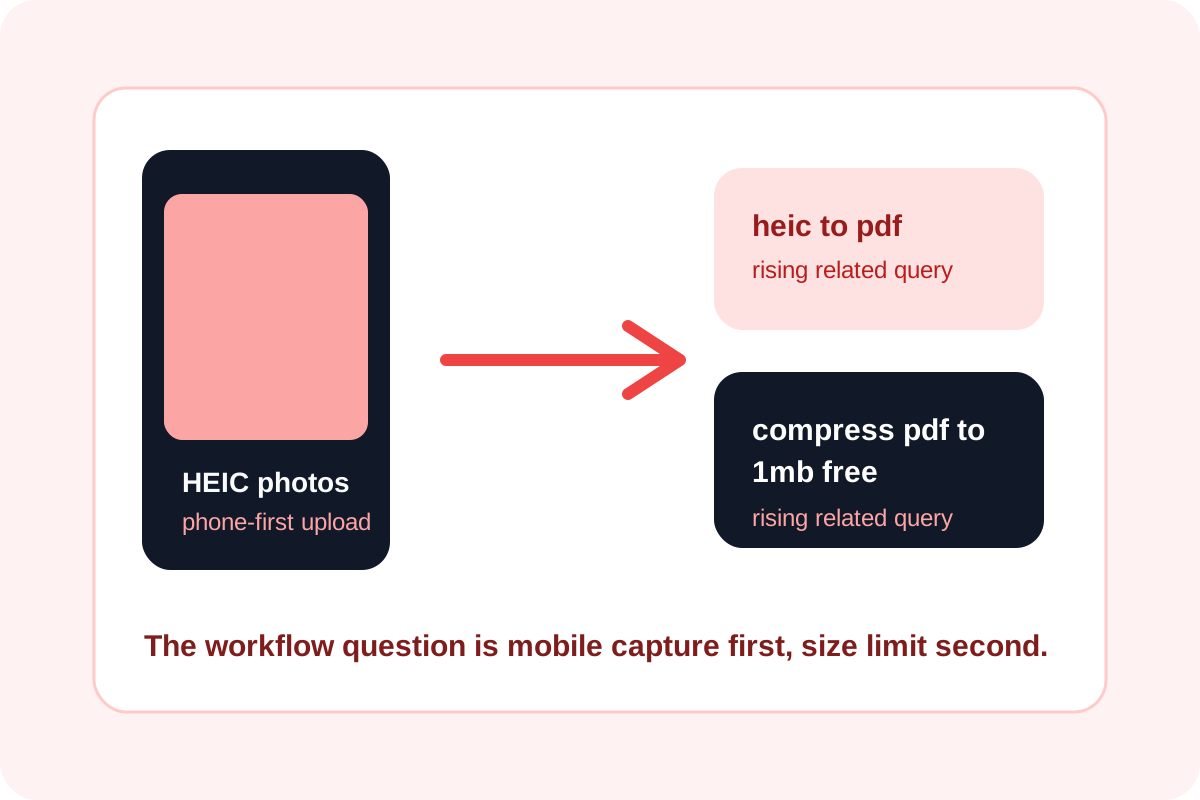
Google Trends related-query signals in the United States point to the same underlying workflow problem from two directions. On one side, heic to pdf is rising because phone-first capture is now the start of many document tasks. On the other, compress pdf to 1mb free is rising because the destination still imposes a blunt file-size ceiling after the document already exists. Together, those searches describe a single mobile upload path rather than two separate jobs.
What the trend terms are really saying
- heic to pdf points to iPhone-originated photos that need to become one accepted document format quickly.
- compress pdf to 1mb free points to hard portal limits where the document is already assembled but still too large to pass.
- how to compress pdf on iphone, another rising related query for compress pdf, shows that many users do not start on a laptop at all.
Why Compress PDF sits at the end of the real workflow
Compression matters most after the document structure is already right. If the phone photos are still separate, the first problem is not size. It is packaging. Once the document is one PDF, Compress PDF becomes the cleanup step that helps a portal, form, or attachment limit accept the file without forcing the user to restart on another device.
When the 1 MB search becomes urgent
The phrase compress pdf to 1mb free is not abstract keyword behavior. It usually appears when a real upload has already failed once. The user is no longer browsing for general PDF advice. They need a smaller file now, ideally with the least additional friction and without sacrificing the parts that still need to remain readable.
A mobile-first decision path
- If the source is still a set of HEIC or JPG photos, package them into one PDF first so the destination sees a document rather than a loose image set.
- Open Compress PDF only after the file is structurally correct and you know the actual size limit you have to hit.
- Reduce the file enough to pass the destination, then reopen the result to confirm that signatures, numbers, and small text still survive the size cut.
- If the destination does not state the limit clearly, keep the final file comfortably below the last failure point instead of shaving it down blindly.
Why this trend is likely to persist
Phone capture keeps moving earlier in the document chain, while portals, application systems, and attachments still enforce old file ceilings. That combination keeps pushing users toward the same two searches: first how to turn the phone images into a PDF, then how to shrink the finished PDF enough to submit it.
Related UtilFlow moves
If the workflow starts with phone photos, use Images to PDF before compression. If the source pages need resizing before packaging, use Image Resizer first so the final PDF does not carry unnecessary image weight into the compression step.
FAQ
Which Google Trends terms shaped this article?
I used the rising related-query terms heic to pdf and compress pdf to 1mb free, plus how to compress pdf on iphone as supporting context for the same mobile upload workflow.
Why not compress the images before creating the PDF every time?
Sometimes that is useful, but the practical handoff question is usually whether the final document now passes the portal, not whether every source image was optimized in isolation first.
What should I check after compressing a PDF for upload?
Check the file size against the destination limit and reopen the result to confirm that text, signatures, and page details are still readable enough for the submission.