How to Merge PDF Files Online
Combine multiple PDF files into one document, keep pages in the right order, and prepare a cleaner packet for sharing or upload.
Open Merge PDF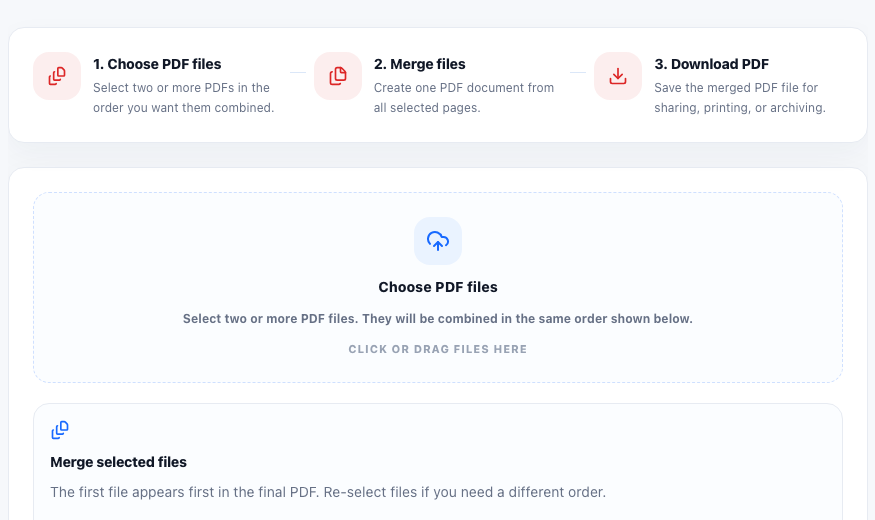
Merging PDFs is useful when separate files need to become one clean document. Applications, invoices, contracts, reports, receipts, and scanned pages are often easier to send, review, and archive after they are combined into a single PDF.
When to merge PDF files
- Combining several forms into one upload packet.
- Joining invoice pages, receipts, or supporting documents.
- Preparing a report from separate cover, content, and appendix files.
- Keeping scanned pages together after they were created as separate PDFs.
Keep the order clear before merging
The most important part of a PDF merge workflow is page order. Add files in the order they should appear, review the file list before running the merge, then open the final PDF to confirm that the first page, section breaks, and ending pages all match the intended sequence.
Useful follow-up checks
After merging, count pages, compress the final PDF if the file is large, or convert selected pages to images when you need a visual preview. If one section is wrong, split or extract pages before creating the final version again.
FAQ
Can I merge PDFs in a specific order?
Yes. Add the files in the order you want them to appear, then check the final PDF after the merge.
Why is my merged PDF file large?
The final size depends on the original files. Scanned pages, images, fonts, and graphics can make the merged PDF larger.
What should I do after combining PDF files?
Open the merged PDF, confirm the page order, check the page count, and compress it if the final file is too large.