What Image Compression Actually Trades Away Before You Shrink a Banner, Screenshot, or Upload
Use an image-compression technical guide when the file is structurally correct and the real question is how much visual detail can be traded away before the smaller copy stops doing its job.
Open Image Compressor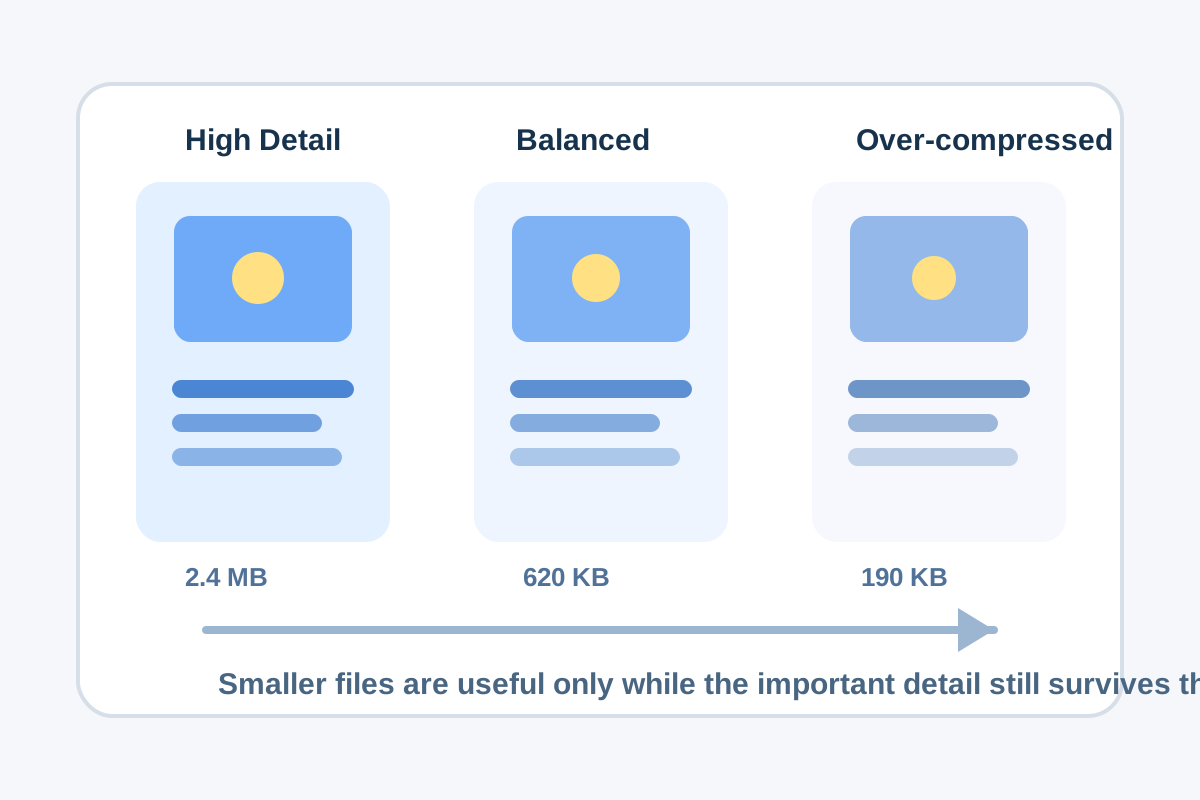
Compression feels simple because the interface often offers one slider and one smaller number. The real trade is less simple: compression keeps the image shape but throws away some amount of visual fidelity, often in edges, gradients, small text, and low-contrast detail. That is why a chart screenshot, a UI capture, and a soft photo do not tolerate the same level of compression equally.
What compression changes technically
- It reduces file weight by encoding the image more compactly, sometimes with information loss that is hard to see at first glance.
- It does not change the logical subject of the file, but it can soften edges, flatten subtle gradients, and blur small lettering or interface chrome.
- It does not correct the wrong aspect ratio, wrong crop, or wrong export format; those are separate problems.
- It works best after the image already has the right frame size and destination format.
Why screenshots and charts are fragile
Text-heavy visuals degrade differently from photos. A product shot can often absorb some softness. A screenshot with tiny labels, a dashboard tile, or a chart legend may become unreadable after a much smaller change. When the image carries information rather than mood, the safe threshold is usually higher than people expect.
A safer technical workflow
- Confirm the image already has the right crop, dimensions, and format before compression becomes the active question.
- Lower quality in small steps and compare not only the whole image, but the most detail-sensitive area such as text, icons, or chart labels.
- Judge the result at the approximate viewing size the audience will actually use, not only zoomed out in a preview.
- Stop as soon as the file clears the real delivery limit instead of chasing the smallest possible number by habit.
Related UtilFlow moves
Resize the image first if the canvas is still much larger than the destination. If the file type itself is wrong for the target system, use Image Format Converter before compression so you do not judge quality on the wrong export path.
FAQ
What does image compression actually remove?
It removes some file overhead and, depending on the settings and format, may also discard visual detail that is considered less important by the encoder.
Why do screenshots often look worse than photos after compression?
Because screenshots rely on crisp edges, small text, and interface detail that degrade faster than softer photographic content.
What is the safest way to compress an image?
Compress only after the image already has the right crop, dimensions, and format, then stop once it clears the actual delivery limit without hurting the important details.