Check Image Dimensions and File Size Before You Resize
Use an image metadata viewer to separate pixel-size problems from file-size problems before you crop, compress, or upload the wrong fix.
Open Image Metadata Viewer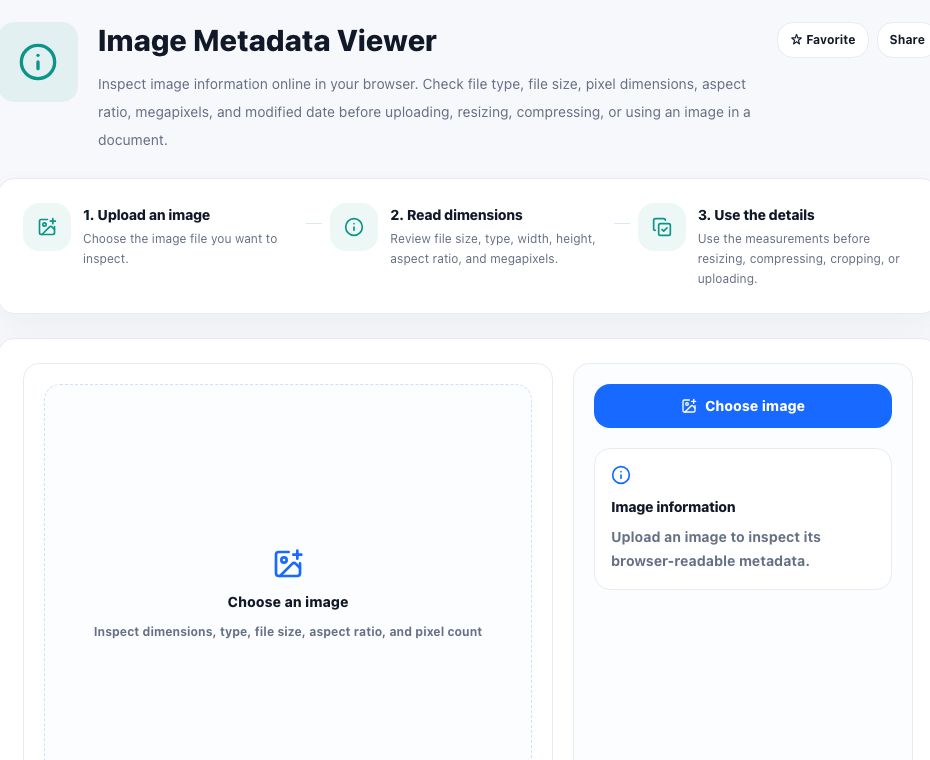
Many image problems sound the same even when they need different fixes. A marketplace may reject a file because the pixel dimensions are too small. An email system may reject it because the file size is too large. A design handoff may look wrong because the aspect ratio does not match the destination slot. An image metadata viewer helps separate those cases before you edit the image blindly.
What the metadata check tells you
- File size, which matters for upload limits and attachment rules.
- Pixel dimensions, which matter for layout requirements and minimum-resolution checks.
- Aspect ratio, which tells you whether the image shape matches the target frame.
- File type and megapixels, which help explain compatibility or quality expectations.
Why dimensions and file size are not the same problem
A wide image can still have a small file size if it is heavily compressed. A physically small image can still have a large file size if it was saved inefficiently. That is why the first technical step should be inspection. Once you know whether the constraint is pixels, weight, or shape, the next tool choice becomes obvious.
Use the measurements to pick the right next step
Resize when the destination requires a specific width or height. Crop when the aspect ratio is wrong but the important content can be reframed. Compress when the pixel dimensions are already acceptable and only the file weight needs to come down. Converting formats can help when compatibility is the main issue.
A small check that saves rework
Reading the metadata first prevents the common loop where someone resizes an image that only needed compression, or compresses an image that was actually too small in pixels to begin with. That makes the viewer a good decision tool before any edit starts.
FAQ
What is the difference between file size and image dimensions?
File size is how much storage the file uses, while image dimensions are the pixel width and height of the image.
When should I crop instead of resize?
Crop when the image shape is wrong for the destination but the important content can still fit inside the new frame.
Why check aspect ratio before uploading?
A mismatched aspect ratio often causes awkward automatic cropping, empty space, or rejected uploads in systems that expect a specific image shape.