Use a Tomato Timer When Context Switching Keeps Turning One Task Into Five Half Starts
Use a tomato timer problem-solving workflow when the work is not unclear but keeps getting chopped into too many small interruptions to finish cleanly.
Open Tomato Timer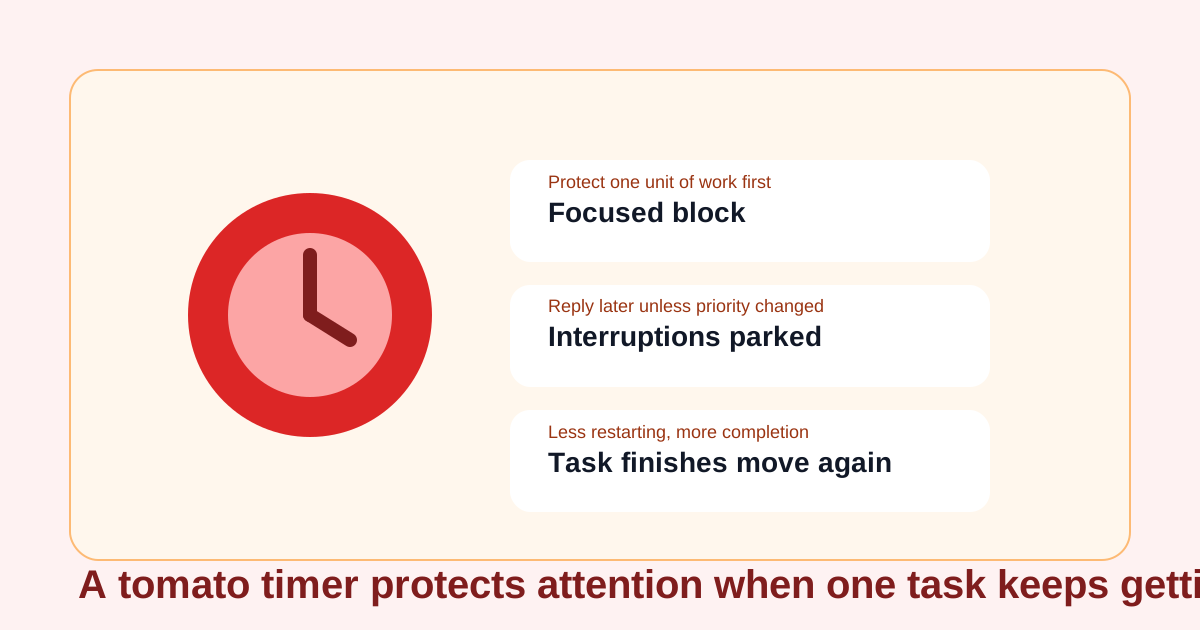
A lot of stalled work is not caused by a lack of motivation or a lack of tools. It comes from repeated context switching. You open a draft, answer one message, check one link, adjust one note, and suddenly the hour contains five starts and no finish. A tomato timer helps because it turns one block of work into a defended unit. That is useful when the task is already small enough to start but not protected enough to complete.
What problem this actually solves
The timer is not magic focus by itself. It solves the handoff problem between intention and attention. Instead of asking whether you can finish everything today, it asks whether you can keep one task in the foreground long enough to move it materially forward without reopening every nearby obligation.
Where a tomato timer helps most
- Writing or editing work that keeps getting interrupted by chat and browser drift.
- Admin or planning tasks that are easy to postpone because they feel smaller than the interruptions around them.
- Study sessions where restarting the context costs more than the task itself.
- Debugging or implementation work where one uninterrupted pass is worth more than several fractured attempts.
A problem-first timer workflow
- Choose one concrete unit of work that can advance meaningfully in one focus block, not a vague category like admin or project work.
- Start the tomato timer before opening fresh tabs or checking adjacent requests so the boundary is visible from the first minute.
- Treat the running block as a deferral rule: interruptions can be parked, but they do not get serviced immediately unless the work truly changed priority.
- When the block ends, decide whether the task needs another protected round or whether a break, reply pass, or task handoff now makes more sense.
- Use the timer again when the real failure mode is re-entry, not effort.
Why this works better than waiting to feel more focused
Waiting for a perfect mental state invites more drift. A timer creates a visible start condition and an equally visible stopping point. That structure is often enough to keep a small but important task from being broken apart by lower-value interruptions.
Related UtilFlow moves
If the block should end with a reusable action list, turn the output into a Checklist next. If the task is writing-heavy and you need a quick length check before stopping, pair the focus block with Reading Time or Word Counter so the work ends in a measurable checkpoint.
FAQ
When is a tomato timer better than a loose to-do list?
It is better when you already know what to do but keep losing the task to interruptions before you can finish a real chunk of it.
What should I work on during one timer block?
Pick one concrete unit of work that can move materially forward in that block, such as one draft section, one review pass, or one implementation slice.
What if interruptions keep arriving anyway?
Capture them outside the active block when possible and return to them after the timer ends unless the priority truly changed.