Send a Milestone Invoice Before the Client Has to Guess What the Total Covers
Use an invoice generator when a project milestone is done and the real risk is not arithmetic but ambiguity around scope, dates, taxes, and payment instructions.
Open Invoice Generator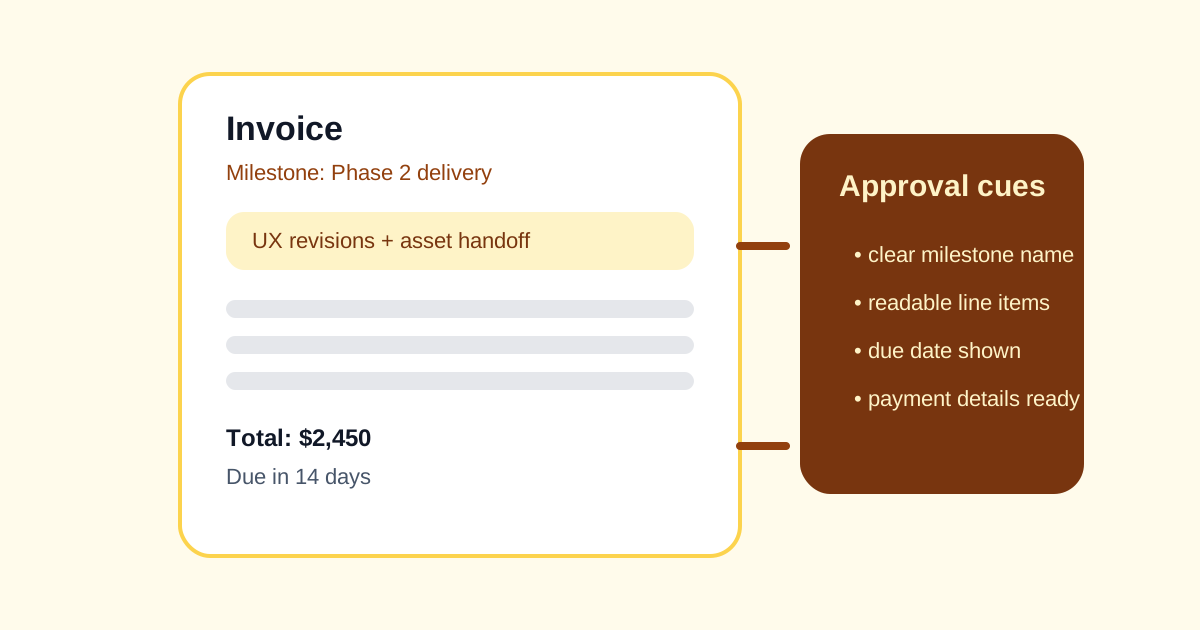
Late payment often begins as a clarity problem before it becomes a collections problem. The invoice reaches a client or finance contact, but the total is vague, the milestone label does not map cleanly to the statement of work, or the due date and payment instructions require a follow-up email. A clean milestone invoice removes those avoidable pauses before the billing thread starts drifting.
The real problem behind a 'simple' invoice
Clients do not only approve numbers. They approve recognizable work. If the invoice does not clearly show which milestone finished, what period it covers, whether tax applies, and how payment should be made, the recipient has to reconstruct the story from old messages. That delay is preventable.
A milestone-billing workflow
- Pull the milestone name, deliverable description, agreed price, and billing date from the approved scope rather than from memory.
- Break the invoice into line items or one clearly named milestone so the recipient can map it back to the contract or email thread.
- Set the due date, currency, tax treatment, and payment instructions before you generate the final document.
- Read the invoice once from the recipient's point of view: would they know what they are paying for without another message?
- Send the invoice while the delivery milestone is still fresh, not several context-switches later when the details need to be rebuilt.
Where ambiguity usually creeps in
- The line item says only 'services' instead of naming the milestone or deliverable.
- The date range is missing even though the client tracks work by month or sprint.
- Tax or discount treatment is implied in chat but not shown clearly on the invoice.
- Payment instructions are incomplete, forcing the recipient to ask where or how the funds should be sent.
Why this solves more than formatting
The invoice generator is useful because it turns a billing note into a document with structure. That structure prompts the sender to fill the fields the receiver actually needs, which is often what keeps a milestone invoice from becoming an unnecessary back-and-forth thread.
Related UtilFlow moves
If the scope list or reimbursable items still live in rough notes, clean them first with Table Generator or Line Sorter before you invoice from them. If the invoice needs to join other billing documents later, export it cleanly first and then package the files together in the next workflow.
FAQ
What should a milestone invoice make obvious?
It should make the delivered work, billing period, total, tax treatment, due timing, and payment instructions obvious without requiring another clarification email.
Why itemize a milestone invoice if the work had a fixed fee?
Even fixed-fee invoices benefit from a clear milestone label or short line-item explanation because recipients still need to map the amount back to the approved work.
When should I send the invoice?
Send it as soon as the milestone is accepted or delivered, while the project context is still clear for both sides.