Build a Shareable Month View Before Another Calendar Invite Does the Wrong Job
Use a calendar maker when people need one visible month plan for dates and milestones, not another stack of meeting invites or reminder notifications.
Open Calendar Maker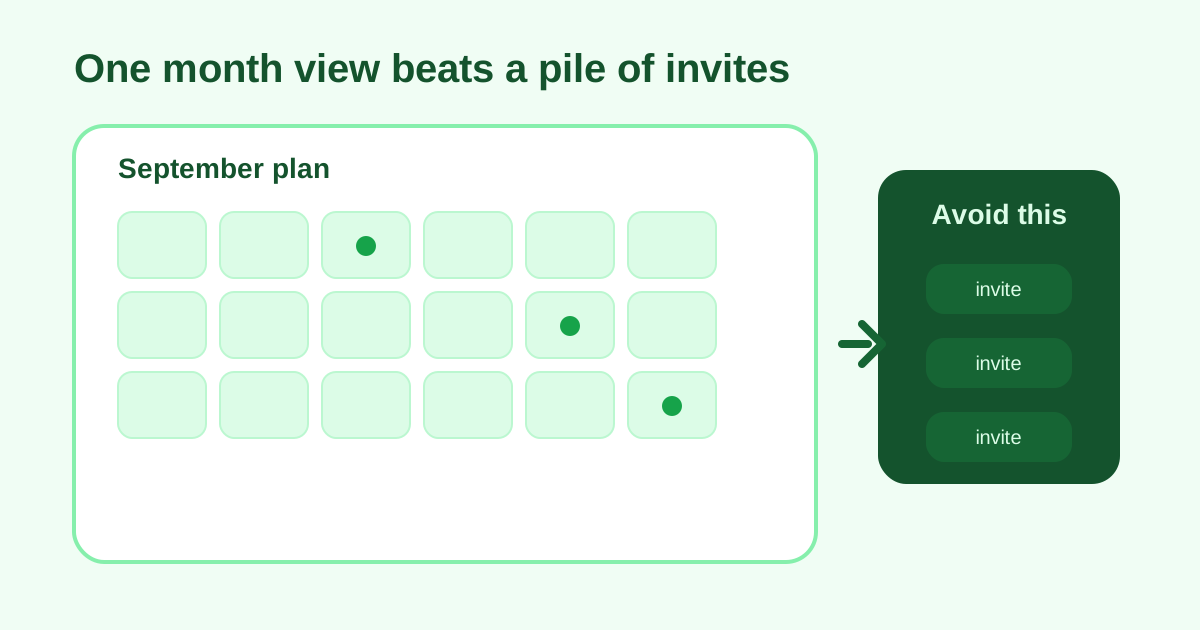
A lot of planning needs visibility more than automation. Teams create another invite because it is the easiest tool at hand, but the audience does not need reminders, accept buttons, or overlapping event cards. They need one visible month view that shows the shape of the work. A lightweight calendar maker is better when the goal is shared orientation rather than calendar-system enforcement.
When a month view is the right tool
- An editorial or launch plan needs visible milestones without booking every date as a meeting.
- A class or study schedule should show the month at a glance before details are written elsewhere.
- A travel or event-prep packet needs one printable reference page.
- A team wants one planning artifact in a doc or slide instead of another set of invites.
A practical month-view workflow
- Choose the exact month and week-start convention your audience expects so the layout feels familiar immediately.
- Generate the clean month grid first before you start stuffing the boxes with too much detail.
- Use the month view as the visible frame, then keep notes, owners, and status details in the surrounding brief or document.
- Share or print the calendar once it reflects the pacing of the month, not after every small task gets turned into its own event.
- Refresh the month view when the schedule changes materially instead of layering more clutter onto an outdated version.
Why invites often do the wrong job here
Invites are optimized for attendance and reminders. A month-view calendar is optimized for seeing spacing, workload clusters, and gaps. When the real question is 'what does this month look like?' a visible calendar usually answers faster than a pile of accepted events.
What to keep outside the grid
The grid should hold dates and the most important markers, not every status note or subtask. If the calendar becomes dense enough that nobody can scan it quickly, it has stopped doing its main job.
Related UtilFlow moves
Use Checklist Maker next if the month view needs a companion action list. If the schedule comes from a rough note first, clean the milestone lines before calendar entry so the shared reference stays readable.
FAQ
When is a simple month view better than calendar invites?
It is better when the audience needs one clear planning reference and not a system of reminders, RSVPs, or individual event objects.
What should I put inside the month grid?
Keep the grid focused on the most important dates or milestones and move detailed notes into the surrounding document or brief.
Why share a month view instead of only listing dates in text?
Because the visual spacing of the month makes clusters, gaps, and pacing easier to understand at a glance.