Turn a Vendor Comparison Grid Into One Clean Markdown Table Before Comments Start Living in the Wrong Column
Use a table-generator workflow when copied comparison notes should become one stable grid for docs, tickets, or review pages before people keep responding to the same information in several shapes.
Open Table Generator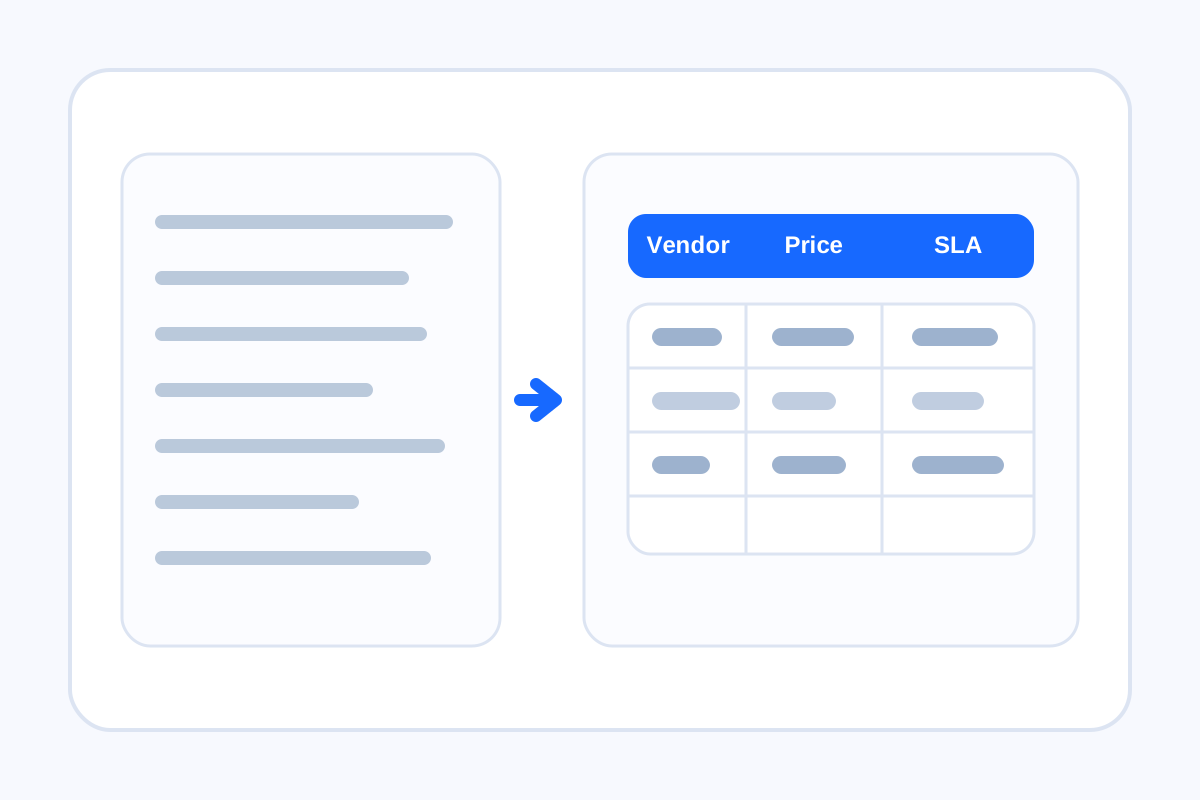
Comparison work gets messy when the same facts appear as bullets in chat, rough rows in a note, and a screenshot in the review doc. People start replying to whichever version they saw first. A table-generator workflow helps because it turns that loose comparison into one stable grid with clear columns that can survive comments, edits, and handoff.
A practical table workflow
- List the comparison fields first, such as vendor, price, SLA, region, notes, or owner.
- Paste the rows into one consistent tabular shape before styling anything.
- Generate the Markdown or HTML table that matches the destination where the review will happen.
- Read the table once for missing cells, broken alignment, or columns that should be split before comments begin.
- Publish or paste the cleaned table into the real document so the review thread anchors to one version.
Where this workflow pays off
- Vendor evaluations shared in a proposal or internal memo.
- Policy or feature comparisons that need a side-by-side view.
- Migration checklists where owners, deadlines, and status should stay aligned by row.
- Any review process where a screenshot would become stale faster than a live text table.
Why the table matters before the comments do
Review quality depends on structure. If the comparison surface is unstable, comments drift into the wrong row, decisions get restated in follow-up messages, and nobody is fully sure which version is current. A clean table gives the discussion one agreed coordinate system.
What to check before you share it
Check that each row means one comparable item, each column holds one kind of information, and long notes are not hiding the fields that should really be separate. The cleanup is worth doing before the table becomes part of a broader decision document.
Related UtilFlow moves
If the rows begin as rough pasted lines, use Line Sorter or Text Cleaner first. If the final review also needs changed wording called out between two table versions, move into Text Diff after the clean table exists.
FAQ
Why make a table before asking for feedback?
Because a stable grid keeps everyone reviewing the same structure instead of reacting to several inconsistent versions of the same comparison.
Should I generate Markdown or HTML?
Choose Markdown for docs, notes, and many tickets, and choose HTML when the destination expects markup directly.
What makes a comparison table easier to review?
Clear columns, one item per row, and no hidden field mixing inside long free-form note cells.