Turn a Loose Launch Plan Into a Checklist Before Small Dependencies Start Hiding in Chat
Use a checklist maker when the work itself is clear enough but the order, ownership, and done-state keep getting lost across notes, chat messages, and partial drafts.
Open Checklist Maker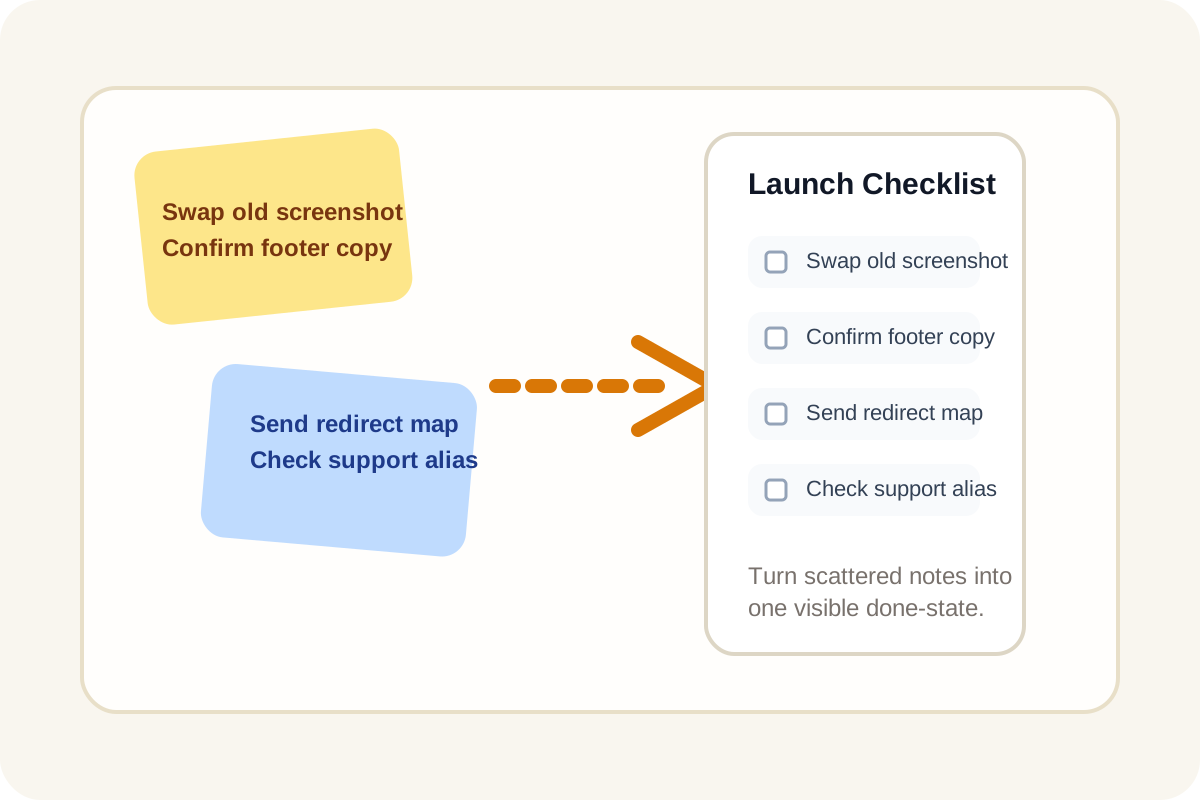
Many launch plans fail in boring ways. Not because the team forgot the big tasks, but because the last small dependencies stayed buried in chat: update the support alias, swap the old screenshot, confirm the legal footer, send the redirect map, clear the staging badge. Everyone vaguely remembers them until one of them is still undone at the worst moment.
Why a loose task list is not enough
A rough note captures ideas. A checklist creates execution pressure. Once each item becomes an explicit unchecked step, the missing pieces stop hiding inside paragraphs and one-line chat replies. That matters for launch work, onboarding packets, classroom projects, audit preparation, and any repeated process where the mistake is usually omission rather than effort.
A better way to convert scattered notes
- Paste the raw lines exactly as they exist now, even if they came from mixed notes or chat fragments.
- Turn them into one Markdown checklist so each line receives a visible done-state instead of staying buried in prose.
- Split vague combined tasks into separate lines when one item really contains review, approval, and delivery steps.
- Move optional nice-to-have tasks into their own block so they do not dilute the must-finish set.
- Copy the final checklist into the doc, issue, or handoff note where the team will actually work from it.
Where this helps immediately
- A product launch needs one final cross-functional pass across content, redirects, screenshots, and support readiness.
- A student project outline has all the right sections but no visible way to track which parts are already complete.
- An operations runbook includes instructions, but the next live run needs a shorter do-this-now version.
- A manager wants one status-ready checklist instead of three fragmented update threads.
Related UtilFlow moves
If the rough notes are noisy before you create the checklist, use Text Cleaner first. If the final checklist needs to become a more formal schedule view, move into Calendar Maker after the task set is stable.
FAQ
Why turn plain text into a checklist instead of leaving it as notes?
Because notes describe work while checklists expose whether the work is actually done, missing, or blocked.
Should every line become a checkbox?
No. Only action items should become checkboxes. Context, references, and optional ideas should stay separate so the task list remains clear.
Where is Markdown checklist output most useful?
It is useful in docs, tickets, README files, project notes, and any tool that supports task-list syntax.