Set one FIFA 2026 match countdown before reminders, posts, and run sheets drift
Use a FIFA 2026 countdown workflow when one target match time has to stay consistent across reminders, watch plans, event notes, and shareable updates.
Open FIFA 2026 Countdown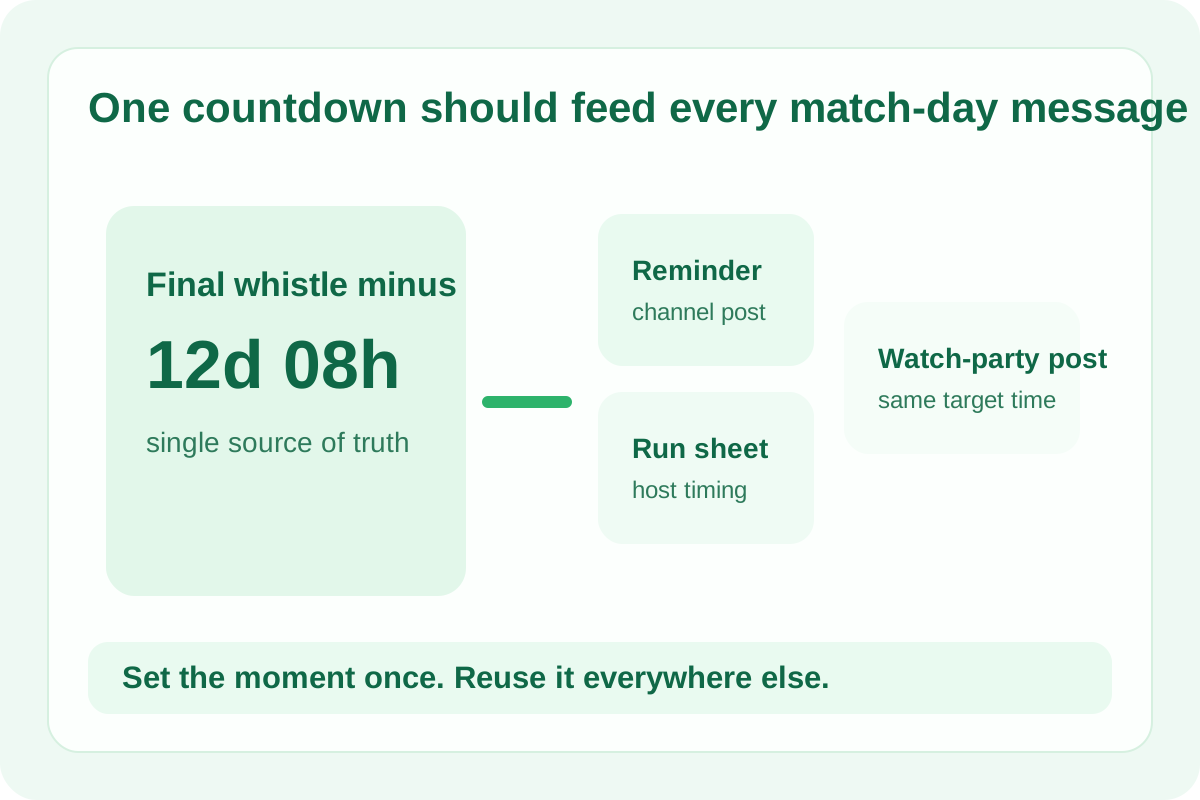
Countdown mistakes are usually coordination mistakes. One person writes the kickoff reminder, another drafts the watch-party post, and a third builds the event run sheet. If each version is typed separately, one time-zone adjustment or last-minute correction can split the audience across three different start times.
A practical countdown workflow
- Set the exact match or event title first so every exported countdown string points to the same moment.
- Enter the target date and time once and verify it before you share anything downstream.
- Use the live countdown as the reference view while writing reminders, post copy, or event notes.
- Copy the countdown text only after the timer is tied to the right match and date.
Where a live countdown is more useful than a static note
- A watch-party message needs an easy 'time remaining' update rather than only a calendar date.
- A team channel wants a short teaser that stays relevant as the match approaches.
- An event host needs one clean target for arrival, broadcast check, and guest reminder timing.
- A fan page or community note wants one consistent countdown label instead of multiple manually updated posts.
What to verify before copying the result
Check the event name, target date, and whether the surrounding workflow expects local time or a tournament reference time. The timer is useful precisely because it centralizes that decision before it spreads into messages and plans.
Why this beats rewriting the time in every channel
A single countdown object is easier to trust than five manually typed reminders. It reduces the chance that a copied kickoff time, edited social caption, or run-of-show note keeps an older version of the schedule.
Related UtilFlow moves
If you still need to convert kickoff time for different viewers, use the FIFA 2026 Schedule Converter first. If the countdown is for a knockout path rather than one match, continue into FIFA 2026 Bracket Maker after the schedule is settled.
FAQ
When is a FIFA 2026 countdown most useful?
It is most useful when one match time has to stay consistent across reminders, messages, and event planning notes.
Should I verify the date before sharing the countdown?
Yes. The countdown becomes the source of truth, so confirming the match title and exact target date is the important first step.
Can I reuse the countdown in posts or run sheets?
Yes. The workflow is designed for copying a clear countdown result into messages, social captions, or event-planning documents.