Turn Match Details Into a Shareable Poster After the Time, Venue, and Colors Stop Changing
Use a match poster workflow when the task is packaging confirmed fixture details into one graphic that people can repost without retyping the essentials.
Open FIFA 2026 Match Poster Maker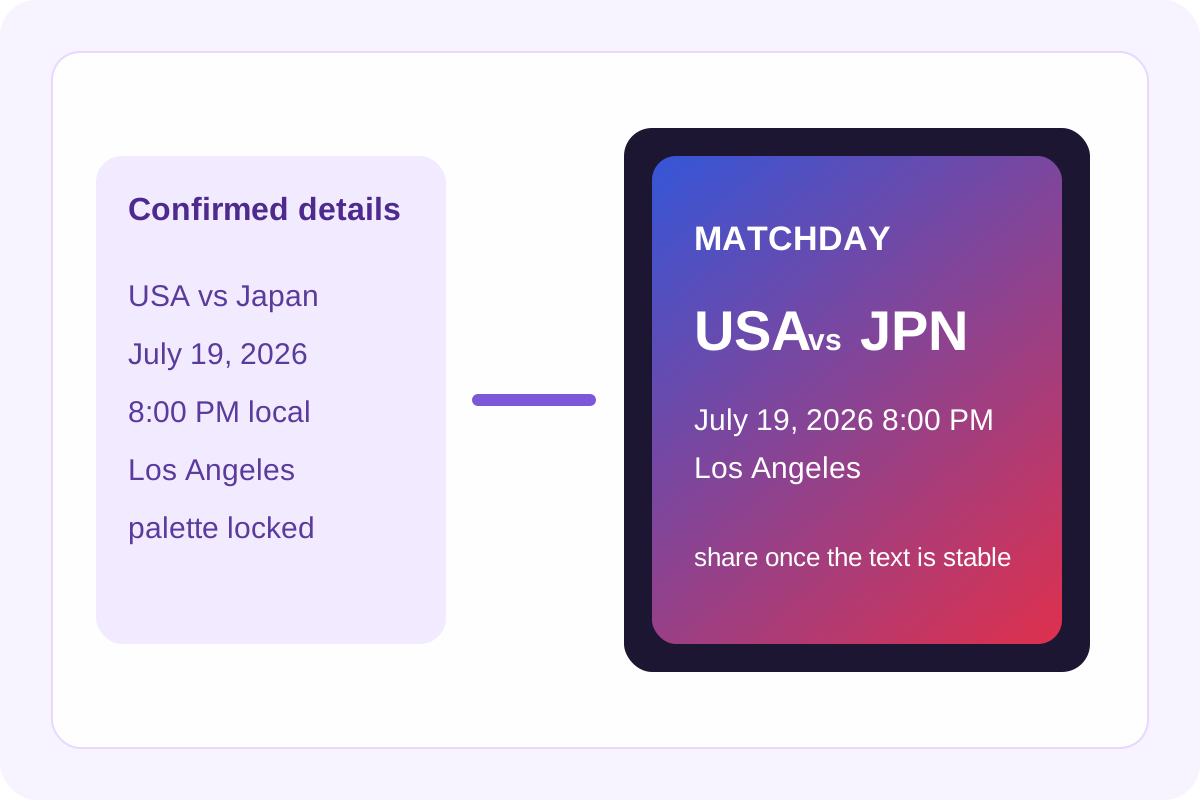
A useful match poster is not just decoration. It is a compact delivery format for the details people actually need: who is playing, when kickoff happens, where the match is, and what visual style makes the asset feel intentional enough to share. The workflow becomes easy once those details stop changing. Before that, poster design is just rework.
The practical order
- Confirm the two teams, kickoff time, venue, and short event label before you open the poster workflow.
- Enter the match details exactly once so the poster becomes the clean reference asset rather than another draft with conflicting text.
- Choose a color direction that supports readability first and team flavor second.
- Preview the layout with the real names and time string, then adjust only the details that affect scanability.
- Download the SVG when the poster is ready for social posts, newsletters, watch-party messages, or a quick landing-page block.
What to check before exporting
- Confirm the kickoff time is already in the audience's expected time zone.
- Check that venue names and short labels are spelled consistently with the rest of the event materials.
- Make sure the two primary colors still leave enough contrast for the match text.
- Read the poster once at small size, because most people will first see it inside a feed, message, or mobile preview.
Why posters work better after the details stabilize
Poster assets spread fast and then become hard to retract. Waiting until the time, venue, and labeling are settled means the graphic acts as a trustworthy summary instead of an attractive source of confusion.
Related UtilFlow moves
Use Schedule Converter first if the kickoff must be localized before it appears on the poster. If you want matching team colors or reusable CSS variables for a whole set of graphics, continue into Team Flag Color Palette after the poster direction is chosen.
FAQ
When should I make the poster in the workflow?
Make it after the teams, kickoff time, venue, and general color direction are confirmed, so the poster does not become a stale draft.
Why export the poster as SVG?
Because SVG stays sharp across feeds, messages, and larger placements while remaining easy to reuse in lightweight design workflows.
What is the main quality check before sharing a match poster?
Read it at small size and confirm the time, venue, and team names are instantly scannable without zooming in.