Convert FIFA 2026 Kickoff Times to Local Time Before a Watch Plan Falls Apart
Use the FIFA 2026 Schedule Converter when the hard part is not finding the match list but keeping local kickoff times, venues, and shared plans aligned across time zones.
Open FIFA 2026 Schedule Converter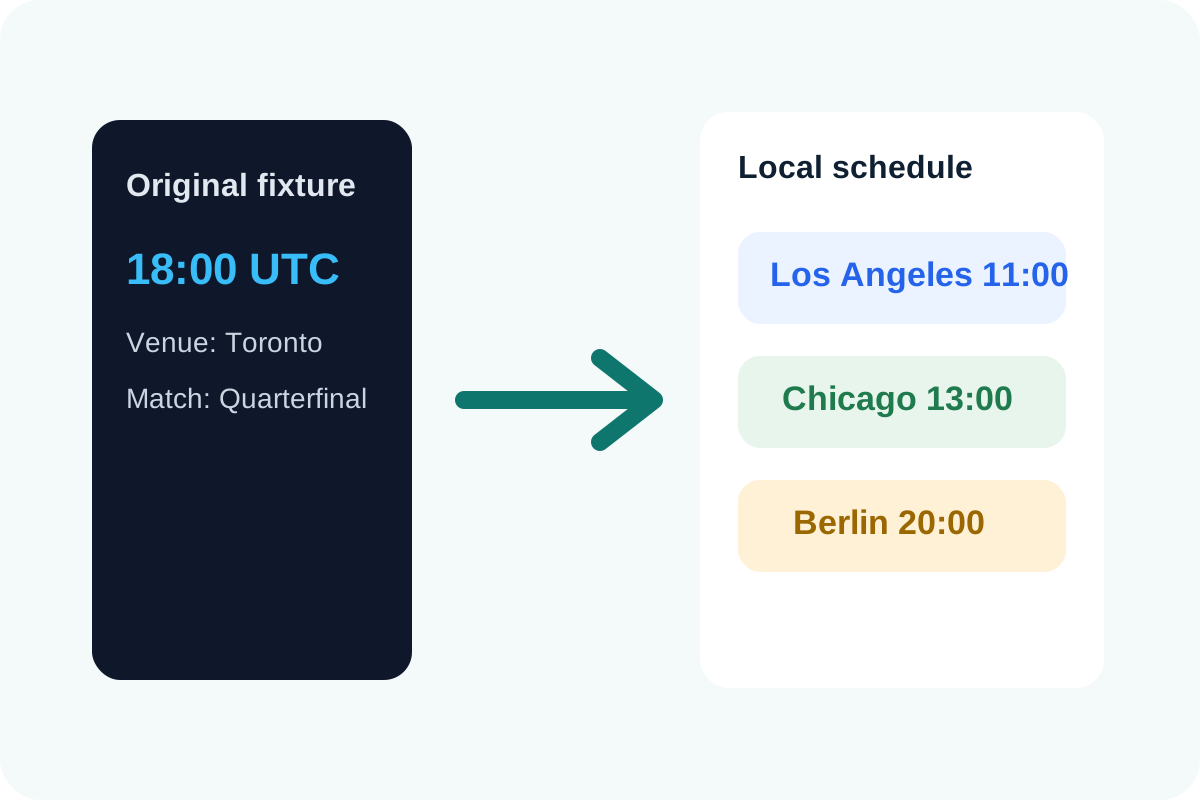
Tournament planning gets messy fast when one person shares the host-city kickoff, another rewrites it for their own timezone, and someone else forwards the wrong local time into a group chat. The schedule itself may be correct while the shared plan quietly drifts. A local-time conversion workflow keeps the match list usable for real people instead of leaving every recipient to do the timezone math alone.
The practical problem
FIFA 2026 match planning is rarely a solo note. It becomes a newsletter block, a watch-party plan, a classroom schedule, a travel reminder, or a family message thread. Once several people in different places rely on the same fixture, one timezone assumption can break the whole handoff.
A safer local-time workflow
- Paste the fixtures, kickoff timestamps, and venues before rewriting anything manually.
- Review the converted schedule in your browser's local timezone so the output matches the place where you are actually planning.
- Copy the converted table directly into your note, message, or watch-party plan instead of retyping each kickoff.
- Re-run the conversion when the fixture set changes instead of editing several local times by hand.
Where this prevents avoidable confusion
- Sharing a local watch schedule with friends or fans in the same city.
- Preparing match reminders for a newsletter or community post.
- Planning viewing around school, work, or travel when kickoff time determines the whole day.
- Keeping venue notes and kickoff times together so the match context is not separated from the time conversion.
Why local conversion beats one-off message math
Manual timezone translation is fine for one match and fragile for many. Once several fixtures are involved, a clean converted table is easier to trust, easier to share, and easier to update than a trail of edited chat messages.
Related UtilFlow moves
Use Fixture CSV to Calendar after the local schedule is confirmed if the next step is getting matches onto a real calendar. Use Countdown when one specific match needs a shareable timer rather than a table of kickoff times.
FAQ
Why convert FIFA 2026 match times instead of sharing the source kickoff times directly?
Because most recipients need to know when the match starts where they are, not where the original schedule was published.
When is a local-time conversion tool most useful?
It is most useful when several fixtures need to be shared, updated, or copied into another planning surface without repeating timezone math by hand.
What should I keep with the converted kickoff time?
Keep the match label and venue context together with the local time so the schedule remains understandable after it is forwarded or copied elsewhere.