Turn a FIFA 2026 Fixture CSV Into a Calendar Before Plans Scatter
Use a fixture CSV to calendar workflow when the real job is getting match times into the calendar people already check instead of leaving the schedule trapped in a spreadsheet.
Open Fixture CSV to Calendar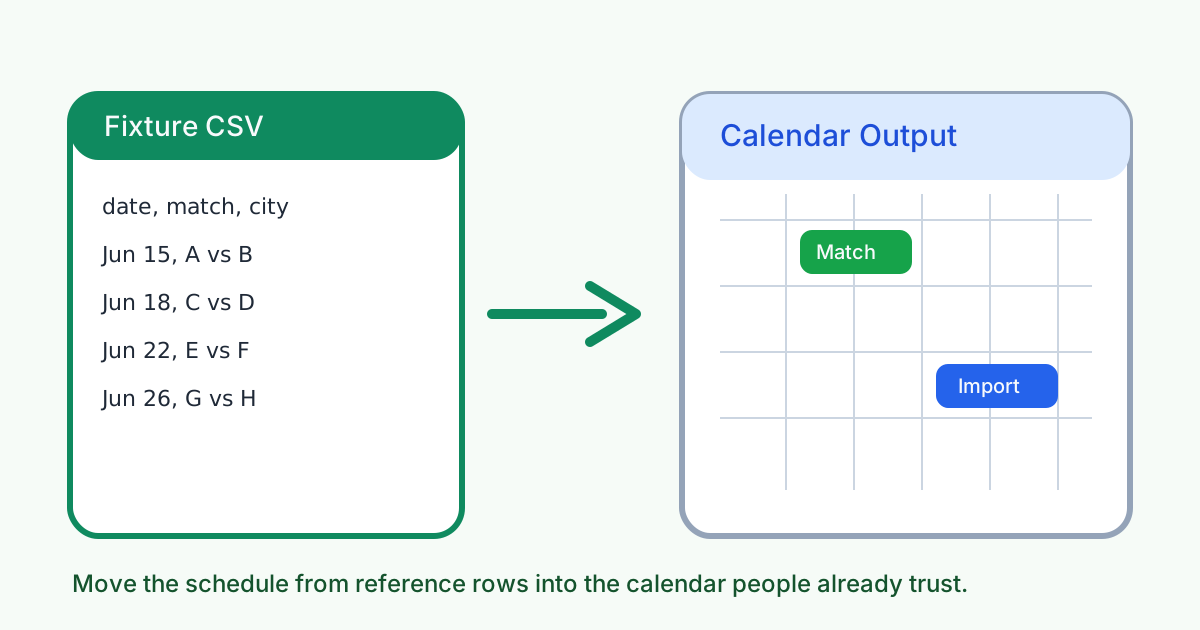
A fixture list in CSV is useful for sorting, filtering, and sharing raw rows. It is not where people actually remember to show up. When match planning starts spreading across chat threads, screenshots, and copied kickoff notes, the better move is to turn the selected rows into a calendar file that drops directly into the schedule everyone already checks.
A simple tutorial workflow
- Clean the fixture CSV first so each row has the match title, date, and time you actually want to import.
- Import or paste the rows into the schedule-conversion flow and check that the event naming stays readable in calendar view.
- Generate the calendar output and test it with one or two events before you distribute the full file widely.
- Share the resulting calendar file with the group that needs reminders, not just the original spreadsheet.
Why the calendar version works better than the CSV alone
A spreadsheet is reference material. A calendar is operational. It gives you reminders, date placement, and a version of the schedule that lives beside real life instead of in a separate file someone has to remember to reopen.
What to verify before you send the file
- Check that kickoff times use the intended timezone before the file reaches people in other regions.
- Check that event names are short enough to read in day and week views.
- Check whether the group needs all fixtures or only one team, venue, or watch-window subset.
- Check that the imported events land on the correct dates after the calendar app reads them.
When to stop and download
Stop after the calendar file is generated if the group only needs a schedule they can subscribe to or import. Continue into Schedule Converter first when local-time checking is still the bigger problem than calendar packaging.
Related UtilFlow moves
Use Schedule Converter before this step when a watch party or operations group needs to confirm local kickoff times. Use Bracket Maker later if the planning conversation shifts from dates into knockout-stage scenario tracking.
FAQ
Why convert fixture CSV rows into a calendar?
Because calendar events are easier to follow in daily life than a spreadsheet that must be reopened and interpreted each time.
What should I check before sharing the calendar file?
Check timezone handling, readable event titles, the right fixture subset, and whether the events land on the expected dates after import.
When is this tutorial most useful?
It is most useful for watch groups, team staff, venues, or fan communities that already manage plans through calendar apps.