Resize the Image for the Real Slot Before You Export Five Wrong Sizes
Use an image resizer when the repeated failure is not file size alone, but guessing at dimensions before you know the actual card, slide, listing, or upload slot the image must fit.
Open Image Resizer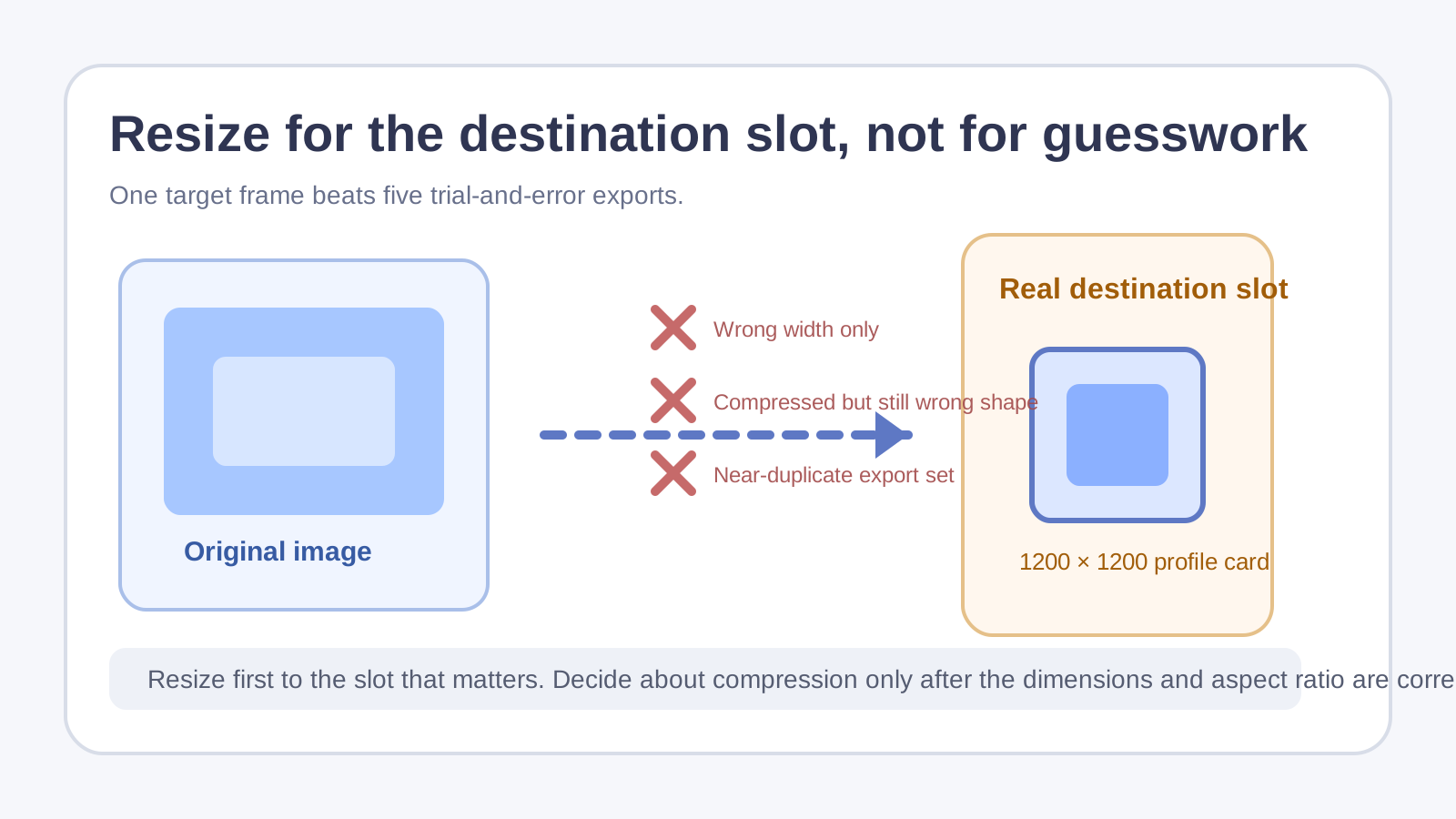
A lot of image resizing waste comes from solving the wrong problem in the wrong order. Teams export a huge original, then a slightly smaller one, then another version for email, then another for the CMS, and still miss the real destination because nobody started with the slot dimensions that actually matter. An image resizer works best when it is tied to the target frame, not to vague ideas like 'make it smaller.'
What usually goes wrong
- A marketplace or CMS accepts the file size but crops the wrong area because the aspect ratio was off.
- A slide or card component needs a fixed width, yet the team keeps exporting visually similar but incompatible sizes.
- A screenshot is compressed first even though the true problem is that it is physically too wide for the destination.
- A logo gets scaled several times in different tools and ends up softer than if one clean target size had been chosen earlier.
A better way to resize once
- Find the real destination dimensions first: upload slot, slide placeholder, social crop, report column, or email module.
- Resize to that target while keeping aspect ratio when the destination allows it.
- If the destination is flexible but the file is still too heavy, only then decide whether compression is needed.
- Check the result at the size people will actually see, not only at full-screen zoom.
- Keep one named master per destination instead of a pile of nearly identical exports with unclear differences.
Why dimensions beat file-size panic
When an image is too large for the frame, compression can shrink bytes without fixing layout. Resizing handles the structural mismatch first. Only after the image fits the real slot does it make sense to ask whether the file still needs to be lighter.
Related UtilFlow moves
Use Aspect Ratio Calculator first if the destination gives a ratio instead of exact pixels. If the resized file still needs to move through a tighter upload limit, continue to Image Compressor after the dimensions are correct rather than before.
FAQ
Should I resize or compress first?
Resize first when the main mismatch is dimensions. Compress later only if the correctly sized file is still too large to share or upload.
Why do I keep getting rejected even when the file is smaller?
Because many destinations care about pixel dimensions or aspect ratio as much as file size. A smaller file can still be the wrong shape.
What is the best source of truth for a target size?
The actual destination slot: the product listing, slide layout, CMS module, report template, or upload requirement the image must fit.