Pull team flag colors into one usable palette before a match graphic starts fighting itself
Use a team flag color palette tool when a football visual needs to feel team-specific without turning into a noisy clash of guessed shades.
Open Team Flag Color Palette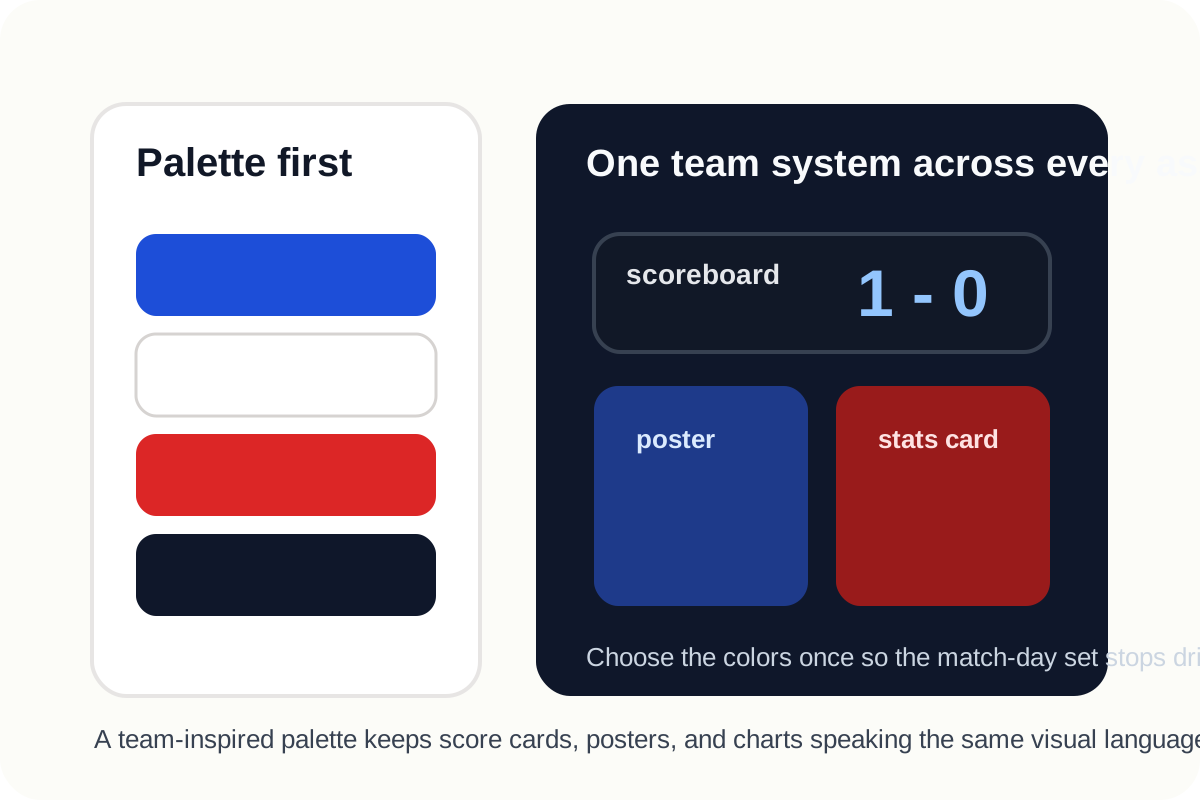
Match graphics often fail before the typography or layout does. The colors fight each other, one shade looks off-brand, or the background and accent colors all compete at once. The problem usually starts with guessed team colors pulled from memory, low-quality screenshots, or whatever preset happened to be nearby. A dedicated team palette step keeps the visual grounded before the asset grows more complicated.
Why guessed colors drift fast
- A single flag color is remembered correctly, but the supporting tones are invented inconsistently.
- A screenshot or broadcast frame introduces lighting shifts that are mistaken for the actual team palette.
- A poster, scoreboard, and stats card each reuse different reds, blues, or neutrals for the same team.
- High-contrast combinations become hard to read once text, badges, and overlays are added.
A cleaner palette workflow
- Choose the team-inspired palette before you begin layout work so the whole graphic grows from one color system.
- Separate the likely background color, primary accent, and small highlight tone instead of treating every color as equally loud.
- Check readability for score text and labels rather than choosing shades by emotional preference alone.
- Reuse the same palette across related assets so the match-day set feels intentional instead of improvised.
- Only after the palette feels stable should you move into the scoreboard or poster step.
Where this helps beyond one poster
A stable team palette is reusable infrastructure. Once you have it, the same color decisions can carry across result cards, watch-party screens, stats charts, social slides, and quick SVG assets without forcing a new color argument every time the match context changes.
Related UtilFlow moves
Continue directly into Football Scoreboard Image Maker or Match Poster Maker once the colors are set. If the post also needs a comparison visual, bring the same palette into FIFA 2026 Stats Chart Maker so the chart and the headline card still belong to the same match story.
FAQ
Why start with a palette before the scoreboard or poster?
Because stable colors prevent the later layout from drifting into mismatched shades that make the asset feel improvised.
Should every team color be equally strong in the final graphic?
No. Most match graphics work better when one color leads, another supports, and the rest stay restrained enough for readable text and contrast.
What is the real benefit of a team-inspired palette tool?
It gives you a reusable, coherent color system for multiple match assets instead of forcing you to guess colors separately in every graphic.