Prepare a Clean Freelance Invoice Before Sending It
Use a repeatable invoicing workflow so a client sees clear line items, totals, and payment details the first time.
Open Invoice Generator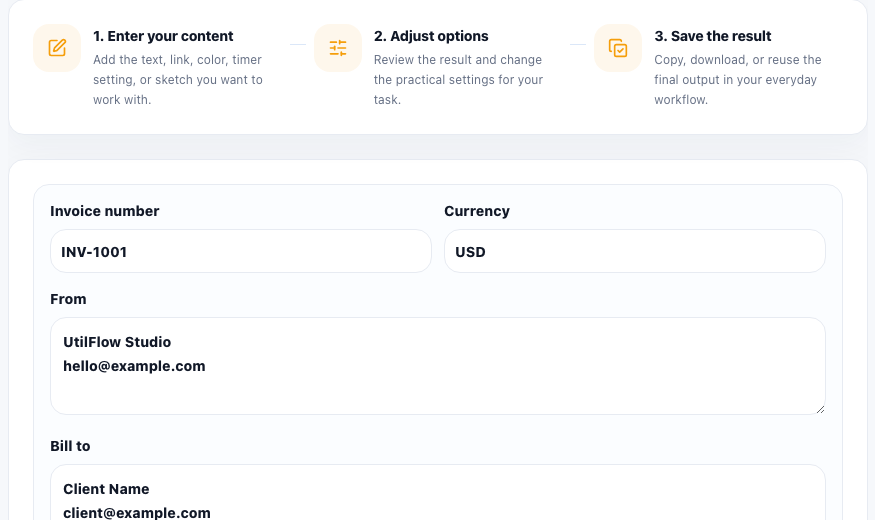
A client invoice works best when it answers the obvious questions before anyone asks them. Who is billing whom, what work was delivered, how much each item costs, whether tax or discounts apply, and how payment should be made all need to be visible without forcing the recipient to decode a vague spreadsheet or email thread.
Build the invoice from the agreement, not from memory
Before filling anything out, gather the agreed project name, billing period, line items, rates, tax treatment, currency, and payment instructions. The most common invoice mistakes come from reconstructing details after the work is already done instead of using the approved scope and price terms directly.
A clean sending workflow
- Enter your sender details exactly as you want them to appear on repeat invoices.
- Add the client or finance contact details so the invoice can move through approval without a follow-up clarification.
- Break the work into clear line items instead of one vague total, especially when the project included phases, revisions, or reimbursable costs.
- Review discounts, tax, and final totals before copying or printing the invoice.
- Read the finished invoice once as if you were the recipient, then send the document together with any supporting notes or attachments.
Why line-item clarity matters
A short invoice can still be ambiguous if every service is merged into one label. Clear itemization speeds up approval because the client can map the invoice back to the statement of work, purchase order, or message thread where the price was discussed.
What to check before sending
Make sure names are spelled correctly, the invoice date and due timing match your agreement, tax handling is consistent, and payment details are complete. If the recipient has to ask where to pay, which currency applies, or what a line item means, the invoice was not finished yet.
Keep the workflow reusable
The practical advantage of an online invoice generator is not only speed for one invoice. It is consistency across future invoices. Once the structure is stable, you spend less time reformatting and more time checking whether the financial details are actually correct.
FAQ
What should a simple freelance invoice include?
Include sender details, client details, invoice date, line items, quantities or rates, taxes or discounts when relevant, the final total, and clear payment instructions.
Why should I itemize the work instead of using one total?
Clear line items reduce approval friction because the client can connect the invoice back to the agreed work and spot any issue before payment is delayed.
What is the last check before sending an invoice?
Read the invoice from the client’s point of view and confirm that identity, scope, totals, due timing, and payment details are all obvious.