Keep Small Text Readable While You Compress Screenshots for a Ticket or Doc
Use an image compressor tutorial when a screenshot needs to get smaller for upload, but the bug line, form label, or settings value still has to survive the handoff.
Open Image Compressor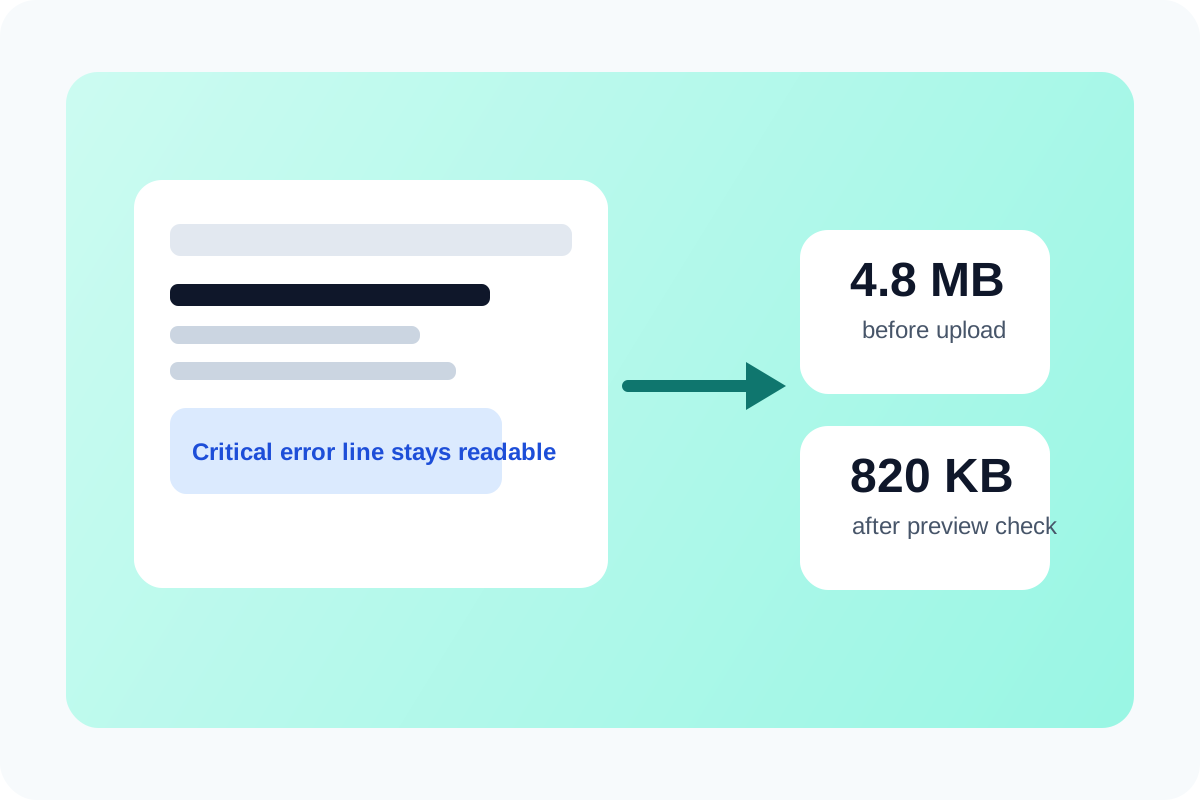
Screenshot compression is different from compressing a casual photo. The useful detail is often tiny: one error string, one browser setting, one highlighted cell, or one clipped label. If compression turns that proof into blur, the smaller file did not help. The tutorial goal is to reduce size while preserving the line people actually need to inspect.
A practical screenshot-compression tutorial
- Start with the original screenshot and decide whether the destination limit is a real problem before you compress anything.
- Preview the compressed result at the size reviewers will actually read, not only as a thumbnail.
- Keep compression light when the screenshot contains code, settings panels, spreadsheets, or dense text.
- If the image is far wider than the destination, resize or crop first instead of forcing aggressive compression alone.
- Download the smallest version that still keeps the critical line, value, or annotation readable on the first open.
Where people over-compress by mistake
- Support tickets where a tiny console line or stack trace matters.
- Process docs where a button label or menu path must stay legible.
- Compliance or admin screenshots where one account number or date field is the actual evidence.
- Meeting notes or QA handoffs where the screenshot will be pasted into a doc and read again later.
Why preview matters more than the percentage slider
Compression settings are only meaningful relative to the content. A number that works for a phone photo can ruin a UI screenshot. Preview is the real decision tool because it shows whether the handoff still contains the information that made the screenshot worth sharing in the first place.
What to do if compression still hurts readability
Reduce dimensions more carefully, crop to the relevant area, or split one giant screenshot into two smaller readable ones. Those changes often preserve meaning better than forcing a single heavy-compression pass on a very large image.
Related UtilFlow moves
If the screenshot needs cleaner framing first, crop it before compressing. If several screenshots have to travel together, compress them individually and then rebuild the packet in a PDF or document step only after each page image is still readable.
FAQ
Why do screenshots get blurry faster than photos when compressed?
Because screenshots often contain sharp text and edges, which degrade visibly under stronger compression even when a photo would still look acceptable.
Should I resize or compress a screenshot first?
If the screenshot is much larger than the destination requires, resize or crop first. If the dimensions are already right, compress first and preview carefully.
What is the last check before I upload the compressed screenshot?
Open the result at reading size and confirm the exact text, field, or visual proof still communicates the issue without guesswork.