Convert the Image Format Before Transparency, Color, or Compatibility Breaks the Handoff
Use an image-format problem guide when the asset looks visually done but the destination still rejects the file because the wrong format changed transparency, color behavior, or compatibility.
Open Image Format Converter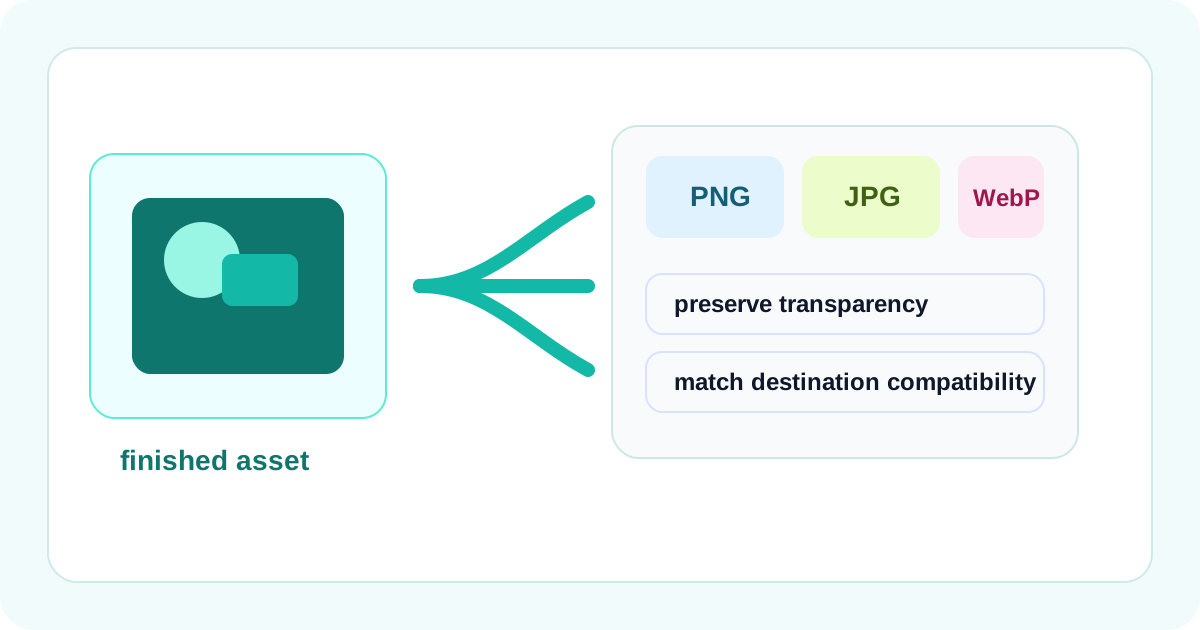
The image can be correct and the handoff can still fail. A logo loses transparency when someone exports JPG by habit. A screenshot turns muddy because the destination expected PNG-like sharpness. A web page accepts WebP while a support portal still wants a more ordinary format. These are not design revisions. They are file-behavior mismatches hiding behind a simple extension choice.
What this problem looks like in practice
- A transparent asset arrives on a white or dark background and suddenly shows an ugly box.
- A crisp screenshot becomes softer than expected after the file type changes.
- A modern format looks efficient in one environment but fails in an older upload or review pipeline.
- The team keeps re-exporting from the design tool when the real blocker is only the delivery format.
Why format choice changes the outcome
Different image formats do not only change file extensions. They change what the file is good at preserving. Some formats suit transparency and hard edges better. Others trade detail differently for size or compatibility. That is why the right question is not 'How do I save this image?' but 'What does the destination need this file to preserve or survive?'.
A cleaner problem-solving sequence
- Identify whether the destination cares most about transparency, broad compatibility, small delivery size, or crisp screenshot-like edges.
- Convert the already-correct visual asset into the format that matches that constraint instead of redesigning the image from scratch.
- Preview the converted output and inspect the one detail most likely to fail, such as transparent edges, tiny text, or color blocks.
- Test the file in the actual destination so you know whether the real blocker was format, size, or dimensions.
- If the file type is now correct but the upload still fails, move into resizing or compression instead of cycling through random exports.
Why this saves time across teams
Once the visual work is approved, it is expensive to keep reopening the source tool for what is really a delivery-format issue. A quick conversion workflow lets design, content, and operations teams fix the handoff directly without pretending the art itself changed.
Related UtilFlow moves
Use Image Resizer when the file shape or dimensions are wrong for the destination. Use Image Compressor after conversion only if the accepted format still leaves the file heavier than the real upload or sharing limit.
FAQ
When is PNG the better choice than JPG?
PNG is usually better when transparency or crisp screenshot-style edges matter more than aggressively reducing file size.
Why can one converted image look softer than another?
Because different formats preserve detail differently, especially around text, edges, and gradients.
What should I test after converting an image format?
Test the exact destination behavior and inspect the detail most likely to fail there, such as transparency, readability, or compatibility.