Choose WebP, AVIF, PNG, or JPG With the Destination in Mind, Not Format Hype
Use an image format converter with a trend-aware mindset: newer formats are useful, but the real decision still depends on support, transparency, editing needs, and where the file must land next.
Open Image Format Converter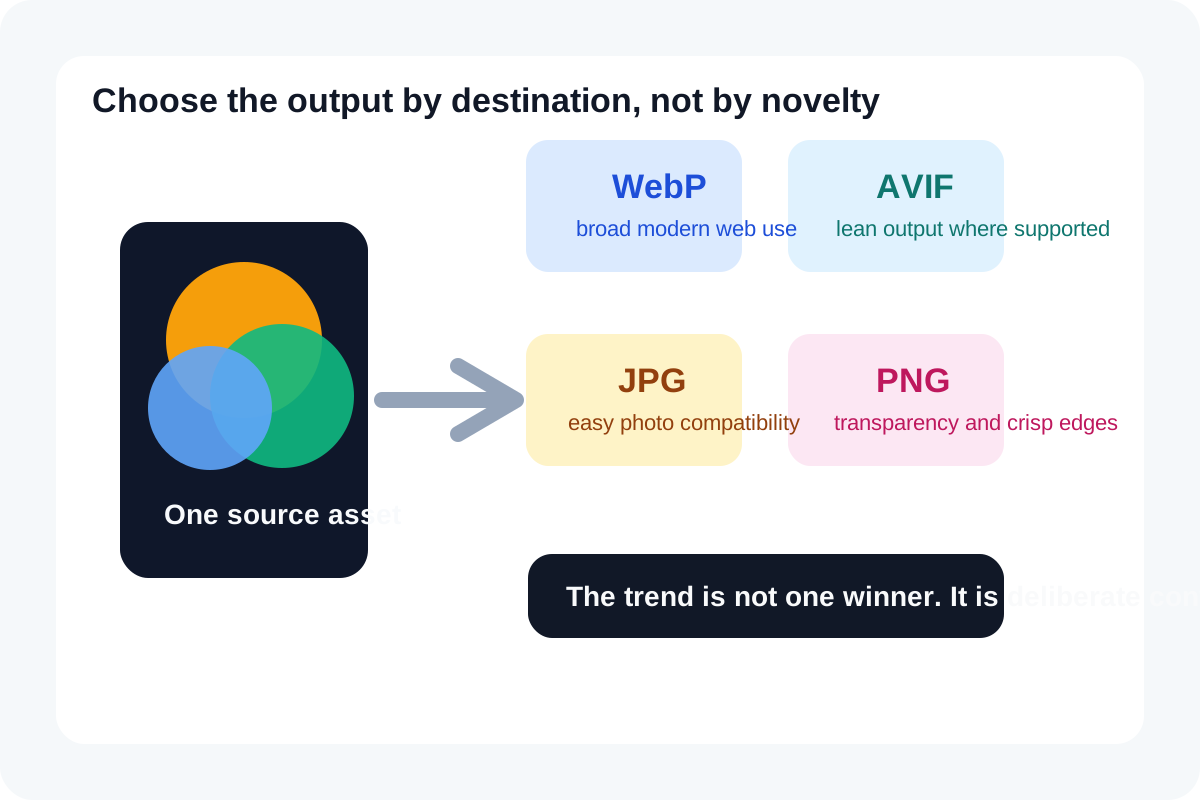
The image-format conversation is still noisy because people often ask the wrong question. The question is not 'which format is modern.' The better question is 'what does this destination accept, preserve, and render well enough for the handoff I actually need.' That is why format conversion still matters even as WebP and AVIF keep gaining attention.
What current format guidance actually says
Current MDN guidance describes WebP and AVIF as strong modern options with better compression characteristics than older defaults in many cases, while still reminding developers and content teams to think about compatibility and fallbacks. Current Can I Use support tables show broad modern-browser AVIF support, and web.dev continues to recommend choosing formats by the combination of visual needs, compression, and destination support rather than by novelty alone.
What the destination should decide for you
- Choose PNG when transparency or crisp lossless reproduction matters more than file weight.
- Choose JPG when the destination is simple, compatibility is the priority, and a photo-style asset does not need transparency.
- Choose WebP when you want a broadly supported modern web format with better compression than older defaults in many common cases.
- Choose AVIF when the target environment supports it and the compression gain is worth the extra compatibility thinking.
- Convert only after you know where the file is going next: website, CMS field, marketplace, slide deck, support document, or chat attachment.
The real trend is destination-aware conversion
The growing search interest around WebP and AVIF does not eliminate the older formats. It increases the number of handoff situations where one master asset may need several output formats. The practical trend is not one winner replacing every other choice. It is teams keeping a clean source asset and converting deliberately for the channel that comes next.
A practical decision order
- Start with the destination constraints: support, transparency, editability, and upload acceptance.
- Check whether the asset is a photo, a transparency-heavy graphic, or a crisp diagram or screenshot.
- Convert to the lightest acceptable format that still preserves the detail the destination needs.
- Preview the converted result before download so you catch haloing, color shifts, or text softness early.
- Keep the original source file when the same asset will need more than one output path later.
Related UtilFlow moves
If the real blocker is size, continue into Image Compressor after conversion. If placement dimensions matter first, resize before you decide whether conversion is even necessary. If the result needs to become one document packet, move from the converted images into Images to PDF.
FAQ
Is AVIF always better than WebP or JPG?
No. AVIF can be excellent, but the right answer still depends on destination support, transparency needs, and whether the next handoff accepts that format cleanly.
Why keep PNG or JPG around if newer formats exist?
Because compatibility, editing habits, and certain visual requirements still make older formats useful in many real workflows.
What is the safest way to choose an output format?
Choose from the destination backward. Start with what the next system or channel accepts and then convert to the lightest format that still preserves the needed visual behavior.