Add a Clear Review Watermark Before a Draft Image Starts Traveling Like a Final
Use an image-watermark tutorial when screenshots, proofs, or preview assets need a visible status mark before they get forwarded without context.
Open Add Watermark to Image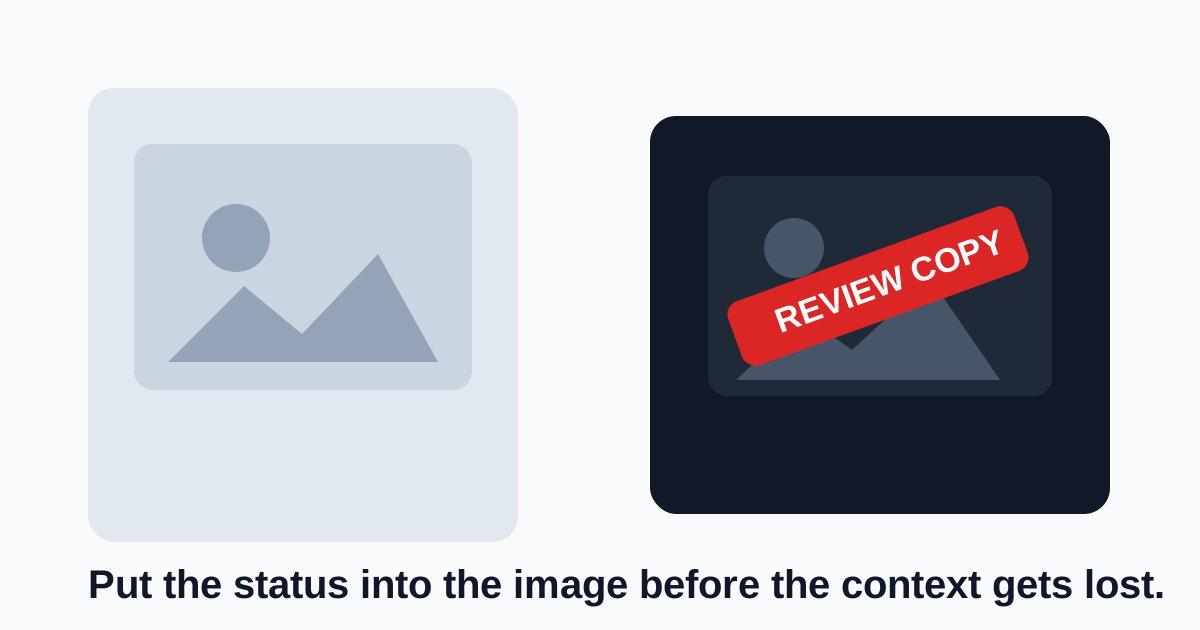
A draft image often becomes dangerous only after it leaves the original conversation. A screenshot gets reposted, a client proof is saved without the email thread, or an internal mockup appears in another channel with no explanation that it was still under review. A simple text watermark is useful because it pushes status into the asset itself instead of trusting every forward or download to carry the right context.
A simple watermark tutorial
- Upload the image that is likely to travel, not the original master you still need to keep clean.
- Choose short watermark text that states the status directly, such as Draft, Review Copy, Internal, or Not Final.
- Place the mark where it stays visible during normal viewing without blocking the one detail the reviewer must inspect.
- Adjust opacity and size until the label is unmistakable but not so heavy that it destroys the usefulness of the image.
- Download the marked copy as the share version and keep the unmarked source separate for later final export.
Where this tutorial helps most
- Client proof images that should not be mistaken for approved deliverables.
- Screenshots or product visuals used in review decks before legal, brand, or QA sign-off.
- Internal drafts that may be forwarded outside the original approval conversation.
- Reference images shared in tickets where reviewers need to comment on a draft state, not a finished artifact.
What makes a watermark effective
The best watermark communicates status faster than the surrounding message can be lost. That usually means short wording, visible placement, and enough contrast that nobody can honestly claim they thought the file was final.
What to keep separate from the share copy
Do not overwrite the clean source if you expect to produce an approved final later. The watermarked image is the review artifact. The untouched original remains the source for any accepted next version.
Related UtilFlow moves
Crop the image first if empty margins are pushing the watermark too far from the real content. Compress the marked copy afterward only if the sharing channel still rejects the file size, and keep that compression step on the share copy rather than on the master.
FAQ
What should a review watermark say?
Use short status text such as Draft, Review Copy, Internal, or Not Final so the file explains itself even after it leaves the original conversation.
Should I watermark the master image?
Usually no. Keep the master clean and create a separate marked share copy for review.
Where should I place the watermark?
Place it where it remains visible during normal viewing but does not block the single detail the reviewer most needs to inspect.