Why PDF Pages and Compress PDF Queries Meet Before Upload and Print Workflows
Use a PDF page counter when the total page count and page dimensions determine whether a packet is ready for upload, print, quoting, or the next cleanup step.
Open PDF Page Counter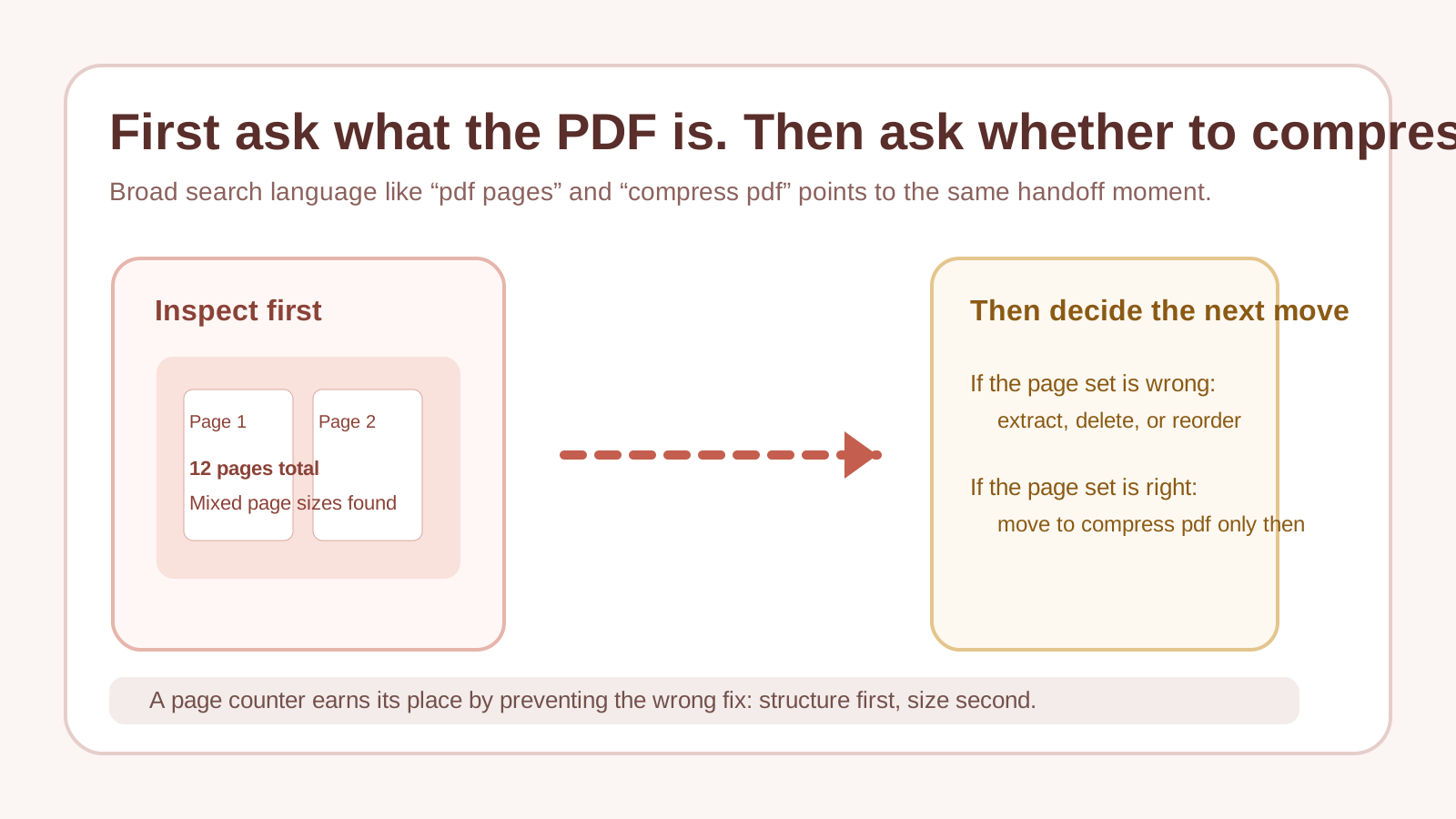
Current PDF search behavior still clusters around broad phrases such as pdf pages and compress pdf because users usually discover the real document problem only at the handoff point. The question is not abstract document management. It is: how many pages is this, are they all the same size, and do I need another cleanup step before I upload, print, or send it?
Why page inspection comes first
A page counter does more than answer one number. It tells you whether the packet length is what you expect and whether the page dimensions are uniform enough for the next step. That matters before print quoting, application uploads, archive planning, or any compress pdf decision that should be based on the actual structure of the file rather than guesswork.
Where pdf pages checks prevent wrong moves
- A print packet is more expensive than expected and the first thing to verify is the true page count.
- A portal has page or size expectations and you need to know whether the PDF structure matches them before uploading.
- A scan looks short in preview but actually contains extra mixed-size pages or inserts.
- A teammate wants to compress pdf immediately even though the more urgent issue is that the document contains pages you did not mean to include.
What the trend language tells you
The broad phrasing is useful. People search compress pdf when the document feels heavy, and they search pdf pages when the packet feels uncertain. Both are signals of the same operational moment: the file is close to leaving your hands, so basic structure checks become more valuable than theory.
Related UtilFlow moves
If the count is wrong because only part of the packet should be shared, continue to Extract Pages or Delete PDF Pages. If the count is fine but the file still needs to travel through an upload limit, continue to Compress PDF after the page structure is confirmed.
FAQ
Why check PDF pages before compressing a file?
Because page count and page dimensions tell you whether the real problem is document structure, not only file size.
What can a PDF page counter reveal besides the total?
It can show whether the pages have mixed dimensions, which often explains why a packet behaves strangely in print or upload workflows.
When should I move from page counting to compress PDF?
Move to compression after you know the page set is correct and the remaining problem is the file size, not extra pages or mismatched layout.