Set the Agenda Numbers Once Before Roman Numeral Labels Drift Across Slides and Signage
Use a Roman numeral workflow when an event, deck, or printed program needs ceremonial numbering that stays consistent across several handoff surfaces.
Open Roman Numeral Converter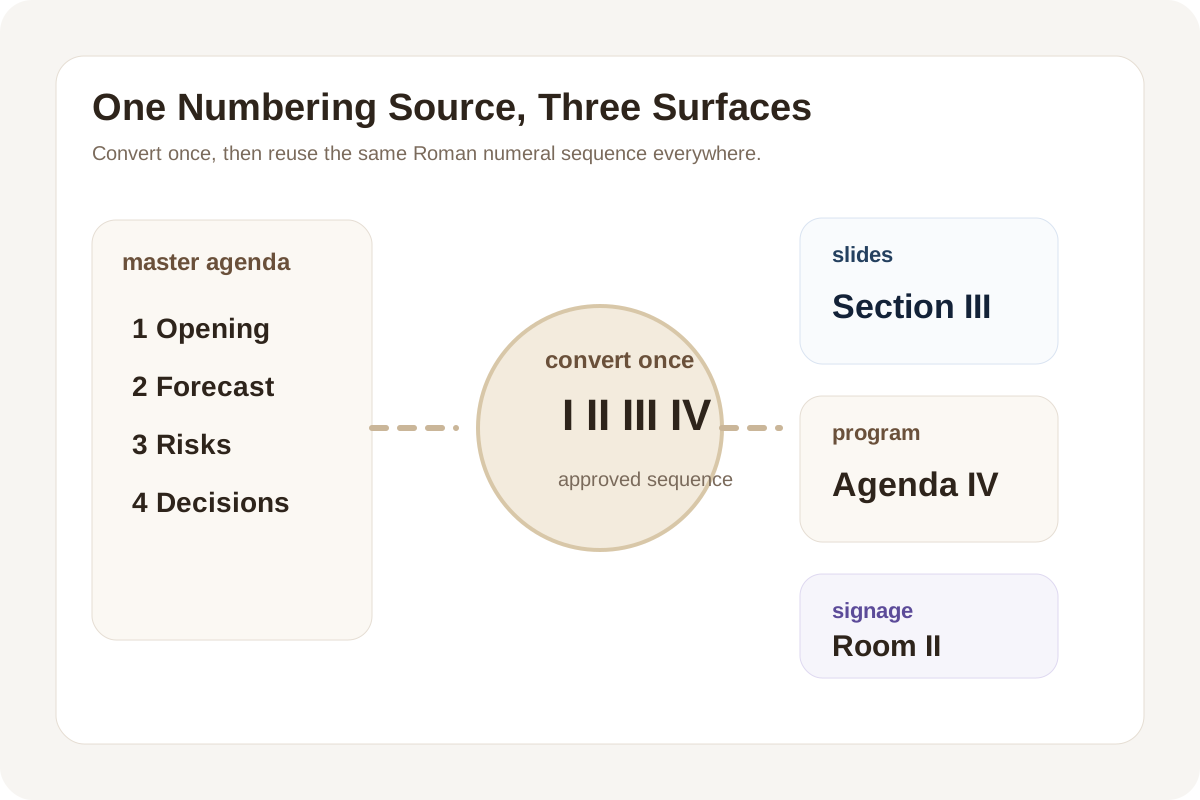
Roman numerals usually appear when the number itself has presentation value: agenda sections, chapter cards, anniversary marks, ceremony signage, or decorative slide dividers. The risk is not deep historical scholarship. The risk is letting several surfaces improvise the labels separately until slide IV becomes program V and the print vendor asks which version is correct.
A clean numbering workflow
- Start from the plain numbered sequence that the agenda, chapter list, or event outline already uses internally.
- Convert each number once into its Roman numeral form and keep the full sequence together instead of generating labels piecemeal.
- Use that one approved sequence in slides, signage, printed programs, and review notes so every surface references the same label set.
- If one label changes because the order changed, regenerate the sequence from the source numbering rather than hand-editing only the visible numeral.
- Do one last cross-check between the source outline and the decorative labels before export or print.
Where this workflow saves awkward cleanup
- Conference agendas where section dividers appear in slides and print at the same time.
- Anniversary or edition labels that must stay aligned across a landing page, poster, and handout.
- Museum, exhibit, or ceremony signage where decorative numbering still needs to match the source sequence exactly.
- Deck templates where the visual chapter style uses Roman numerals but the production plan still counts in plain numbers.
Why the sequence matters more than any single label
One correct Roman numeral is easy. A whole sequence reused across surfaces is where mistakes creep in. Keeping the full numbered run together turns the conversion into a workflow artifact instead of a set of memory tests performed separately by whoever happens to be editing that surface.
When to stop using Roman numerals
If the labels are creating more reading friction than tone, switch back to plain numbering. Roman numerals are a presentation choice, not a requirement. Use them when they support the setting, not when they slow down the audience.
Related UtilFlow moves
If the numbering will sit inside a printed calendar or checklist-style artifact, continue into Calendar Maker or Checklist Maker after the labels are stable. If the surrounding copy is still moving, keep the plain-number source list nearby so later order changes do not break the final numeral sequence.
FAQ
Why generate the whole Roman numeral sequence at once?
Because sequence drift is more common than single-label errors when several files and surfaces reuse the same numbering system.
What is the safest source for Roman numeral labels?
Use the plain numbered master sequence from the agenda, chapter list, or production outline and convert from that source once.
When should I avoid Roman numerals entirely?
Avoid them when clarity matters more than decorative tone and the audience would read plain numbering faster.